
Recraft AI
AI image tool that thinks like a cinematographer. Turns text prompts into visuals and vectors with cinematic depth, perfect lighting, and text that's always accurate, readable, and intentional.




Features of Recraft V4
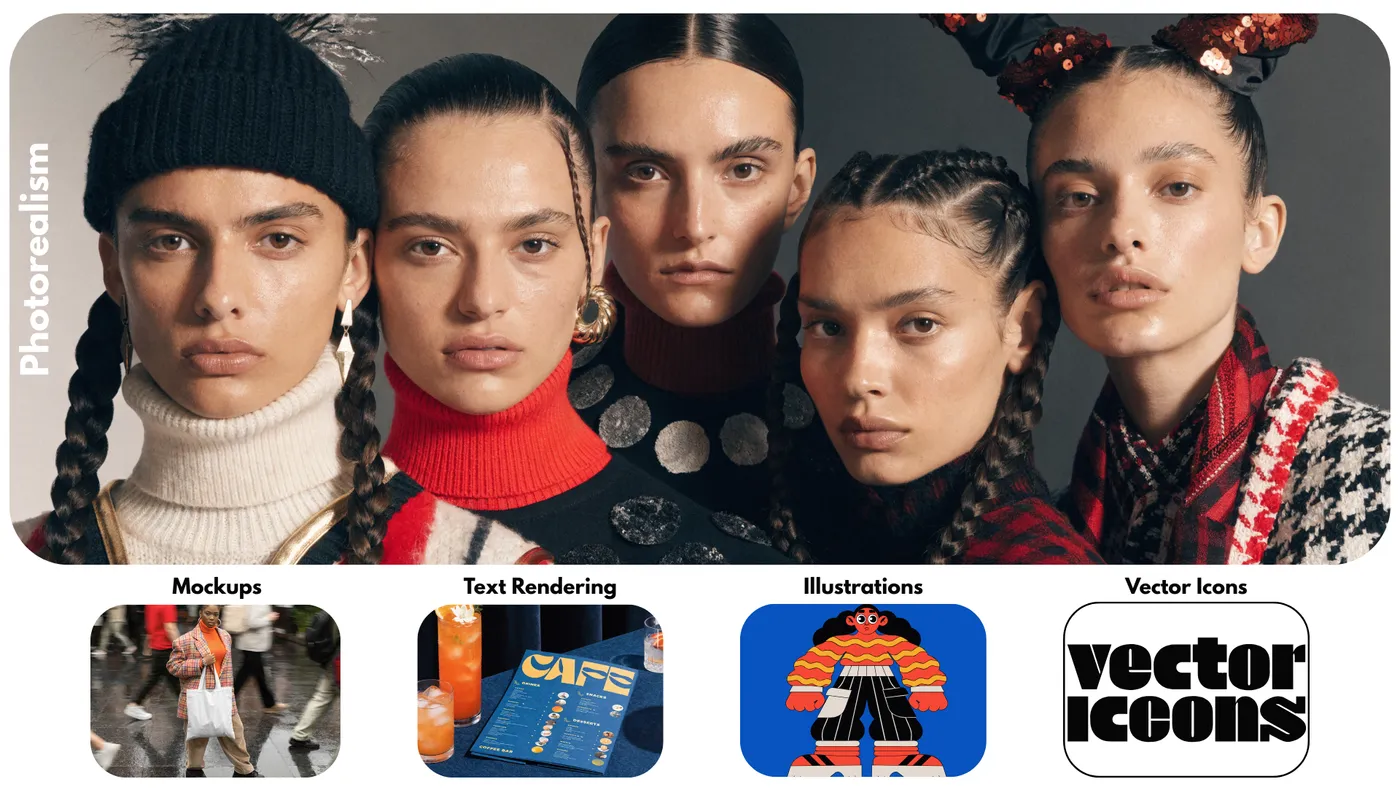
Native Vector & SVG Generation
True Scalable Graphics
Recraft is the only major AI image generator that outputs real vector SVG files from text prompts. Your icons, illustrations, and graphics scale to any size without losing quality. No raster-to-vector conversion tools needed.
Brand Consistency Controls
Every Image Stays On-Brand
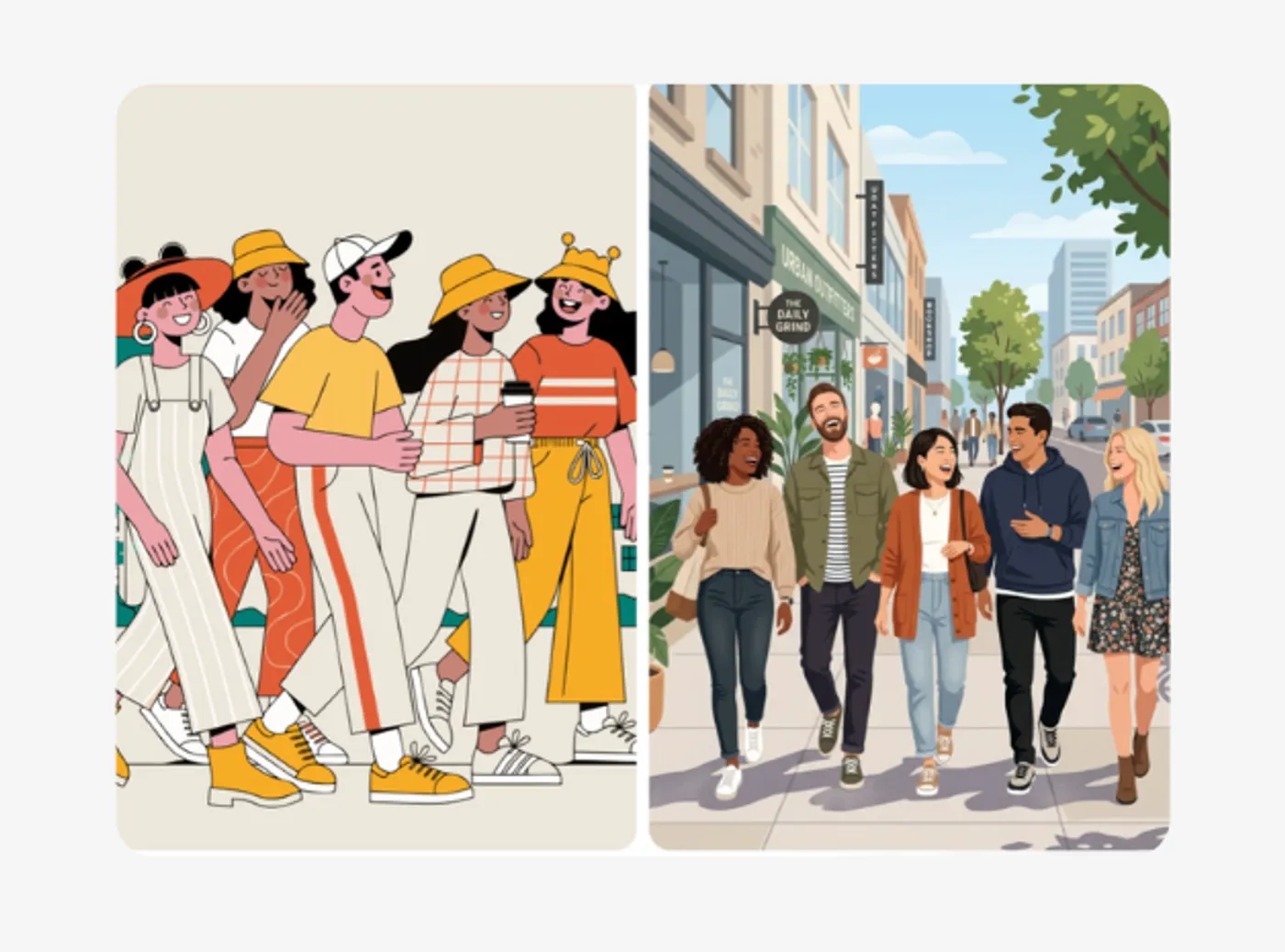
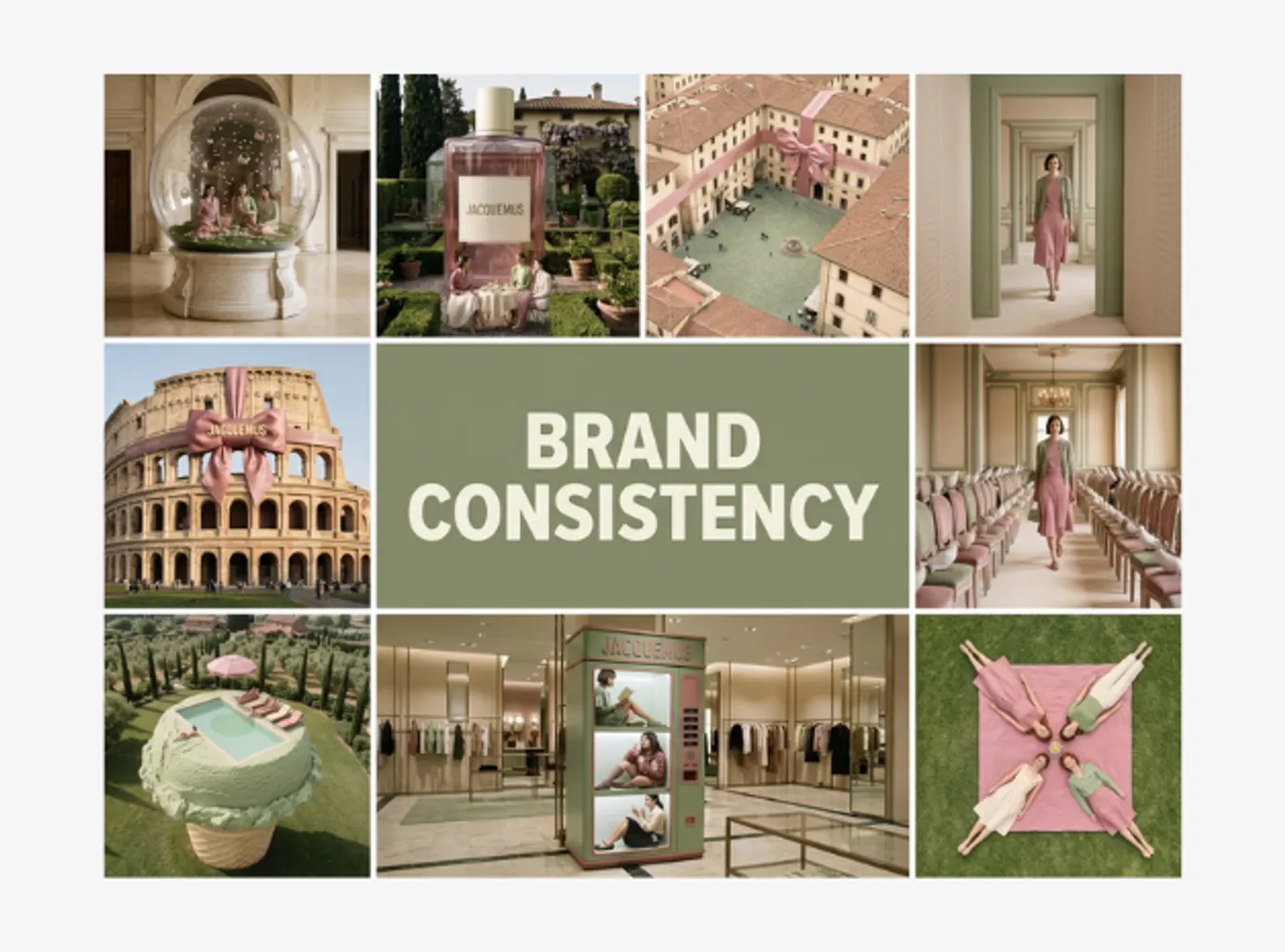
Upload reference images and define custom styles to lock in your visual identity. Every image Recraft generates follows your brand guidelines, colors, style, and composition. Perfect for marketing teams creating assets at scale.
Accurate Text Rendering
Typography That Actually Works
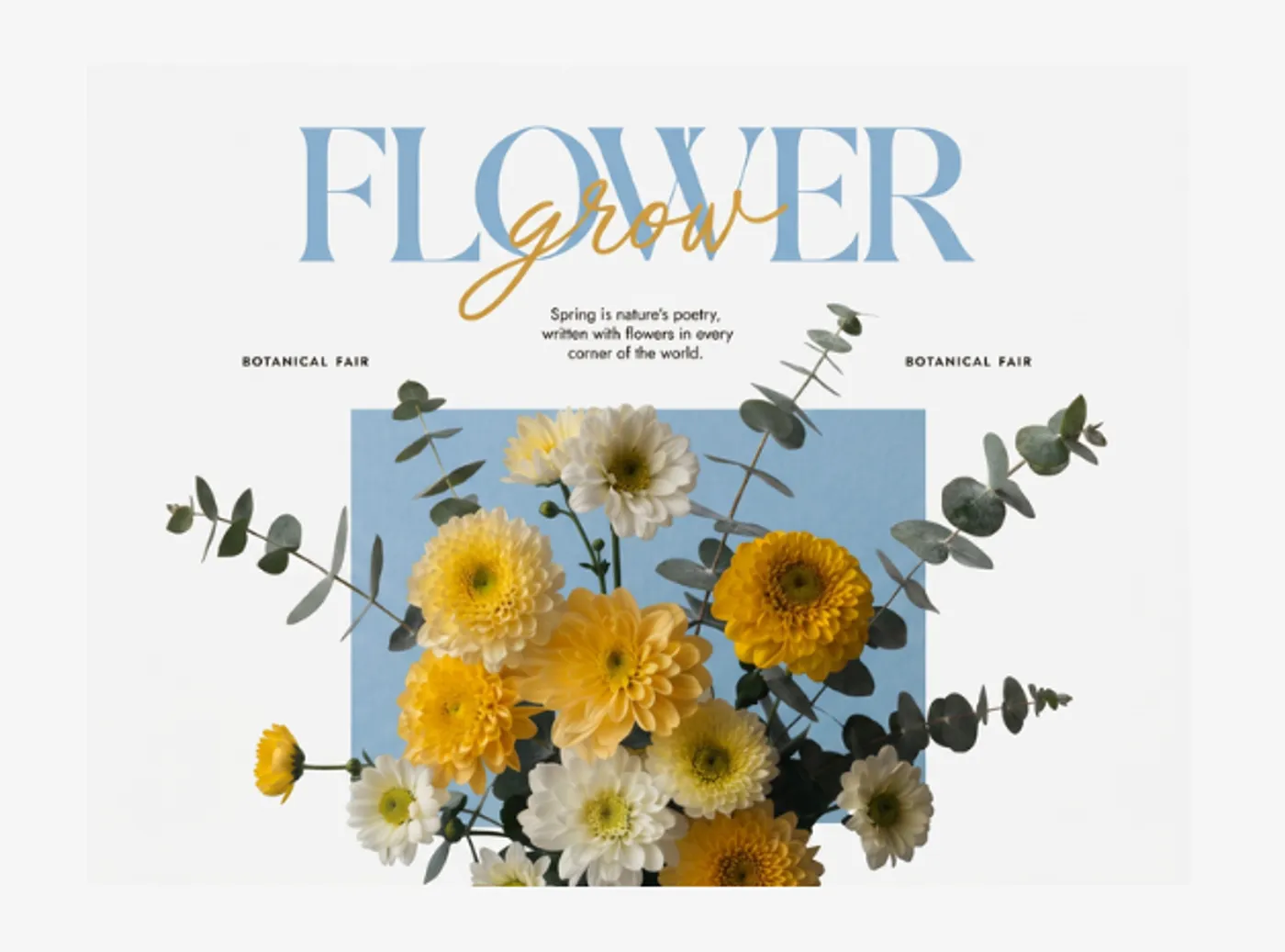
Recraft V4 renders text inside images with remarkable accuracy. Headlines, captions, and labels come out clean and legible, a capability most competing AI generators still struggle with. Ideal for social graphics and promotional materials.
AI Editing Suite
Refine Without Starting Over
Go beyond generation with built-in editing tools: inpainting to fix specific areas, outpainting to expand compositions, background removal, upscaling, and mockup generation. Iterate on your images until they're exactly right.
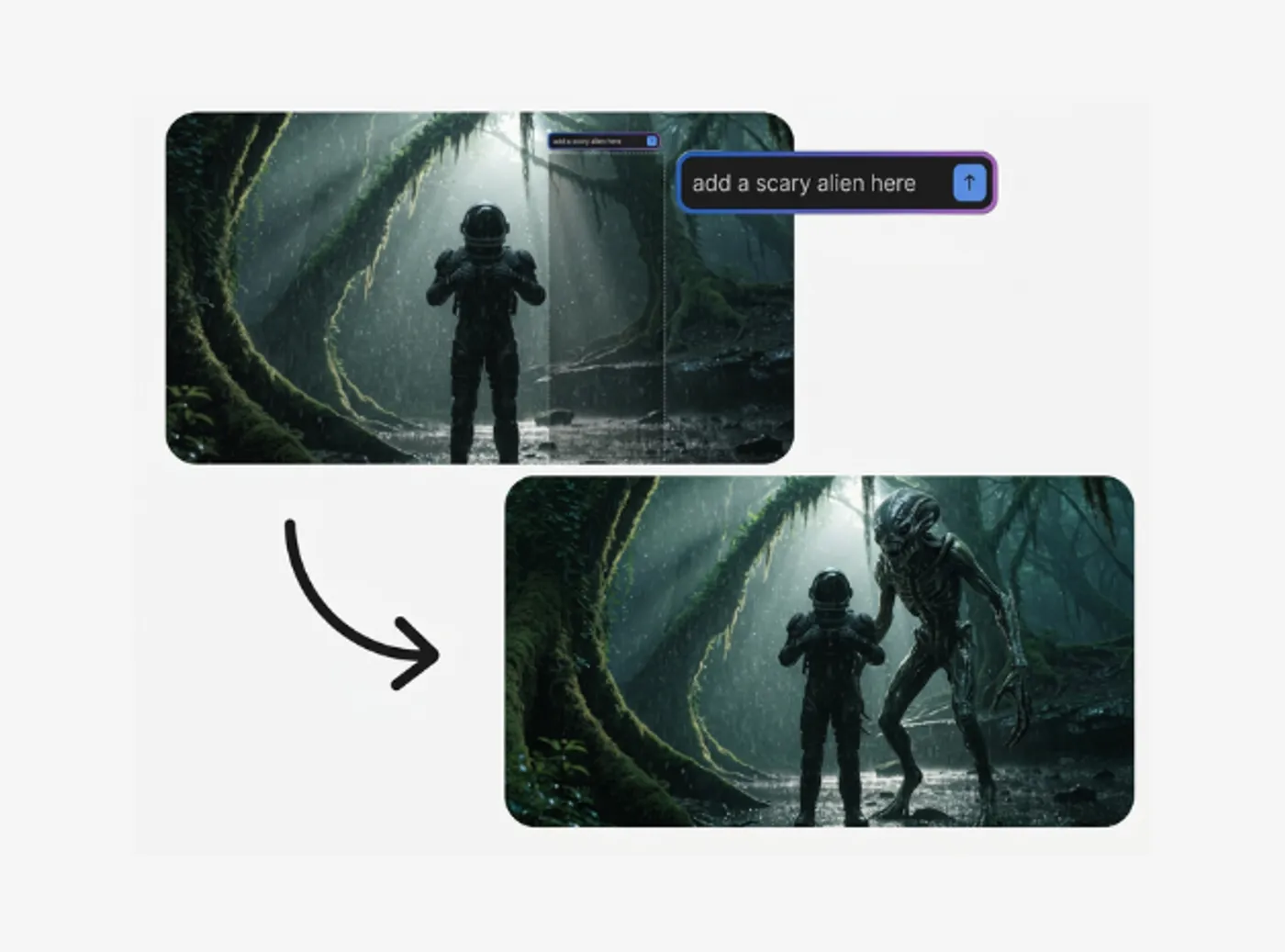
Integrated With invideo
From Image to Video in One Workflow
Generate images with Recraft and use them directly in your invideo projects. Create thumbnails, scene visuals, overlays, and social graphics, then assemble them into polished videos without switching tools.
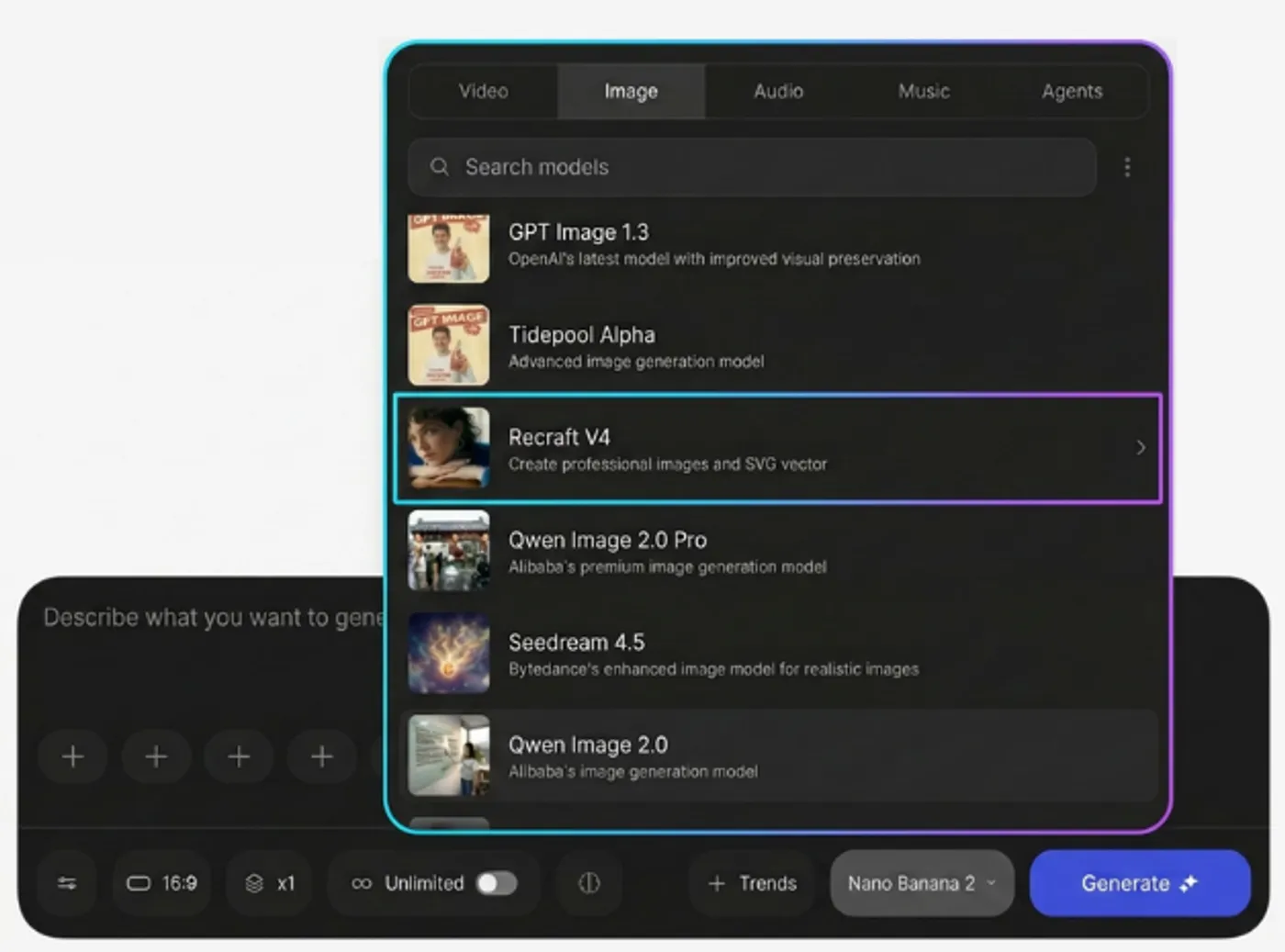
Recraft V4 for Every Creative Need
Social Media Graphics & Ad Creatives
True Scalable Graphics
Generate scroll-stopping visuals for Instagram, Facebook, LinkedIn, and TikTok. Create on-brand social posts, story graphics, and paid ad creatives. Maintain consistent visual style across your entire campaign.
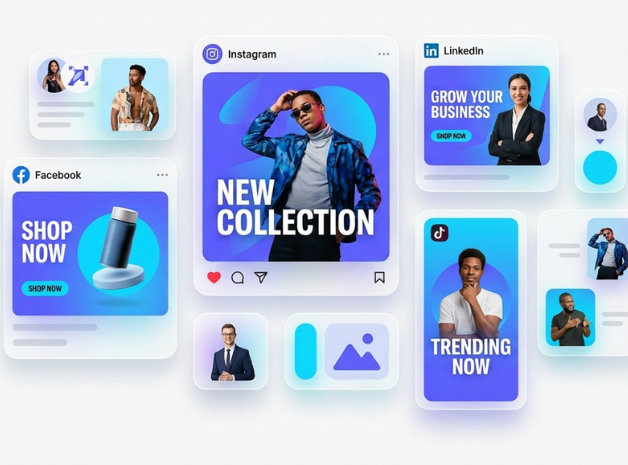
Thumbnails & Cover Images
Every Image Stays On-Brand
Create YouTube thumbnails and video covers with accurate text rendering. Recraft handles typography in images better than any other AI model — your titles and captions come out sharp and legible every time.
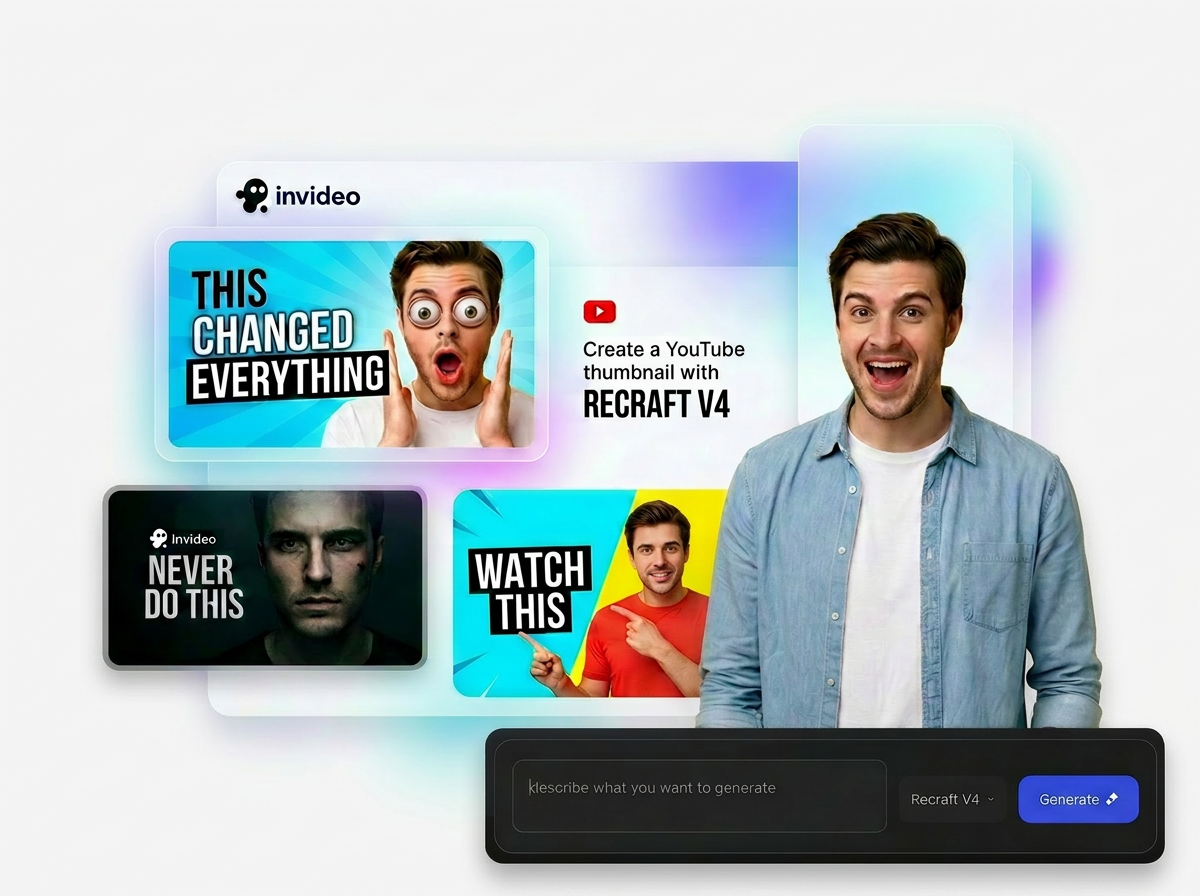
Vector Icons & Illustrations
Typography That Actually Works
Recraft creates scalable vector icons, UI elements, and illustrations from descriptions. Convert any idea to a production-ready image to vector — perfect for app design, website assets, and infographics.
Brand Marketing Assets at Scale
Refine Without Starting Over
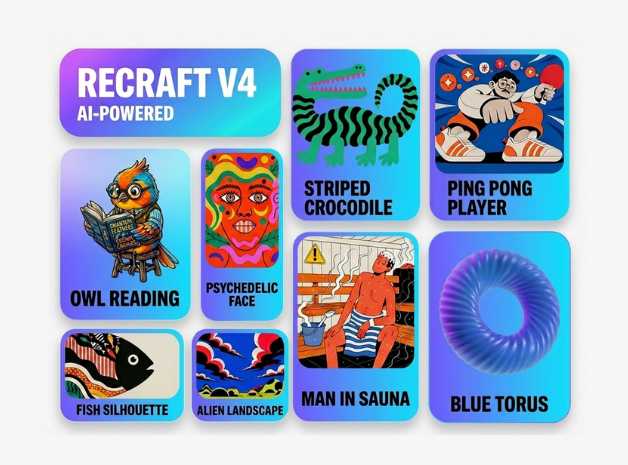
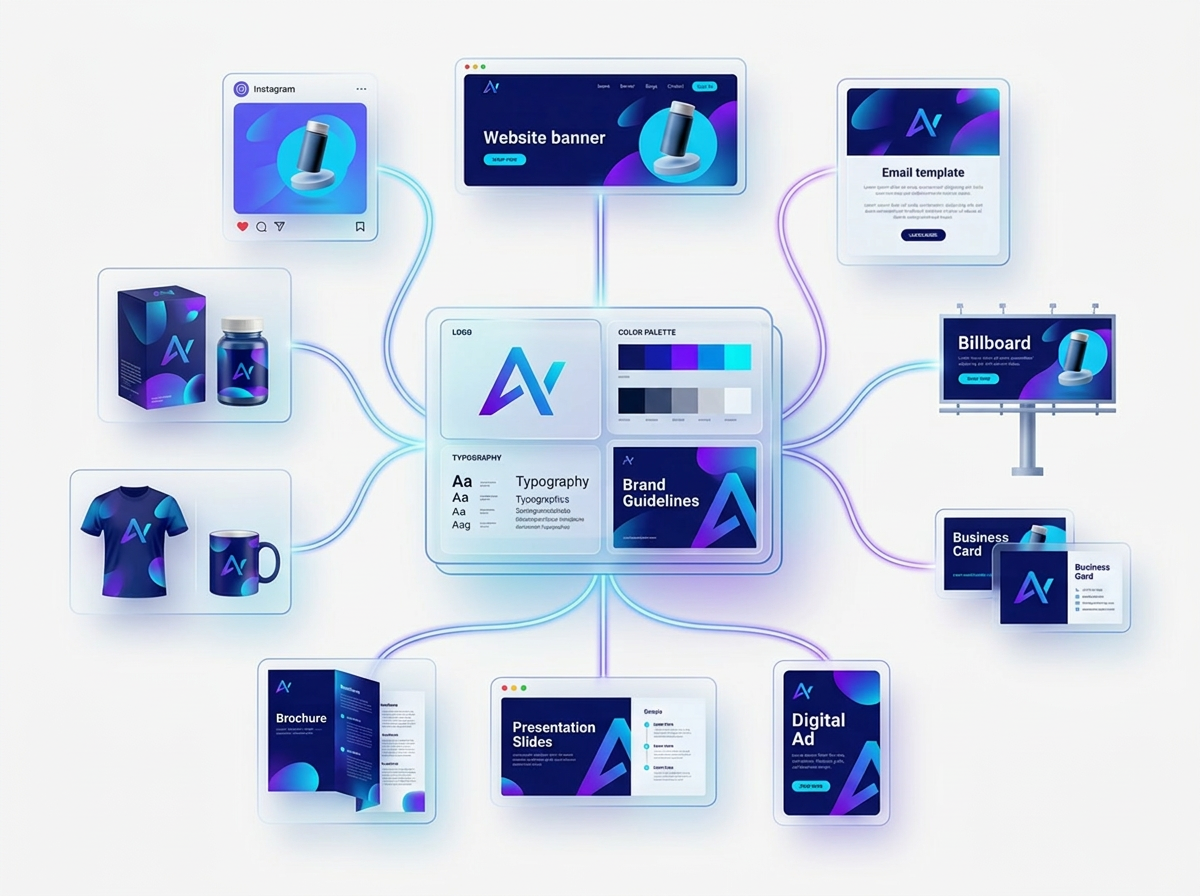
Upload your brand references and generate hundreds of on-brand visuals for campaigns, presentations, and collateral. Marketers and brand teams use Recraft to produce consistent assets across channels without waiting on design queues.
Product Mockups & Presentations
From Image to Video in One Workflow
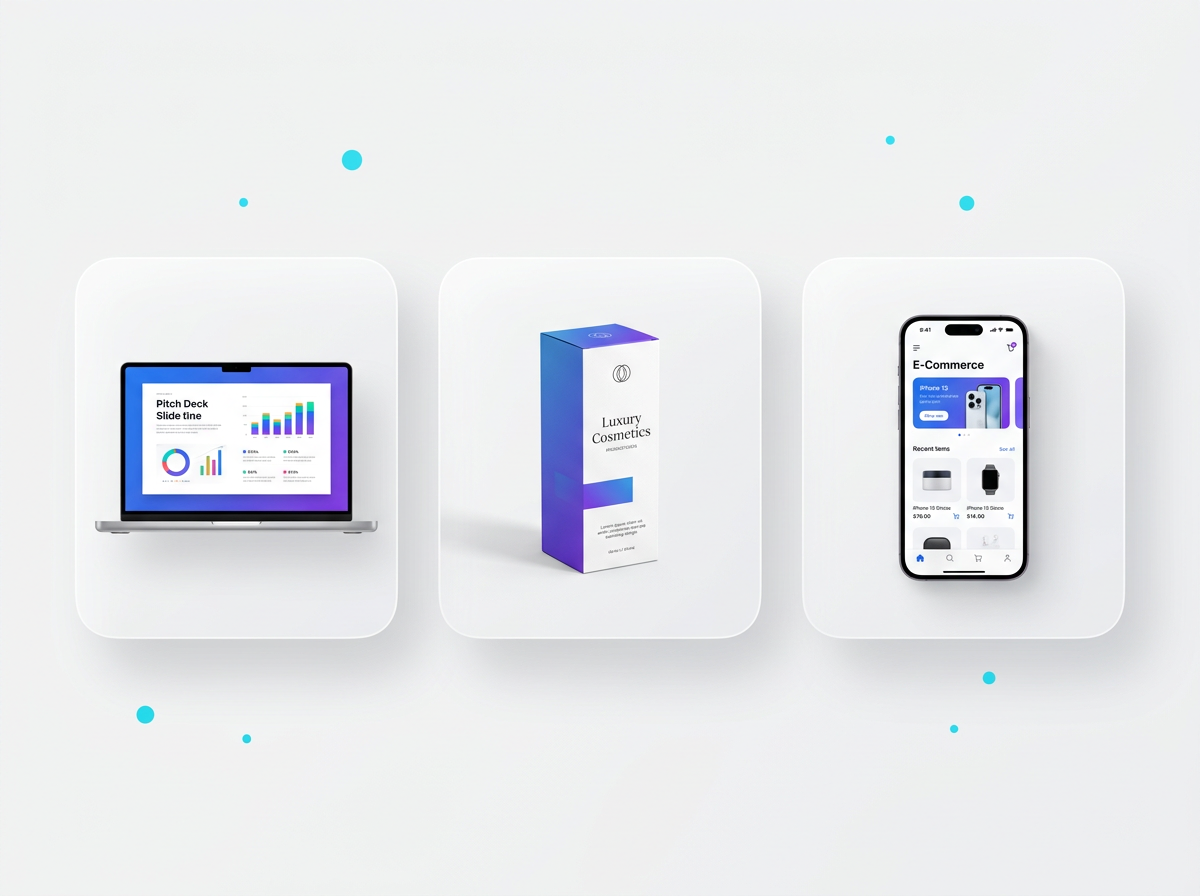
Skip the stock photo hunt. Generate realistic product mockups, pitch deck visuals, and presentation graphics in seconds. Recraft's free mockup generator creates professional compositions you'd normally need a designer for.
AI Logos & Brand Identity
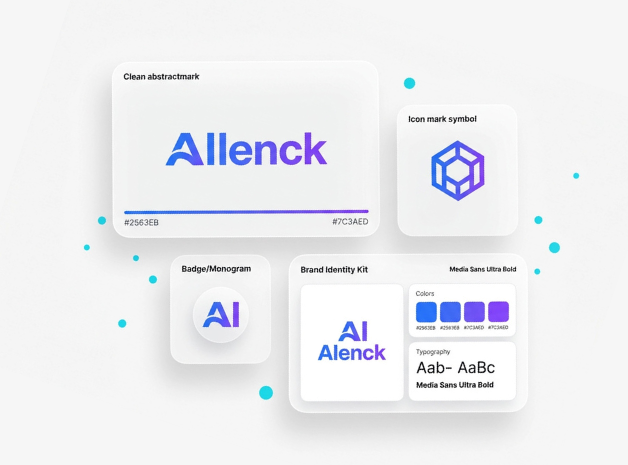
Create AI logos and brand mark concepts as scalable vectors. Describe your vision, iterate with style adjustments, and export production-ready SVGs.
See What You Can Create with Recraft AI
Marketing Campaign Visuals
Full sets of on-brand social posts, banner ads, and email graphics generated from a single style reference.
Icon Sets & UI Elements
Consistent vector icon packs for apps and websites, all generated as production-ready SVGs.
Product Photography & Mockups
Realistic product mockups and lifestyle compositions without a photo studio or stock subscription.

“Possibly the best tool for video making”Ankush C.
Capterra
“The best for social media”Gayane Y.
Capterra
F
“Create video like a pro”Fausto P.
Capterra
J
“Amazing product and world beating service”Jonathan C. J.
D
“Must-have marketing tool”Deb McDiarmid
Trustpilot

“A Fun & Easy Video Creation Software”Fiona W.
Capterra

“Video app of my dreams”Hoang Phan
Trustpilot
J
“Finally, videos made easy with superb support.”Juan C.
Capterra
S
“This is what video creation should be!”Sarah P.
Capterra
H
“Making everyone a video producer”Hetvi K.
Capterra

“Top-tier video content creation tool”Jason Z.
Capterra
Generate Assets for Your Videos Using Recraft
Vector Generation
Lifelike Cinematic Shots


Animate Visuals Using AI Video Generator
Human-sounding voiceovers to bring your videos to life
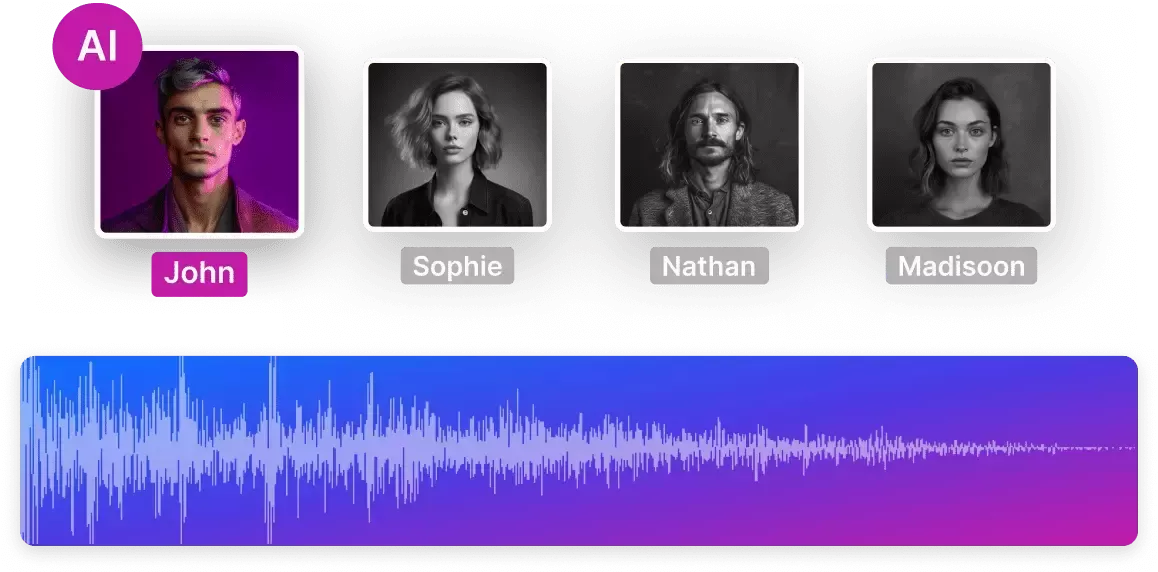
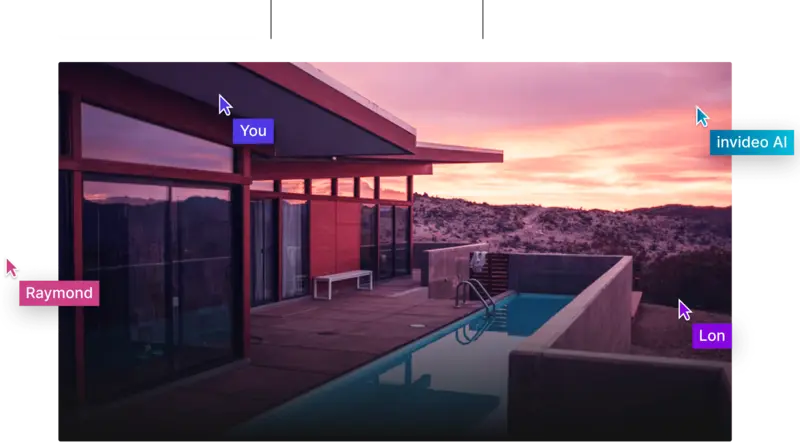
Collaborate in real-time with multiplayer editing
Coming soon
The right plans,for the right price
How to Generate AI Images With Recraft?
Select Recraft V4
Select Recraft V4 and type a text prompt describing the image you want. Be as specific as you like — include style, colors, mood, composition, and whether you need raster or vector output.
1
Prompt & Refine
Review the generated options and fine-tune. Use built-in editing tools like inpainting, outpainting, background removal, and style adjustments, to get exactly the result you need.
2
Export or Use in Your Video
Download your image in PNG, JPEG, or SVG format. On invideo, drop it directly into your video project, thumbnails, overlays, scene visuals, and more. No re-uploading needed.
3
All You Need to Know About Recraft
What is Recraft AI?
Can Recraft generate vector graphics and SVG files?
Is Recraft AI image generator free to use?
How does Recraft compare to Midjourney and DALL-E for designs?
Can I use Recraft to create icons and illustrations?
How do I create on-brand marketing visuals with Recraft?
What makes Recraft different from Canva AI or Adobe Firefly?
Does Recraft render text accurately in images?
What types of images can I generate with Recraft AI?
More from Invideo Blogs
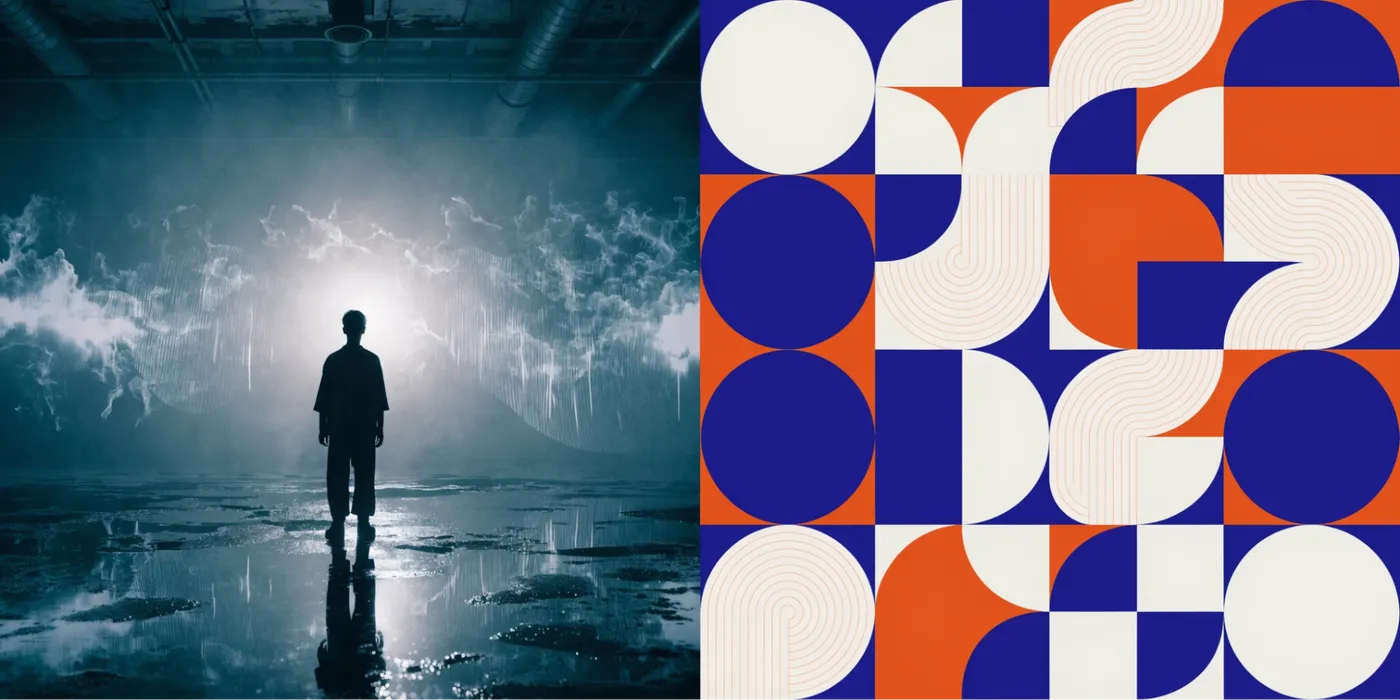

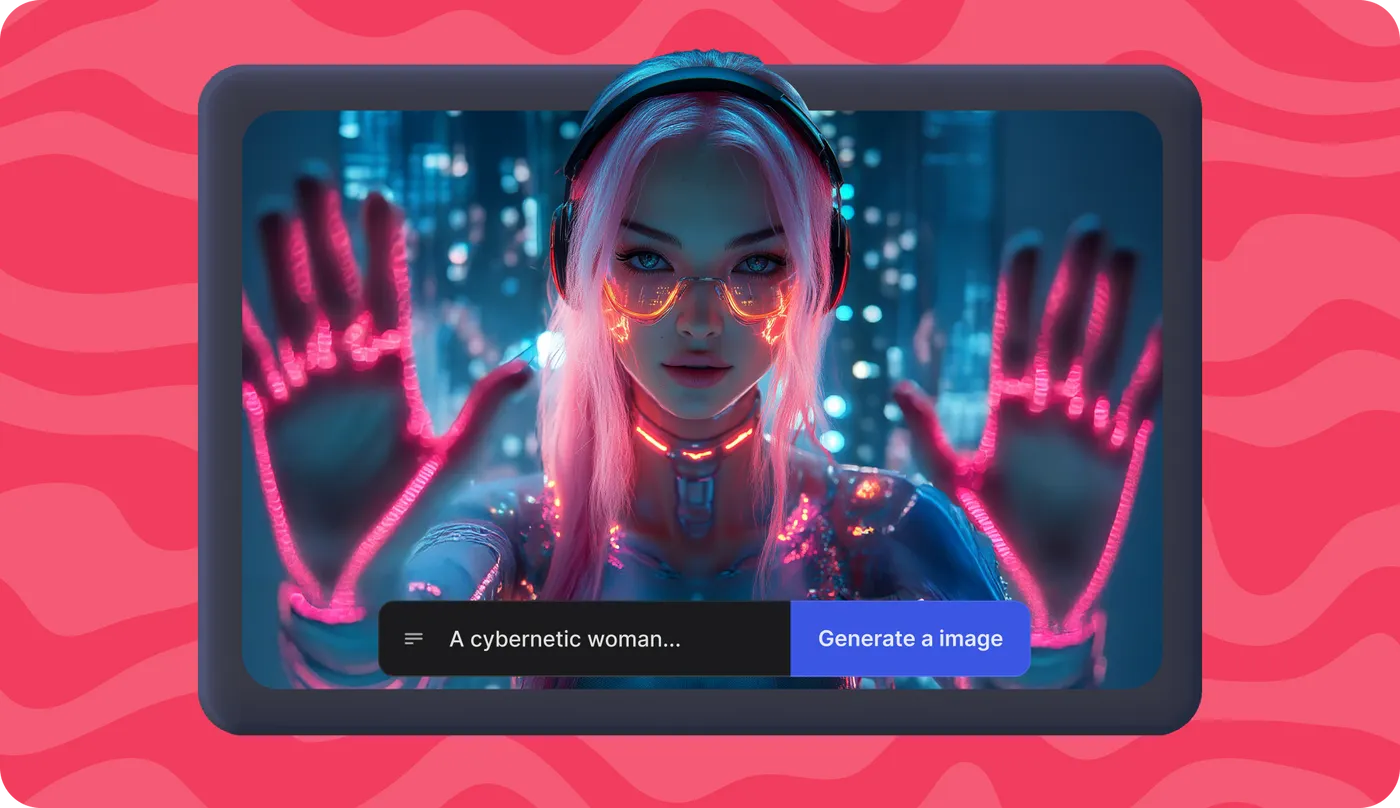

Start Creating With the Recraft AI Image Generator — It's Free
Generate your first professional image in under 60 seconds. No design skills needed, no credit card required.