AI Vector Generator
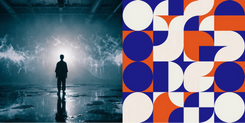
Create vector graphics from text in any style. From logos and icons to illustrations and mockups, download as editable SVG.
All in One Vector Maker
Logos & Brand Assets
1
Icons & UI Kits
2
Vector Illustrations
3
Vector Art
4
Product Mockups
5
Infographics & Charts
6
Create AI Vectors on invideo
Designers & Digital Artists
Graphic, UI/UX, illustration, brand, and print designers producing logos, icons, illustrations, and branding assets in vector every day.
Content Creators
YouTubers, podcasters, streamers, and influencers needing channel art, thumbnails, and logos. DIY-heavy audience that lives in online tools.
Product & Tech Teams
Early-stage teams building apps and websites who need icons, illustrations, and UI graphics without hiring a designer.
Merch & POD Sellers
Etsy sellers, Redbubble artists, and T-shirt and sticker makers who need clean vector files for printing, cutting, and embroidery.
Features Defining Vector Maker
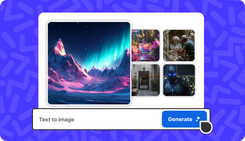
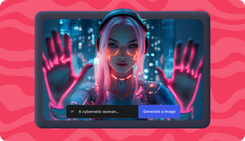
Text-to-Vector
1
True SVG Output
2
Style on Command
3
Typography That Works
4
Home for Bold Ideas

2 Ways to Generate Vector Images
1. AI Models
Use Recraft v4 under AI Model to generate high quality vectors. Refine the style, edit specific elements, and export as SVG in any size you need.
2. Using Agent One
Describe your design requirements to Agent One. It maintains your specific aesthetic and delivers high-quality vectors individually or in bulk from a single request, all perfectly aligned with your brand style.