






Most AI image tools are fast or good. Nano Banana 2 is Google’s shot at both.
As per Google’s release notes, it keeps the visual quality of its earlier Nano Banana Pro model and runs at close to Flash speed. It can pull live information from the web, render clear text inside images, keep characters consistent across scenes, and output up to 4K in many aspect ratios.
Nano Banana 2 is live in invideo on day zero. Invideo also includes free and unlimited use for one year on paid plans. The practical result is simple. You can ship more on brand visuals, faster, without adding a new tool to your workflow.
What is Nano Banana 2?
Nano Banana 2 is Google’s newest AI image generation model. And with the recent update, it can use real-time web and image search for accuracy, keep the same characters across scenes, render readable text inside the image, and output in multiple aspect ratios up to 4K.
If you have tried AI images before, you know the pain points. The person changes between frames. The logo text is gibberish. The scene looks “almost right” but not usable. While the earlier version closed many of these gaps, Nano Banana 2 pushes further into true production‑grade creative work.
Nano Banana 2 Features That Matter in Real Work
Also Read: Nano Banana Pro vs Nano Banana
1. Web search and image search are integrated into image generation
Nano Banana 2 can pull live information and reference images from Google Search while it generates. When you enable web or image search, the model can use recent data about people, events, places, and products to guide the image it generates
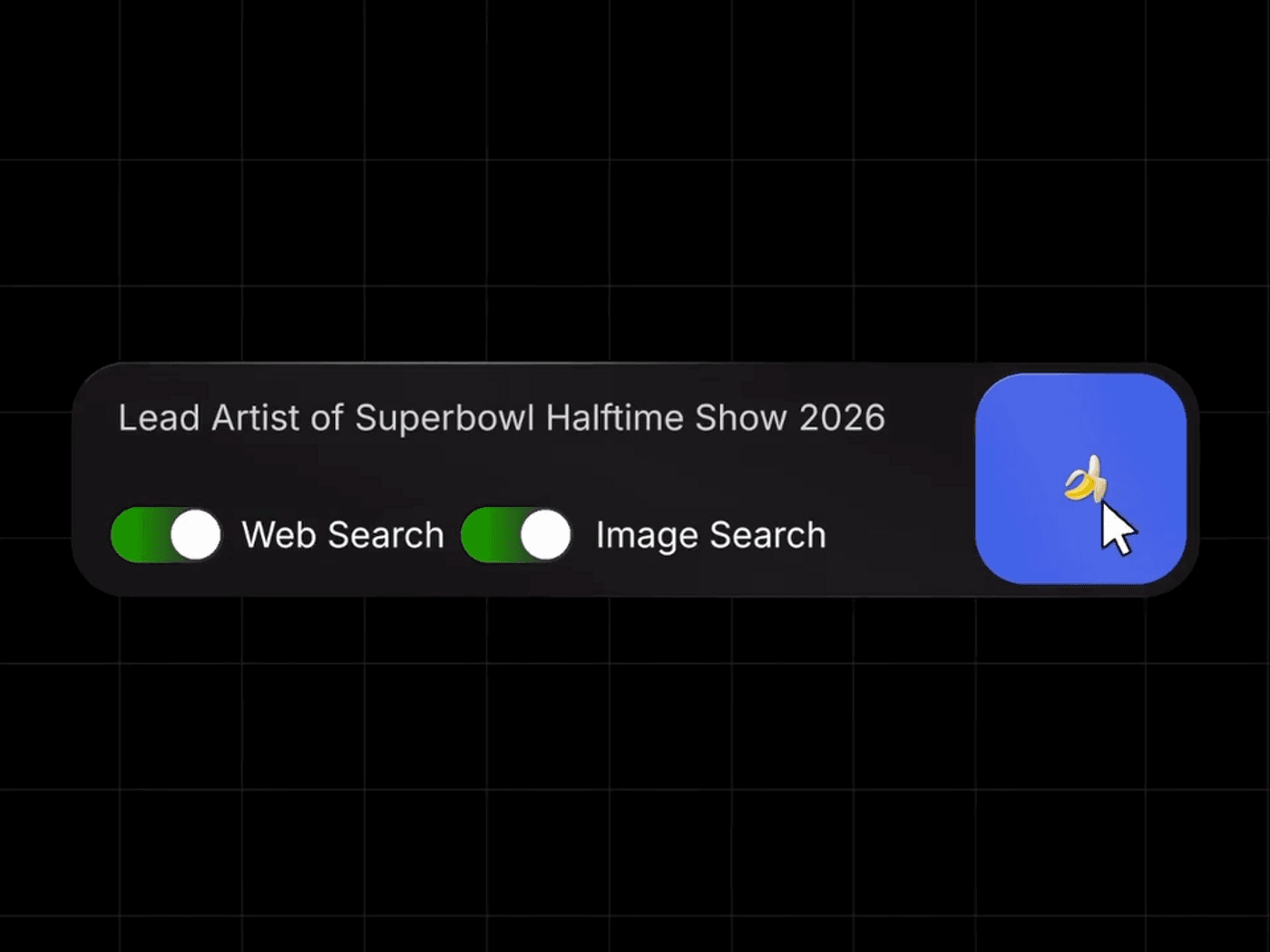
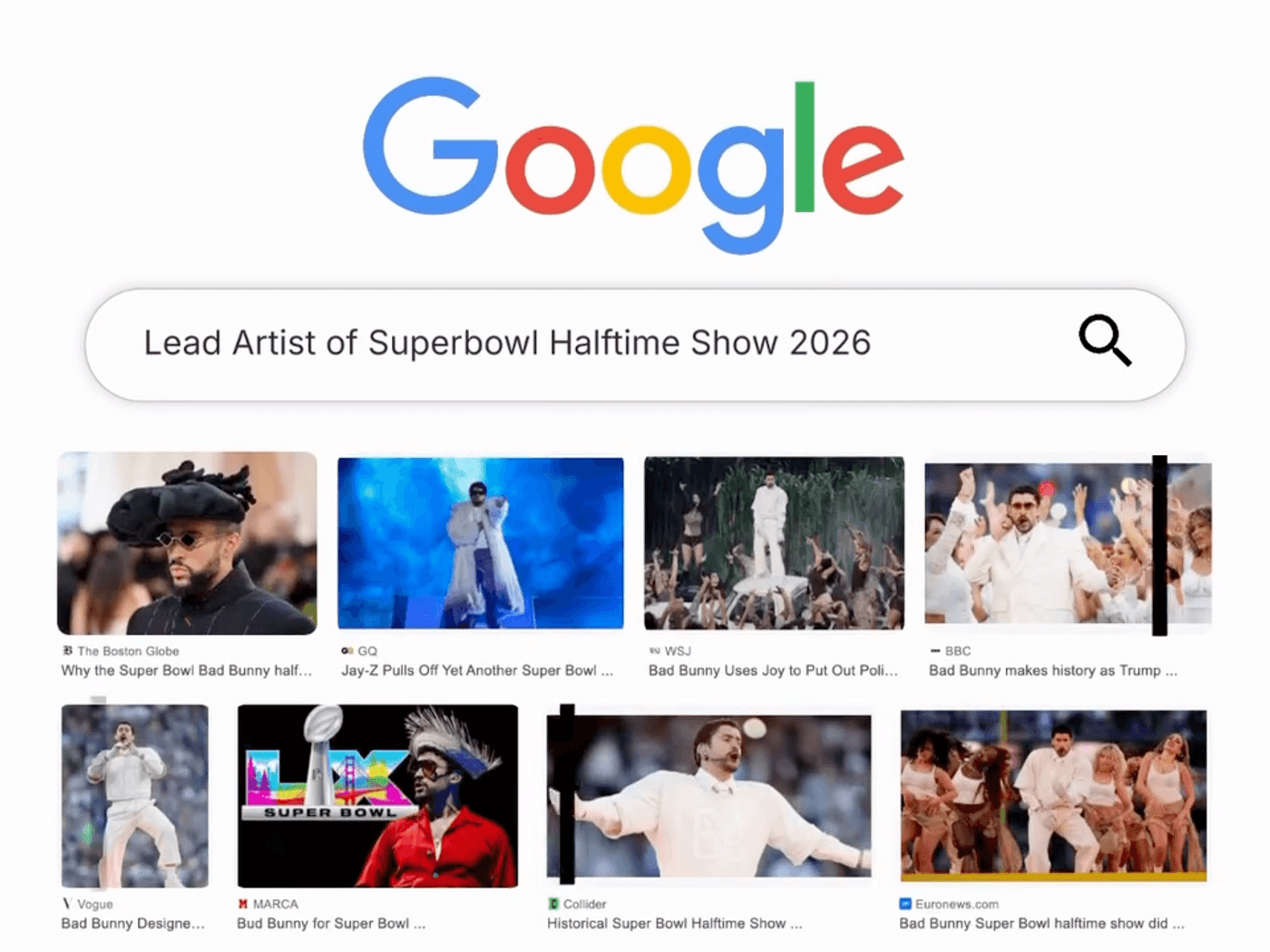
If you ask for “Lead artist of Super Bowl halftime show 2026 in a stadium crowd shot,” it does not rely only on old training data. It looks up current results. That means fewer off brand guesses and less manual reference hunting.
2. Faster generations
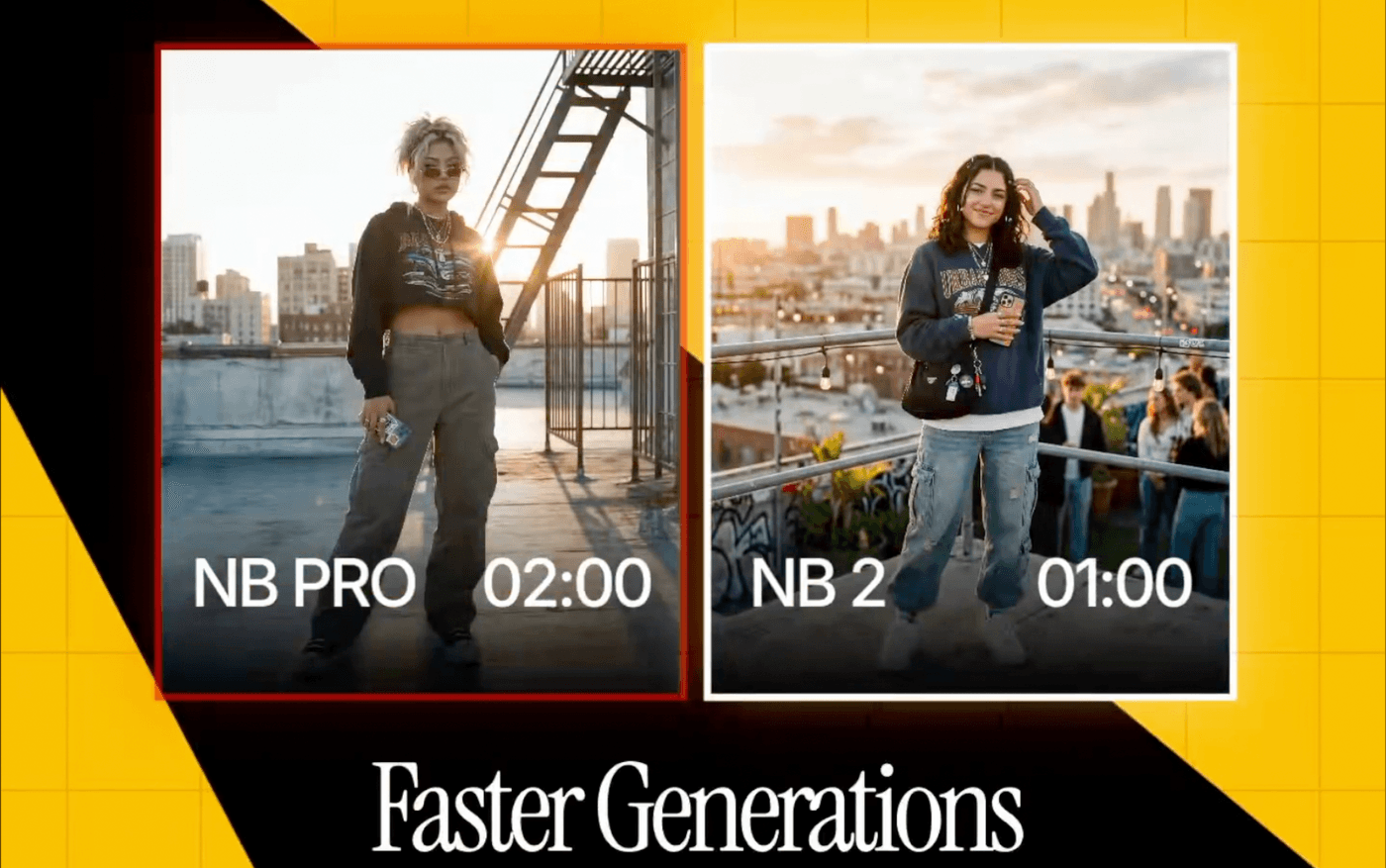
Speed sounds like a ‘nice-to-have’ until you work on a deadline. Nano Banana 2 is designed to keep the quality level high while generating much faster. With Gemini 3.1 Flash Image you can do more of what good teams already do: try five versions, not one. Instead of waiting minutes for a single storyboard frame or ad mockup, you can try several versions at the same time. More shots at goal without more budget.
3. Cinematic visuals quality
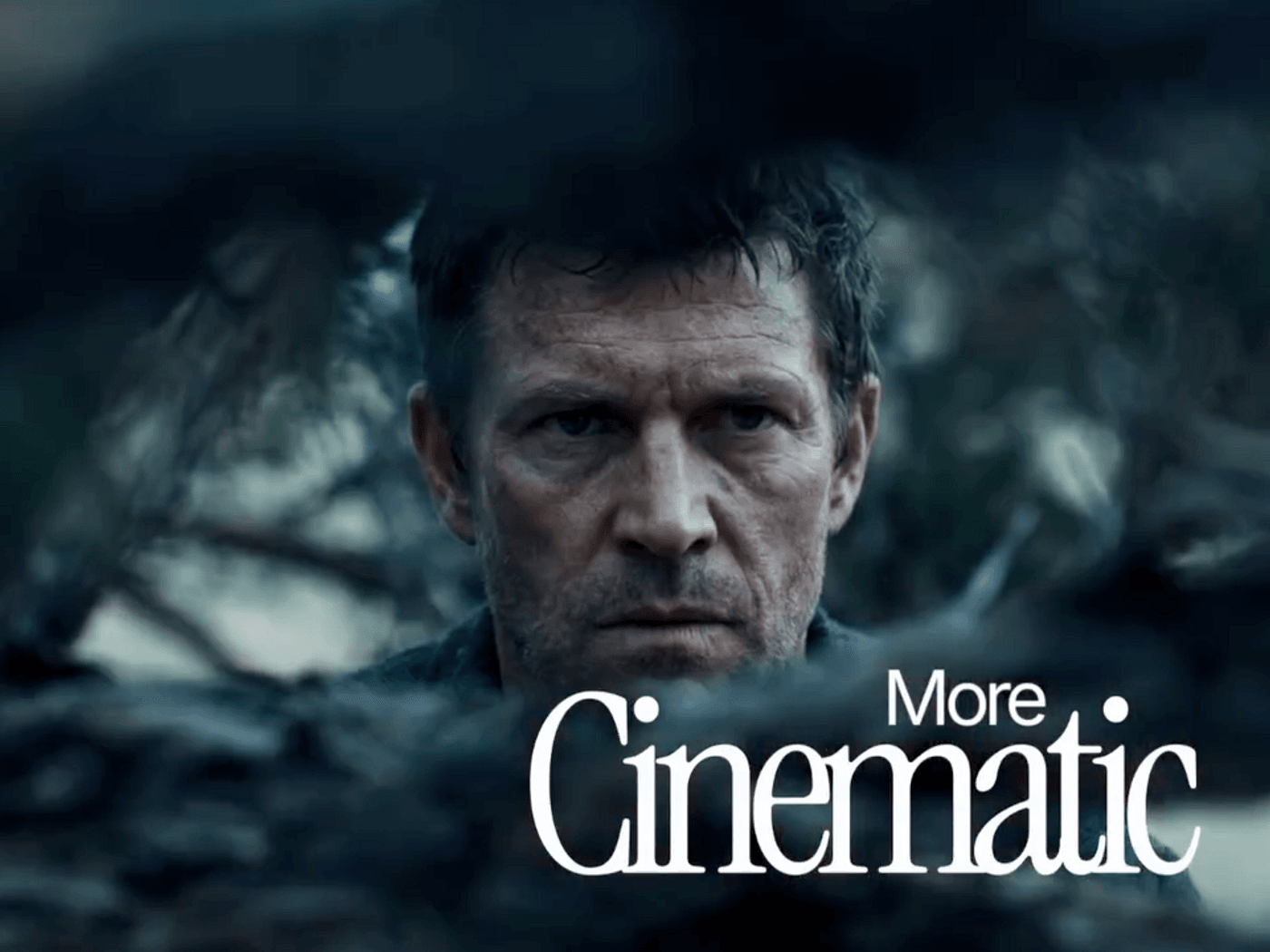
People do not click what looks cheap. Clients do not approve what looks unfinished.
Google highlights improvements like vibrant lighting, richer textures, and sharper detail. That matters because the first output is closer to “presentable.” You can use it for storyboards, pitch frames, hero images, or ad concepts without apologizing for the quality.
4. Multiple aspect ratios and 4K
Modern creatives are adopting a modular approach. The same campaign needs vertical, square, and wide. The same story needs frames that work on mobile and desktop.
Nano Banana 2 supports a wide range of sizes and aspect ratios, including outputs up to 4K. That means you can keep the core idea and adapt the format, instead of remaking the visual from scratch for every channel.
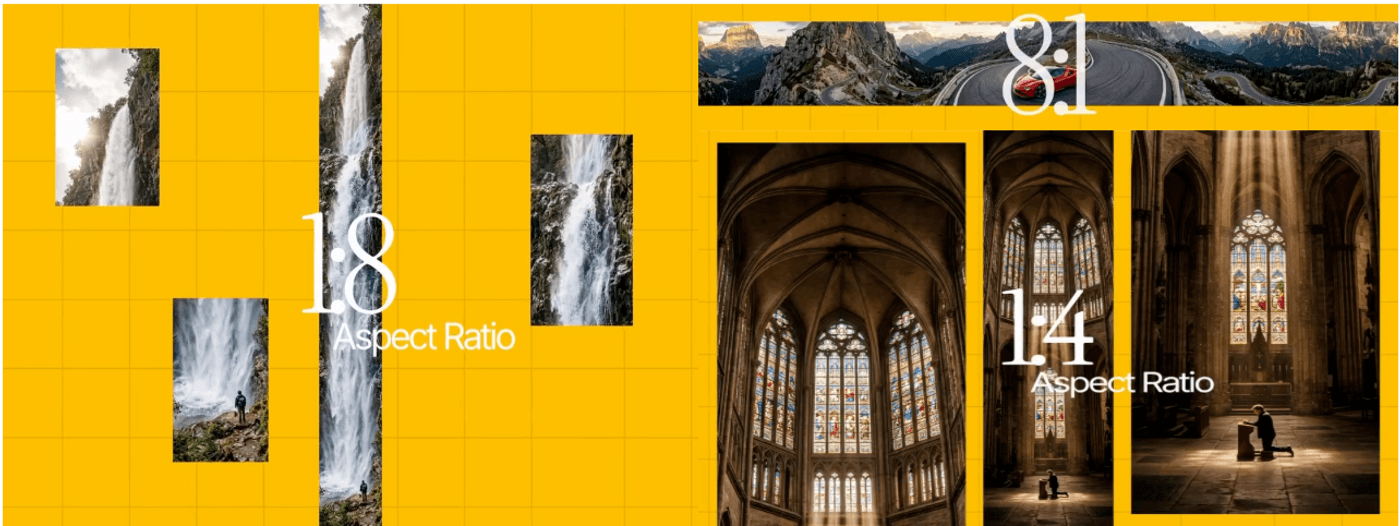
5. Subject and character consistency
Nano Banana 2 can keep up to five characters consistent and accurately render up to fourteen objects in a scene or workflow
Once you define your main character, side characters, and key props, you can reuse them across multiple frames. That turns Nano Banana 2 from a “pretty one off image” tool into a basic storytelling engine.
6. Text rendering and translation
A major upgrade is accurate, legible text inside images. Nano Banana 2 can place real copies into posters, banners, product shots, and UI mockups and can also translate and localize that text across languages.
For marketers and designers, this removes an extra step. You can generate a concept that already includes readable copy, then decide whether to polish it further. It is especially useful for fast ad mockups, promo posters, thumbnails, packaging ideas, and global variations.
7. SynthID watermarking and C2PA credentials for trust
Every Nano Banana 2 image carries a SynthID watermark and is compatible with C2PA Content Credentials, a standard backed by many large tech and creative companies for content transparency.
Tools and platforms that support these standards can detect that an image is AI generated and display extra context about how it was made. That helps teams who need clear AI disclosure and compliance without building their own system.
8. Semantic understanding
Semantic understanding means the model understands the meaning of your whole prompt, not just individual words. It can handle complex requests like “a rainy city street at night, our main character holding a red umbrella, cinematic lighting, wide shot” and keep all those details in place. This leads to fewer wrong images, fewer prompt rewrites, and a faster jump from idea in your head to an image you can actually use.
How to Use Nano Banana 2?
Nano Banana 2 is rolling out across Google’s own products, including the Gemini app, AI Mode in Search, Gemini API, Vertex AI, and Firebase. If you just want to try a few images, those are good places to start.
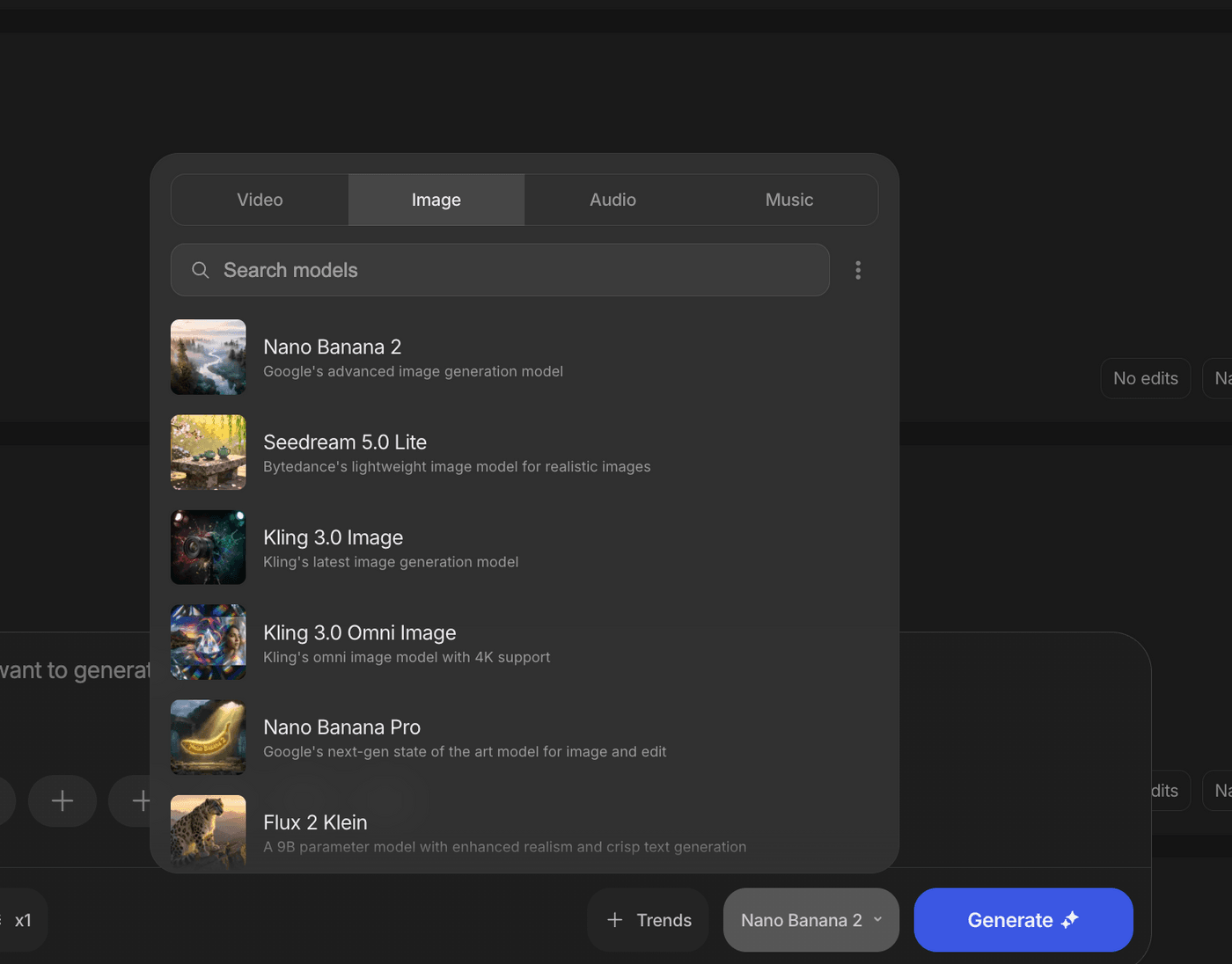
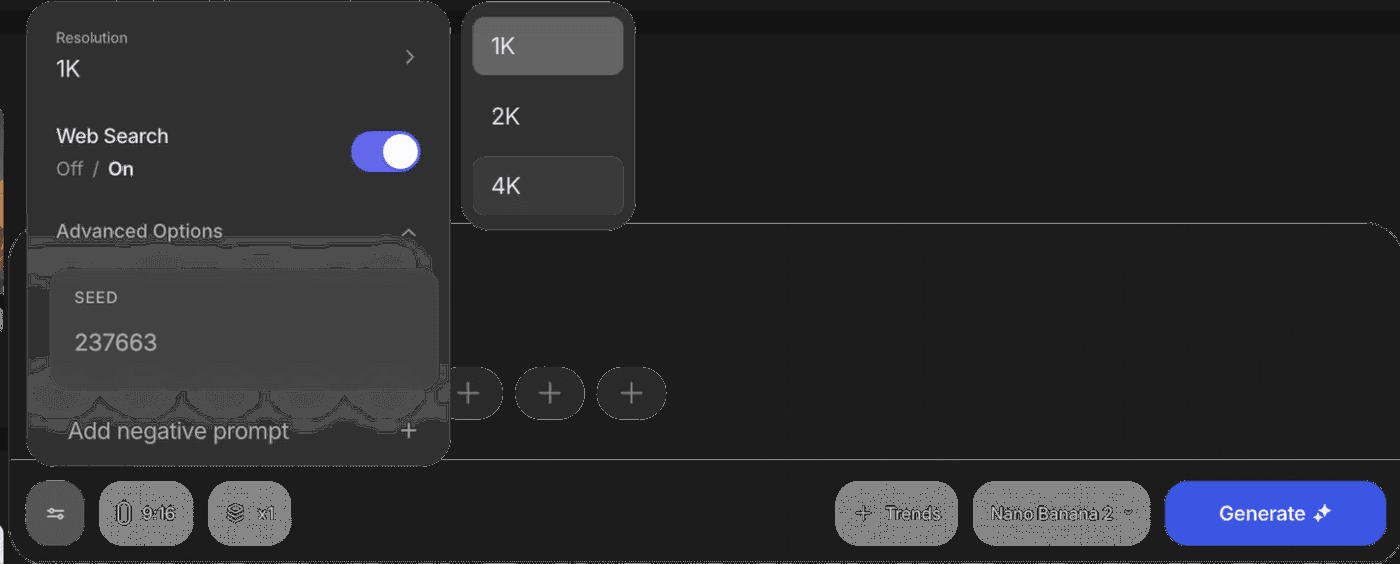
If you want Nano Banana 2 to sit inside your daily video and content workflow, invideo gives you that in one place. You can pick Nano Banana 2 as the model directly in the prompt box, use it with no hard limits for a full year on all Pro plans, and switch between other leading models like Seedream 4.5 and Grok Imagine inside the same interface. That way you are not locked into one model and you can choose the best fit for each storyboard, ad creative, or design task without leaving invideo.
FAQs
1. What is Nano Banana 2 used for?
Nano Banana 2 is used to generate and edit images with AI. It is tuned for high quality visuals, multiple aspect ratios, up to 4K resolution, and tasks like storyboards, marketing visuals, social posts, and product mockups.
2. How is Nano Banana 2 different from earlier Nano Banana models?
Nano Banana 2 replaces the original Nano Banana and Nano Banana Pro with a single model that keeps Pro level image quality, runs much faster, adds real time web and image search, improves instruction following, supports 4K, and handles better text and character consistency.
3. How does web and image search improve Nano Banana 2 images?
When web and image search are enabled, Nano Banana 2 can call Google Search to fetch recent information and reference photos. It uses that data to make generated images more accurate for current people, locations, events, and products.
4. Can Nano Banana 2 create images with clear text for ads and social posts?
Yes. Nano Banana 2 is built to render clear, readable text inside images and can place real headlines, subheads, and calls to action into posters, banners, product shots, and UI mockups based on your prompt.
5. How does Nano Banana 2 keep characters and objects consistent?
Nano Banana 2 can track visual traits for up to five characters and fourteen objects per workflow, so when you describe them again in later prompts, the model reuses those traits. This keeps faces, outfits, and key props consistent across scenes.
6. What image sizes and formats does Nano Banana 2 support?
Nano Banana 2 supports resolutions from 512 pixels up to 4K and works across multiple aspect ratios, including vertical, square, widescreen, and ultra wide. This covers most social media, web, and video use cases.
7. How do I start using Nano Banana 2?
To start using Nano Banana 2 in invideo, open your workspace and select Nano Banana 2 as your model in your prompt box. Your existing projects stay the same, but new generations and edits will use the upgraded model with faster, higher quality results.
