






You're already sold on getting a promo video tool. The question isn't "should I?" anymore, it's "which one?"
That might sound simple, but it's not because every tool claims to be "the easiest way to create professional videos."
Half of them promise AI will do everything. The other half brag about "unlimited creative control" which usually means a cluttered interface with 47 buttons you'll never use.
This post is for you if you don't have time to try 15 different platforms, upload the same assets over and over, and discover limitations only after you've invested hours learning the workflow, and you definitely don't have the budget to bet wrong on an annual plan.
We tested over 20 tools with the same brief to ensure consistency - create a 60-second product promo, a 30-second social ad, and a brand story video.
By the end, you'll know exactly which tool fits your situation.
How We Chose Promo Video Tools
Not every tool that claims to create promo videos actually delivers. We filtered through over 20 options using criteria that matter when you're trying to scale content production.
Ease of Use
Can you create a usable video within 30 minutes of signing up? Or does the learning curve eat your entire afternoon before you produce anything? We prioritized tools where the interface makes sense immediately without watching hours of video tutorials.
Output Quality
Does the final video look professional or like obvious stock template garbage? We evaluated visual quality, audio clarity, transitions, and whether the output feels polished enough to actually publish. If it screams "made with free software," it didn't make the list.
Speed
We measured how long it takes to go from concept to finished video. Some tools deliver in minutes, while others require hours of editing. Both have their place, but you need to know what you're signing up for.
AI Capabilities
Does the "AI" actually do meaningful work, or is it just autocomplete for templates? We tested how much creative decision-making each tool handles. This includes script generation, visual selection, voiceover creation, and music matching.
Pricing Transparency
We checked if the pricing matches the value and whether the limitations are clear upfront. Hidden costs and surprise paywalls disqualified tools immediately. You should know what you're paying before you invest time.
Flexibility
Can you adjust the output when AI gets something wrong? Some tools lock you into their decisions. The best ones let you iterate with simple commands or manual controls when you need precision. Every tool here passed these tests. They just solve different problems for different users.
The 10 Best Promo Video Tools
Each tool below is ranked by how well it solves the core promo video problem of creating professional content without the traditional barriers.
We're starting with the most capable and moving down to more specialized or limited options.
For each, you'll see what it does best, what it costs, the actual pros and cons, and who should use it.
#1 Invideo
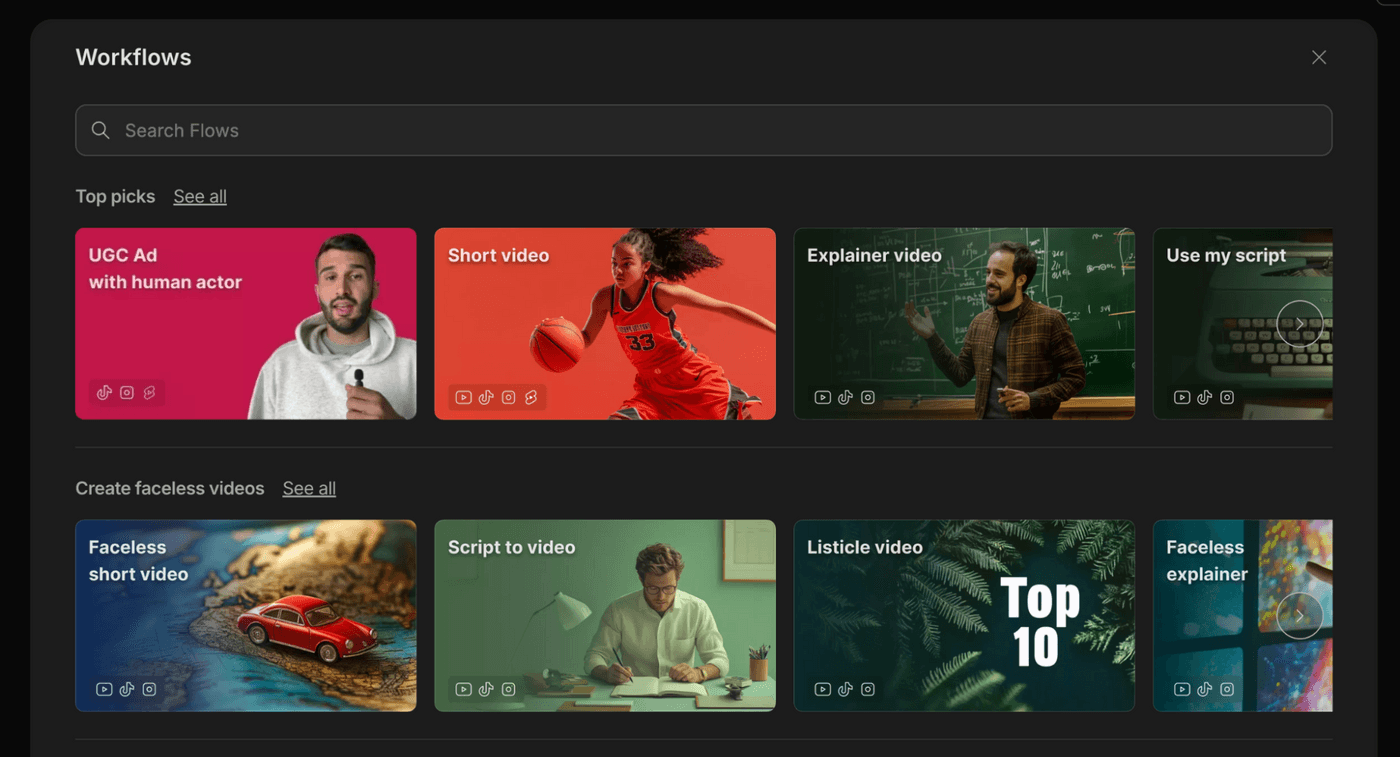
With invideo, you just type what you want, add your website URL and brand assets, and get a publish-ready promo in 30 minutes that looks like a team spent days on it. invideo makes over 500 creative decisions like script writing, visual generation using Sora 2 and Veo 3, voiceover creation, music selection, pacing, and transitions.
The intelligent asset integration is what separates it from everything else. Upload a photo, and the AI makes you talk in the video. Add product images, and they appear in premium-styled environments. Include your URL, and it pulls brand voice and details automatically. When something needs adjustment, you edit with text commands like "make the intro faster," or "change the music".
Pros
- Generous free plan generates 10 minutes monthly before paying
- Output looks expensive with a premium polish that builds immediate credibility
- All-in-one platform eliminates switching between tools
Cons
- Watermark on videos made with the free plan
Free Option: Yes, 10 minutes per month
Pricing: $35/month (Plus) | $999/month (Team)
Best For: Small businesses creating professional promos without agencies
Video Length: No limits
Max Resolution: 1080p
#2 HeyGen
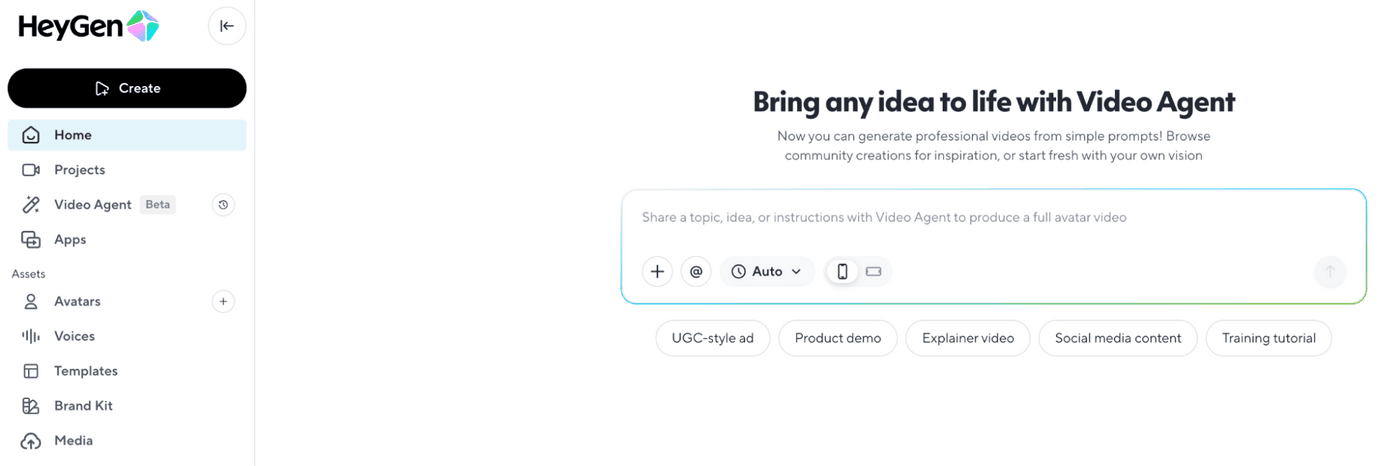
HeyGen built its reputation on ultra-realistic AI avatars, the kind that look and move like actual humans. With over 1,000 avatars in the library and the ability to create custom clones from your own recordings, it's the go-to when your promo needs a professional spokesperson without hiring talent or stepping in front of a camera yourself.
The platform offers 700+ industry-specific templates that handle the heavy lifting for structure and pacing. You customize with your brand colors, logo, script, and chosen avatar. This template-first approach works well when you need consistent output fast.
Pros
- Avatar quality is realistic enough that viewers don't question it
- Perfect for explainer videos, demos, and testimonial-style promos where a spokesperson adds credibility
- Custom avatar creation lets you or your team become the face of every video without recording
Cons
- Free plan is essentially a trial. 3 videos with watermarks and heavy restrictions
Free Option: Yes, 3 videos per month with watermarks
Pricing: $29/month (Basic) | Custom (Enterprise)
Best For: Businesses that need spokesperson-style promos without hiring talent
Max Resolution: 1080p
#3 Synthesia
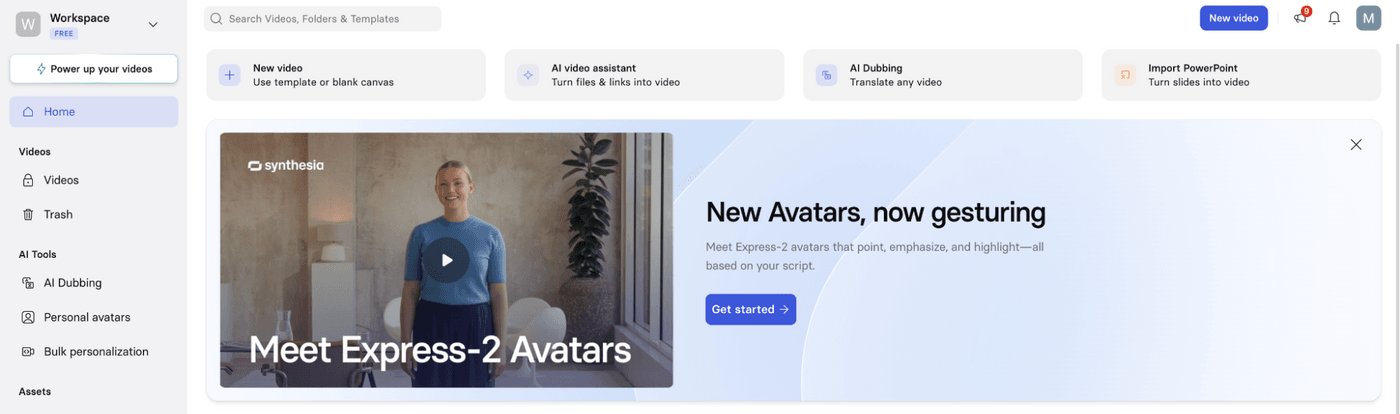
Synthesia built its name on avatar quality and multilingual capabilities. It is a solid choice when your promo needs a polished spokesperson speaking directly to the camera in multiple languages. With 125+ avatars and support for 60+ languages, it handles the global scaling problem.
The platform excels at creating clean, professional presenter-style promos for product announcements, company updates, or service explainers where a credible face delivering your message matters more than creative visuals.
Pros
- Avatar realism is professional enough for corporate and client-facing content
- Multilingual support makes global scaling straightforward
- Custom avatars let you or your team become the brand face without recording
- Brand guidelines ensure output consistency across all videos
Cons
- Starter plan's 10-minute monthly limit is restrictive for regular content creation
- Free plan offers only 3 minutes per month
Free Option: Yes, 3 minutes per month with watermarks
Pricing: $30/month (Starter) | Custom (Enterprise)
Best For: Businesses creating multilingual promos for global markets.
Max Resolution: 1080p
#4 Lumen5
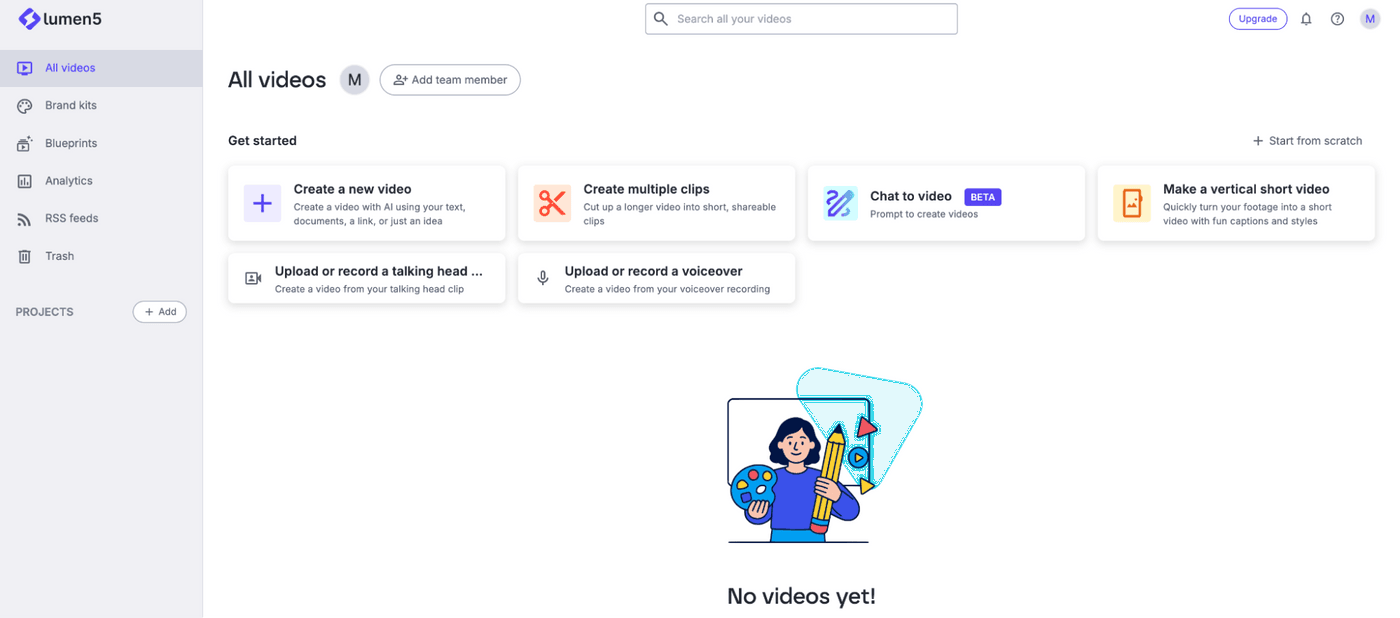
Lumen5 targets content repurposing, turning your existing blogs, articles, and written content into video promos without starting from scratch. Feed it a URL or paste in your text, and it generates a script, selects visuals, and assembles everything into a structured video.
This workflow works well when you've already written the content and just need a video version for social distribution. The interface is super simplified. You don’t get granular control over every transition or frame-by-frame editing. Instead, Lumen5 makes decisions for you based on your input, prioritizing speed over customization.
Pros
- Perfect for repurposing written content into video without recreating everything
- Minimal learning curve
- Templates and automation speed up production for repetitive content types
Cons
- Over-simplification limits creative control, which makes it hard to achieve specific visual direction
- Output can feel template-driven and predictable if you're creating frequently
Free Option: Yes, 2 minutes per month with watermarks
Pricing: $29/month (Basic) | Custom (Team)
Best For: Content marketers repurposing blogs into social promos
Video Length: Up to 10 minutes per video
Max Resolution: 1080p
#5 Pictory
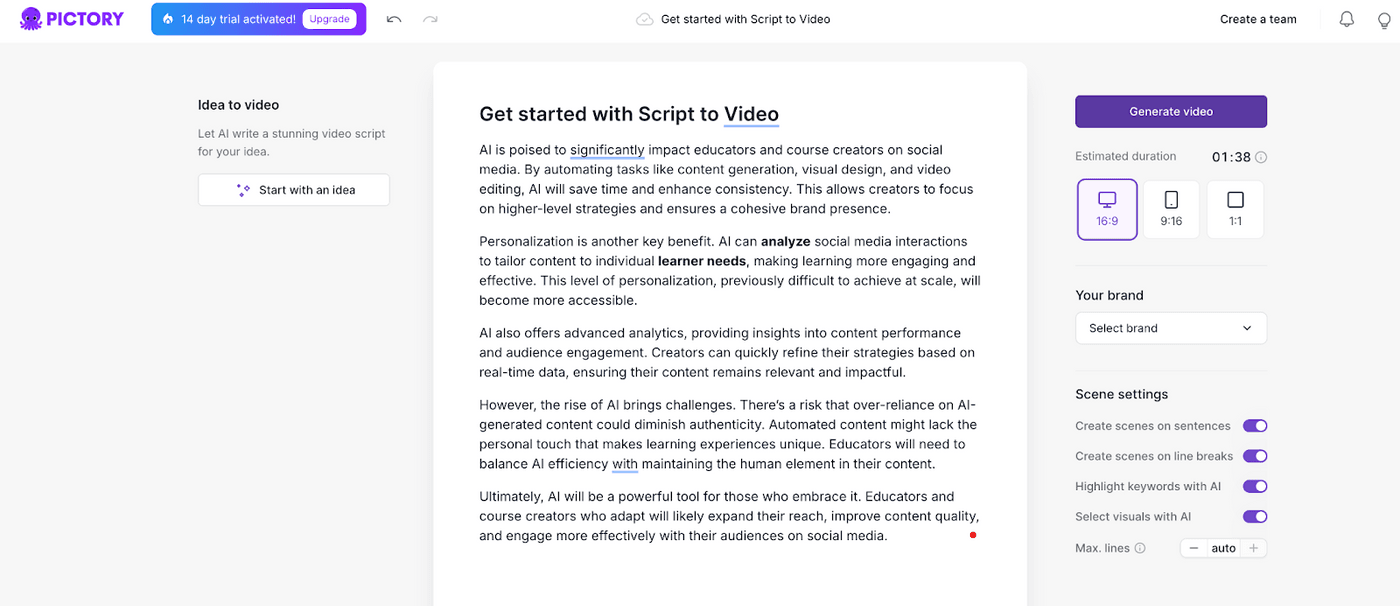
Pictory positions itself as a complete promo video workflow with script writing, video generation from blogs or slides, and repurposing long-form content into social clips. The platform handles multiple stages of production, which appeals to teams that want everything under one roof instead of jumping between tools.
The content repurposing feature is Pictory's main strength. Feed it a blog post, article, or presentation deck, and it extracts key points, generates a script, matches visuals to the content, and assembles a promo-style video. For businesses with existing written content libraries, this repurposes static assets into video distribution without recreating everything manually.
Pros
- All-in-one platform handles multiple production stages without tool switching
- Strong content repurposing helps turn existing blogs and slides into promos efficiently
- Team collaboration features work well for agencies or marketing departments
Cons
- Too many features create interface complexity and a steeper learning curve
- Output quality can feel generic compared to more specialized tools
Free Option: No, Free trial only
Pricing: $25/month (Standard) | Custom (Enterprise)
Best For: Marketing teams repurposing blogs and presentations into video promos
Max Resolution: 1080p
#6 CapCut
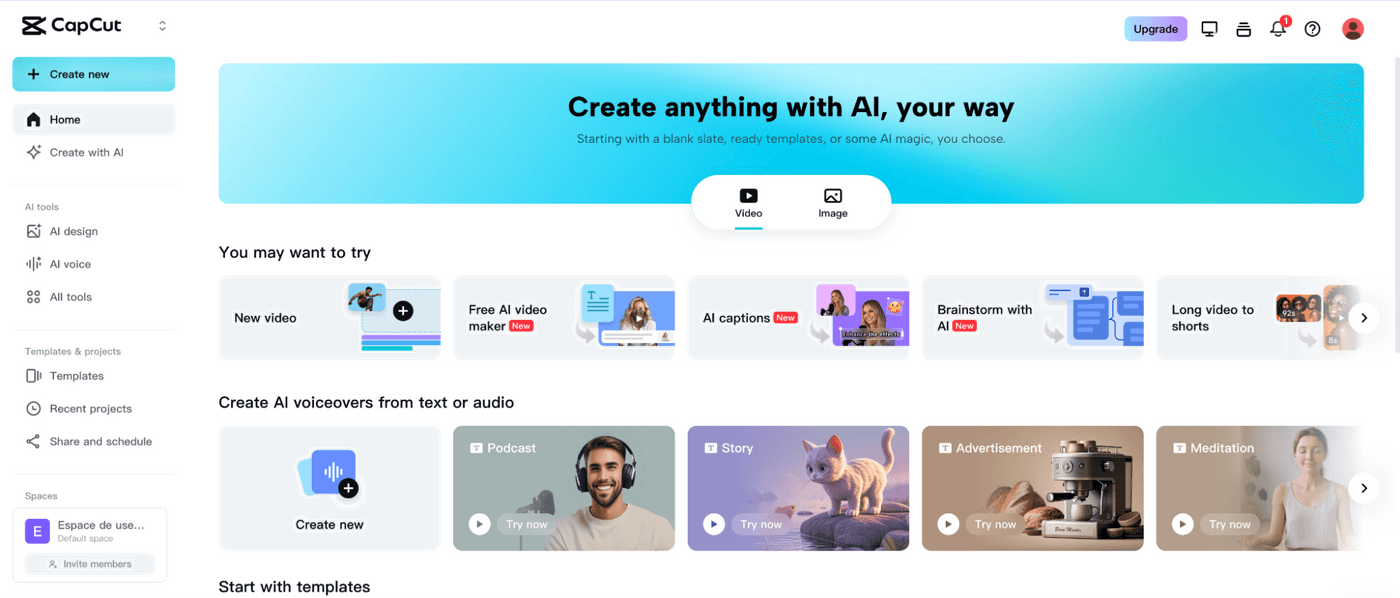
Built by ByteDance (TikTok's parent company), CapCut is perfect for short-form social content with templates, transitions, and effects designed specifically for vertical video. If your promo strategy lives on Instagram Reels, TikTok, or YouTube Shorts, CapCut is perfect for you.
The template library is massive, with hundreds of pre-built animations and effects that give your promos a polished, trend-aware look without manual animation work. CapCut's AI features handle practical tasks well: auto-captions generate quickly (though you'll need to fix occasional errors), background noise removal cleans up audio noticeably, and beauty filters smooth out close-up shots.
Pros
Free plan includes most core features. You can get most out of it without upgrading
Built specifically for social media promos with platform-optimized templates
Minimal learning curve allows you to start creating quality content within minutes
Audio tools deliver noticeable improvements to voiceover clarity
Cons
Desktop version is less capable than mobile, especially when creating longer content
Limited sharing flexibility beyond TikTok and Instagram
Free Option: Yes, Most features available, watermark on exports
Pricing: $9.99/month (Pro)
Best For: Social media marketers creating high-volume Reels, Shorts, and TikToks.
Max Resolution: 1080p
#7 Promo.com
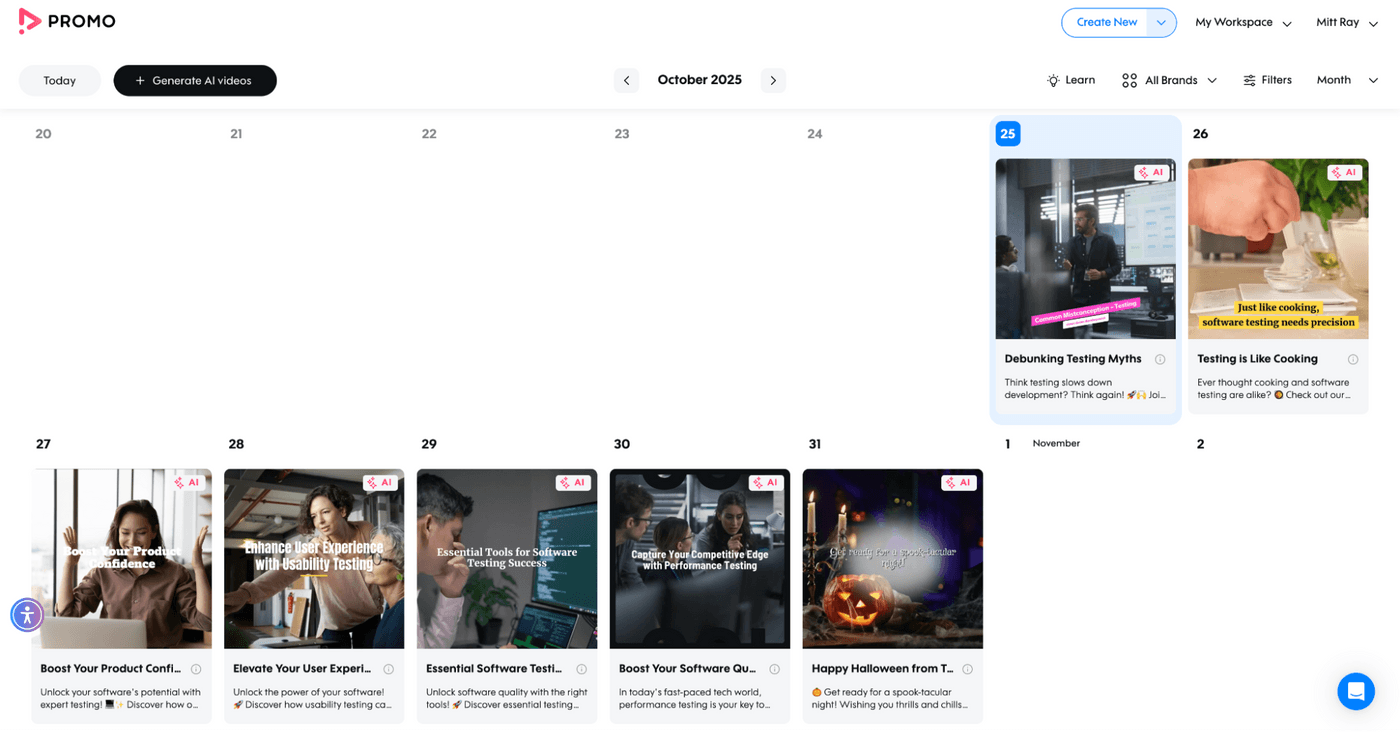
Promo.com built its platform around a massive licensed media library that includes over 15 million video clips, images, and music tracks specifically cleared for commercial use. For businesses that need brand-safe, legally compliant promo content without worrying about copyright strikes or licensing headaches, this eliminates a major production friction point.
The workflow is template-driven and straightforward. You can browse templates organized by industry (real estate, restaurants, e-commerce, fitness), customize text and branding, swap stock clips if needed, and export.
Pros
- Massive licensed media library eliminates copyright concerns for commercial use
- Templates organized by industry make finding relevant starting points fast
- Brand kit ensures visual consistency across all promo content
Cons
- Template-driven approach limits creative differentiation. Your output can feel generic
- Stock footage aesthetic is obvious and doesn't deliver premium brand positioning
Free Option: Limited free plan with watermarks
Pricing: $60/month (Basic) | Custom (Business)
Best For: Small businesses needing legally safe stock content for commercial promos
Max Resolution: 1080p
#8 Pippit AI
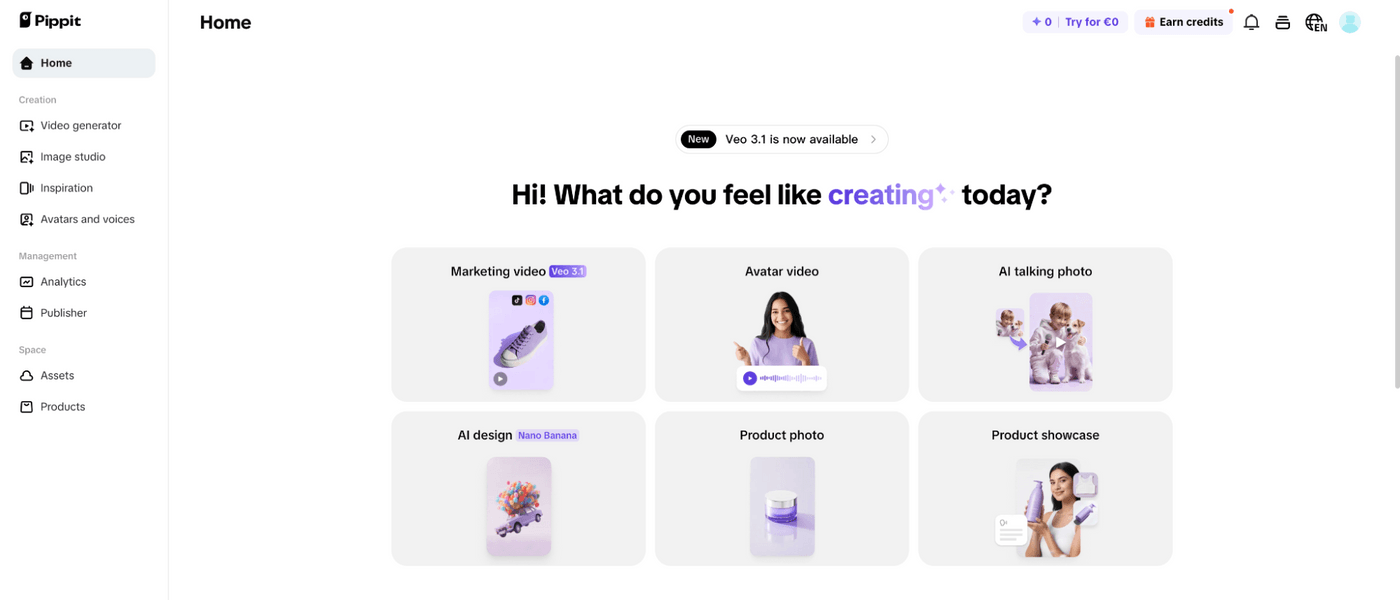
Pippit AI positions itself as a "smart creative agent" focused specifically on marketing video production. The interface prioritizes intuitive workflows and strong templates designed around common marketing use cases like product launches, feature announcements, social promos, and avatar-driven explainers.
The avatar-driven content capabilities handle spokesperson-style promos without recording, similar to HeyGen or Synthesia but positioned toward marketing-specific contexts. The platform is built for teams that need to create dozens of similar promos while ensuring every output stays aligned with brand guidelines and messaging frameworks.
Pros
- Streamlines high-volume marketing video production efficiently
- Intuitive workflows make team collaboration straightforward
- Polished outputs maintain brand consistency across variations
- Time-saving automation for repetitive marketing content needs
Cons
- Platform stability issues reported, upload failures, and access problems
- Poor customer support responsiveness when problems occur
Free Option: Limited free plan available
Pricing: $35 per month
Best For: Marketing teams creating high-volume promos where speed matters and brand consistency is critical
Video Length: Varies by plan Max
Resolution: 1080p
#9 Clipchamp
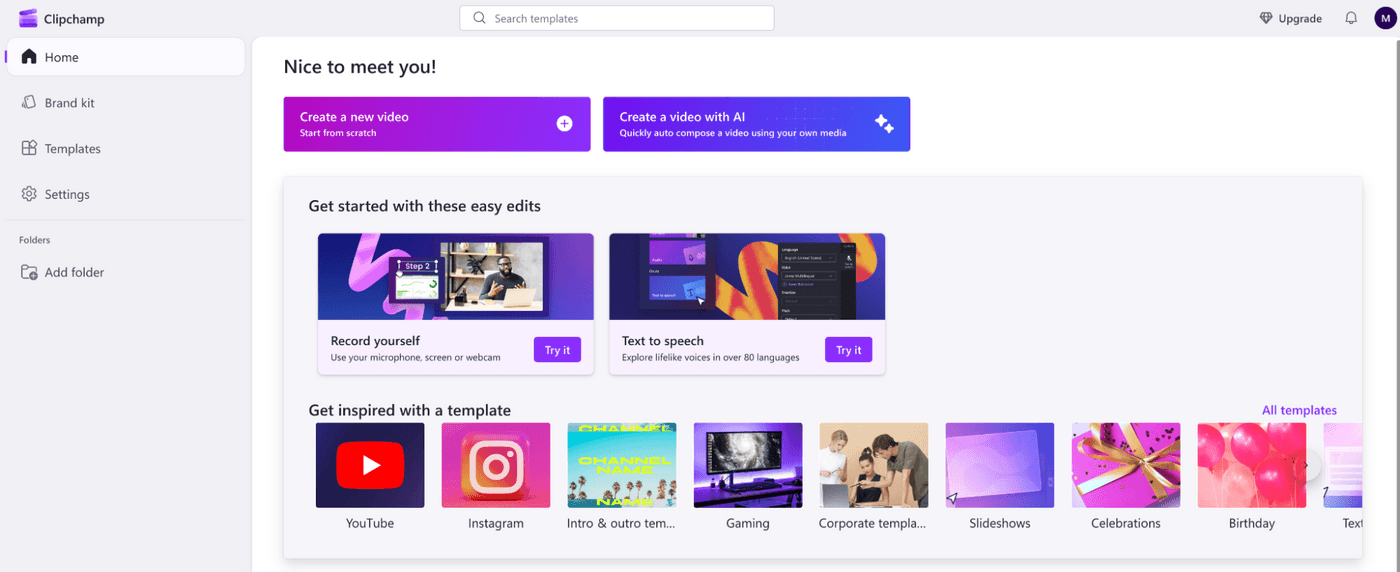
Clipchamp is Microsoft's browser-based video editor that positions itself as an accessible, no-download solution for creating promos. For teams already using Microsoft tools, the integration is seamless.
The platform offers thousands of free promo video templates organized by industry and use case for product launches, sales announcements, event promotions, and explainer videos. The templates provide structure and pacing, letting you customize text, swap stock footage with your own clips, and add brand assets without starting from scratch.
Pros
- No installation or software downloads. It works from any browser
- Generous template library accelerates production for common promo types
- Free plan actually usable (unlike competitors with restrictive trials)
- Microsoft integration makes it a natural choice for existing Office 365 users
Cons
- Free plan limited to 480p resolution
- Missing advanced features that desktop editors offer (precise rotation, advanced effects)
Free Option: Yes, unlimited videos at 480p resolution
Pricing: $11.99/month (Premium)
Best For: Small businesses already using Microsoft tools who need straightforward promo creation
Max Resolution: 1080p (Premium plan)
#10 Opus Clip
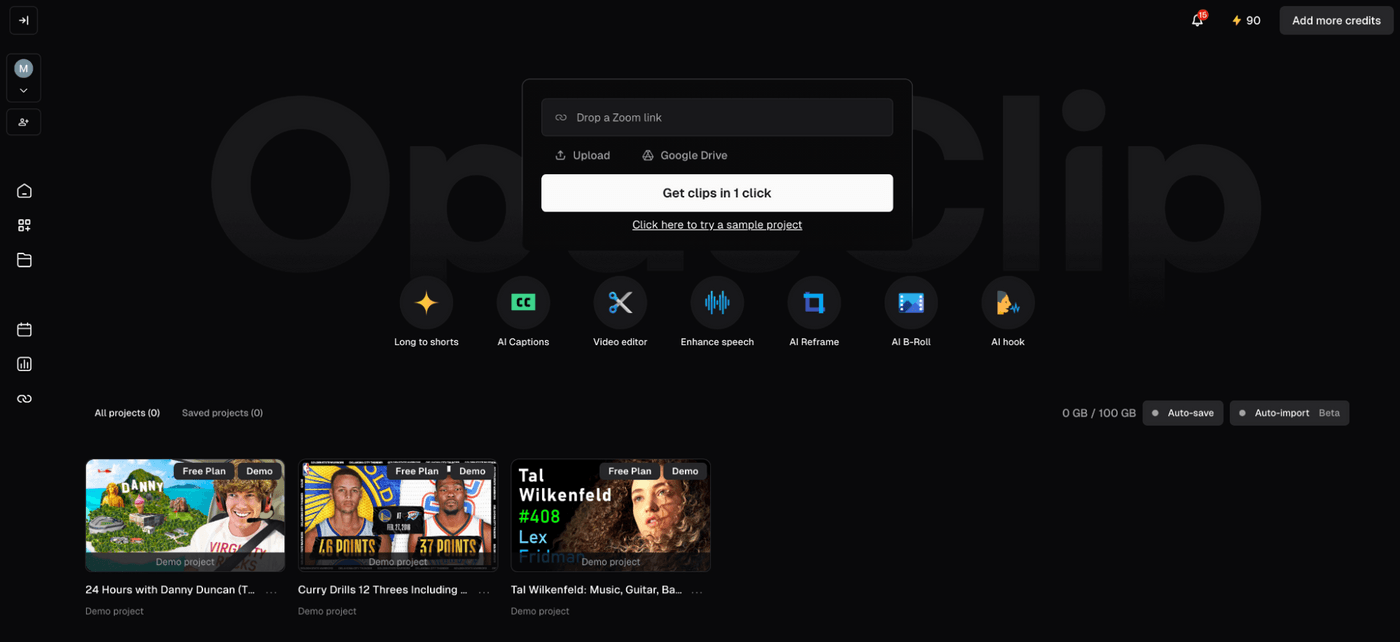
Opus Clip takes a different approach to promo creation. It's built for repurposing existing long-form video content into short, punchy promotional clips. Upload a recorded product demo, webinar, podcast, or presentation, and the AI scans the footage to identify the most engaging moments, then automatically edits them into social-ready promo clips.
For creators and businesses sitting on content libraries, this transforms existing assets into distribution-ready promos without manual editing. The ClipAnything technology lets you use text prompts to guide what the AI extracts.
Pros
- Transforms existing content libraries into dozens of promo clips without manual editing
- Saves massive time for creators who already produce long-form content
- Platform-specific formatting eliminates manual resizing
- Perfect for repurposing webinars, podcasts, and presentations into social promos
Cons
- Only works with existing video can't create promos from scratch
- Output quality is limited by the source footage quality
- AI clip selection sometimes misses context or picks odd moments
Free option: Yes, 7 day free trial available
Pricing: $19/month (Starter) | Custom (Business)
Best For: Content creators and businesses with existing long-form video who need to extract promotional clips
Max Resolution: 1080p
Which promo video tool should you use?
If you're creating promos from scratch and need professional output fast, invideo is the clear winner. It eliminated the actual barriers of cost, time, and technical skill that kept video creation out of reach.
For avatar-driven spokesperson promos, HeyGen or Synthesia deliver the realism you need.
If you're repurposing existing content, Opus Clip extracts promotional gold from long videos. Social media creators on tight budgets should start with CapCut.
The rest serve niche needs: Promo.com for licensed stock libraries, Clipchamp for Microsoft users, Pictory and Lumen5 for content repurposing with more control.
But honestly? Most businesses need one tool that goes from idea to finished promo without friction. That's invideo. Everything else either requires more work, delivers less quality, or costs more for comparable results.
