











Export your invideo timeline with ease

Build your first draft with invideo editor, with the freedom to continue in your preferred desktop editor whenever you need it. Export an editable project with your timeline and media, carrying your work into Premiere Pro, Final Cut Pro or DaVinci Resolve without rebuilding the edit.

Trusted by teams at
Phantom X
Wonder Studios
Google
NVIDIA
Salesforce
Visa
IBM
monday.com
Cisco
Mastercard
Meta
LinkedIn
Netflix
Ford
Hilton
Siemens
HubSpot
Phantom X
Wonder Studios
Google
NVIDIA
Salesforce
Visa
IBM
monday.com
Cisco
Mastercard
Meta
LinkedIn
Netflix
Ford
Hilton
Siemens
HubSpot

Export to Premiere Pro, FCP or DaVinci Resolve

Easily move to the editor of your choosing

The invideo editor lets you build the complete edit in one place. But if you ever feel the need to return to your desktop editor for finishing touches, you can easily export your entire project to Premiere Pro, Final Cut Pro or DaVinci Resolve.

Try now
Your timeline and media move together

Export your timeline along with the footage, generated clips and audio used in the edit. Everything travels with the project, saving you from gathering and transferring the media separately.

Try now

Pick up right where you left off

Continue with your clips, layers, timing and editing work already in place. Open the project in your chosen editor and move straight into the final touches.

Try now

A complete video editor, built for the way you work

A real timeline

Shape every detail of your video, on a multitrack, frame-accurate timeline that gives you complete control over your edit with familiar tools and shortcuts.

Agentic editing

Get your very own editing agent that helps you go from raw footage to a finished edit with less grunt work. Direct the agent to assemble cuts, generate B-roll, build effects or match a reference, with the results ready to review on your timeline.

Shared workspace

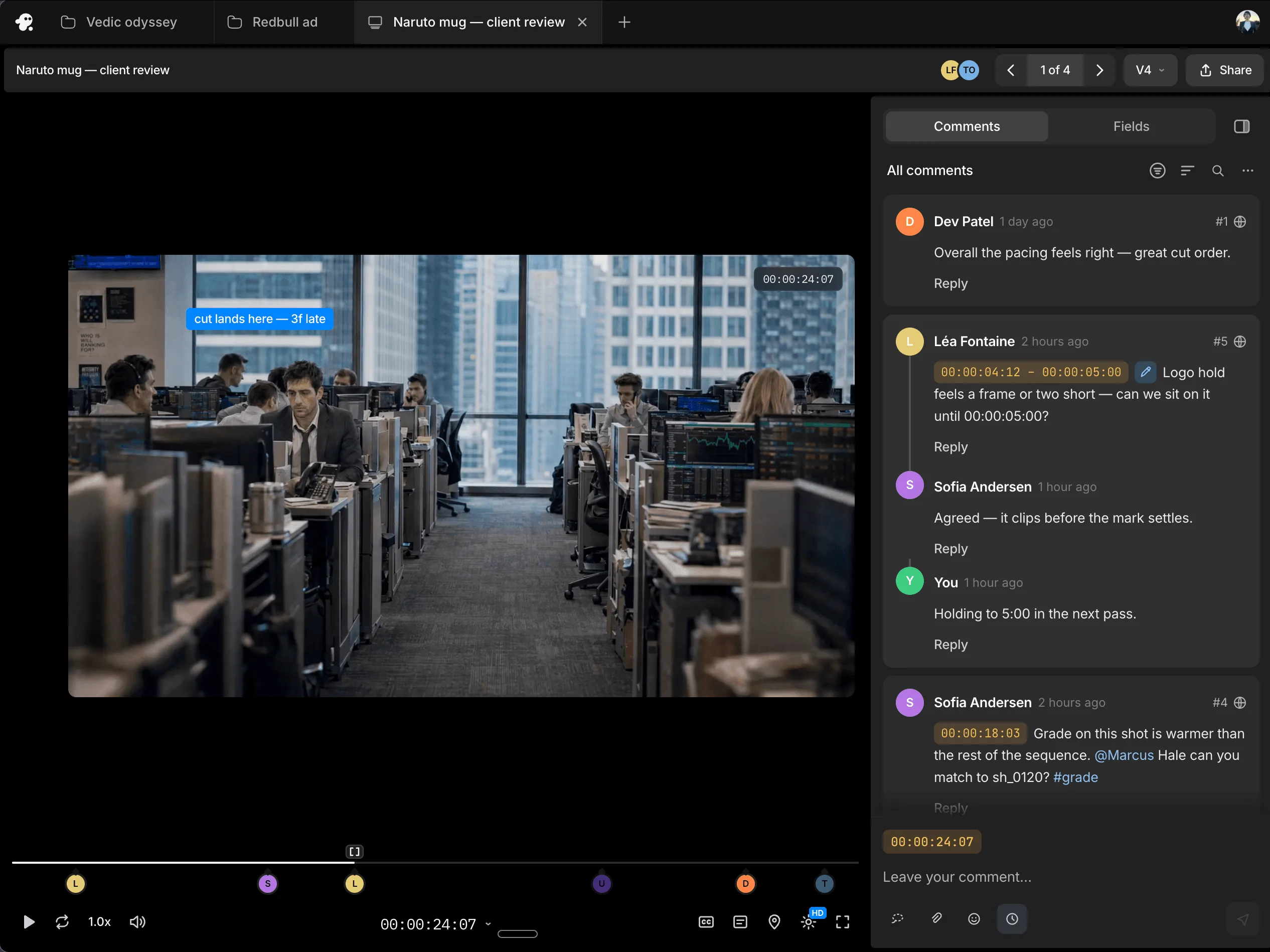
Work with teammates on the same timeline and share session replays for handoffs with context. Gather timestamped comments through review links, so you know what needs to change and where.

Shared workspace

FAQs

What formats are available for editable project exports?

Invideo editor exports Final Cut Pro 7 XML for Premiere Pro and Final Cut Pro, and OpenTimelineIO for DaVinci Resolve, with your timeline and media included.

Does the export include my media?

Yes. The editable project export includes both the timeline and media.

Can I continue editing after the transfer?

Yes. The project remains editable in the destination editor, so you can continue working on the timeline.

How do I export an editable project?

Open the export menu, choose “Editable project,” select your destination editor and click “Export project.”

Can I export a finished video instead?

Yes. You can export an H.264 MP4 video, alongside separate options for audio-only exports and still frames.