Share the direction behind the work
Let teammates see the briefs, prompts and feedback that shaped the edit, alongside the actions taken to carry them out.
Try now
Show your team how the edit came together with session replay in invideo editor. Share the agent chat, the work it carried out and your manual edits in one replay, so teammates can follow how the project developed and collaborate with a clear understanding of what has been done.
















Let teammates see the briefs, prompts and feedback that shaped the edit, alongside the actions taken to carry them out.
Give the next editor a record of the session from start to finish. They can understand what the agent handled, what you changed and how the project reached its current state.
Show teammates how an edit was achieved through agent instructions and manual adjustments, giving them a process they can learn from for future projects.
Help your team trace a result back to the instructions and editing activity behind it. Use that shared context to discuss what worked and agree on what should change next.
Shape every detail of your video, on a multitrack, frame-accurate timeline that gives you complete control over your edit with familiar tools and shortcuts.
Get your very own editing agent that helps you go from raw footage to a finished edit with less grunt work. Direct the agent to assemble cuts, generate B-roll, build effects or match a reference, with the results ready to review on your timeline.
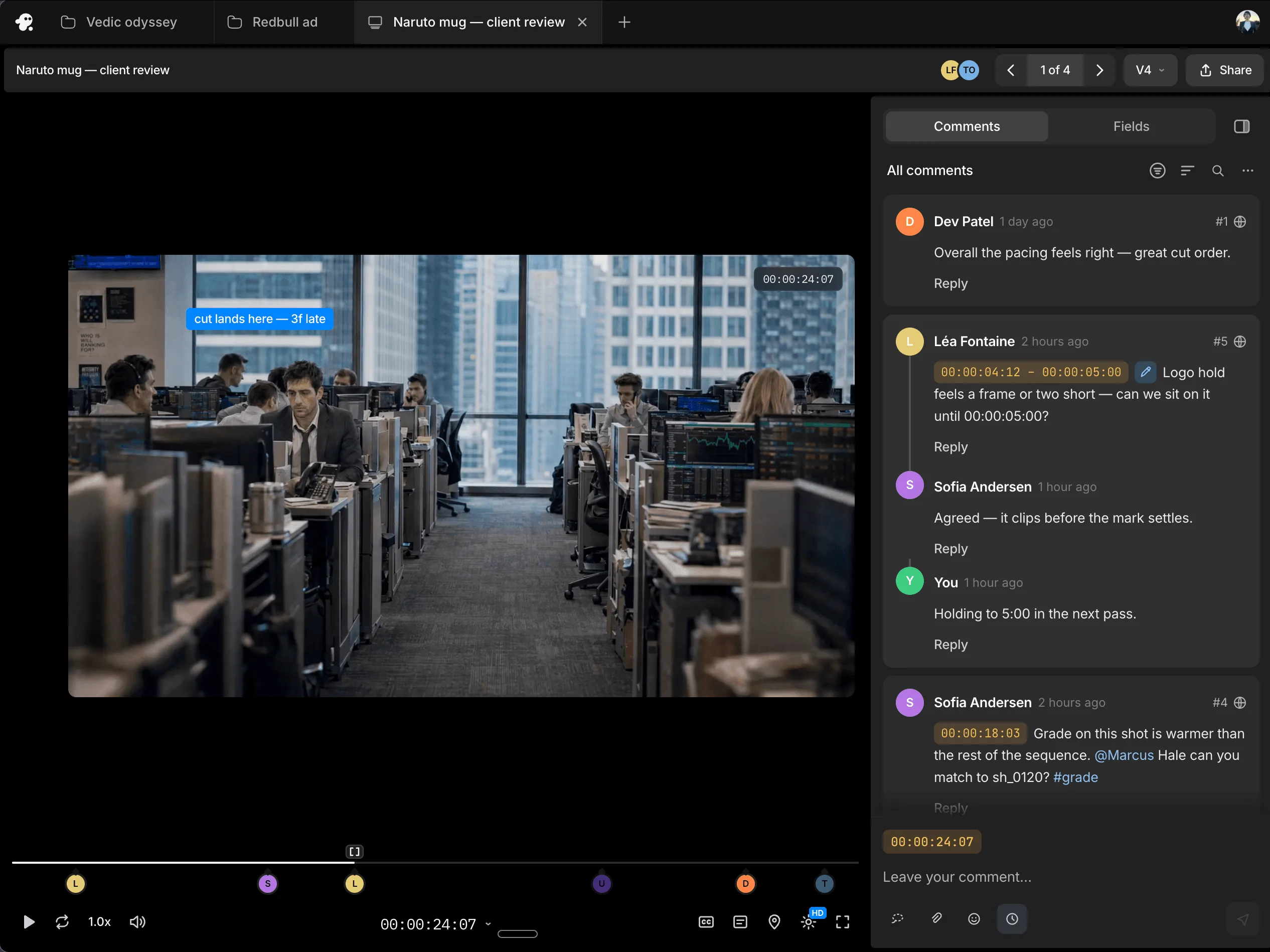
Work with teammates on the same timeline and share session replays for handoffs with context. Gather timestamped comments through review links, so you know what needs to change and where.
It captures the entire editing session, including agent chat, activity by the agent and actions taken by the user.
It gives teammates the context behind the current edit, including the direction given, the work carried out and the adjustments made along the way.
Yes. Both are captured, so teammates can follow the complete process rather than only the agent’s contribution.
Yes. Your team can revisit the prompts and editing actions used to achieve a result and learn from that workflow.
Session replay is available in the export menu in invideo editor.