AI highlight detection
Ask the agent for a cutdown with key moments from a longer video, and it assembles an edit that stand on its own.
Try now
Turn long podcasts into bite-sized highlights, create shorter ads from campaign footage or cut your content for different platforms with invideo editor. Give your editing agent the duration, format and message, and it builds each cutdown on your timeline.
















Ask the agent for a cutdown with key moments from a longer video, and it assembles an edit that stand on its own.
Tell the agent where your cutdown goes, and it adjusts the aspect ratio and reframes your footage to fit the platform.
Ask the agent to add captions & translate your cutdown, and it creates subtitles you can edit for text, timing and placement.
Give the agent the lengths, formats and messaging you need, and it builds as many cutdowns as your footage supports.
Turn one video into shorter edits for different social platforms without rebuilding each cut from scratch. Give your editing agent the channel, duration and format, and it adapts the framing, structure and pacing to suit.
Turn a campaign video into focused ad cutdowns built around a hook, product benefit or offer. Tell your editing agent the target length and what to prioritise, and it builds a shorter cut that carries the message through to the call to action.
Turn podcasts, interviews, webinars and explainers into shorter, self-contained clips, Shorts and Reels. Ask your editing agent to find a particular topic or moment, and it builds a cut that keeps the context needed to make it work on its own.
Turn a full recording into a recap centred on key moments, speakers, performers or participants. Tell your editing agent what to include and how long the cutdown should be, and it assembles the highlights around those priorities.
Upload the video you want to repurpose or work from a project already on your timeline.
Specify the duration, format, platform and message for each cutdown, along with anything that must stay. For example: “Create a 30-second vertical ad from this campaign video. Lead with the product benefit and keep the final call to action.”
Play back each cutdown and export when you’re happy with it. You can ask the agent for changes or adjust the cuts, framing, pacing and audio yourself.
Shape every detail of your video, on a multitrack, frame-accurate timeline that gives you complete control over your edit with familiar tools and shortcuts.
Get your very own editing agent that helps you go from raw footage to a finished edit with less grunt work. Direct the agent to assemble cuts, generate B-roll, build effects or match a reference, with the results ready to review on your timeline.
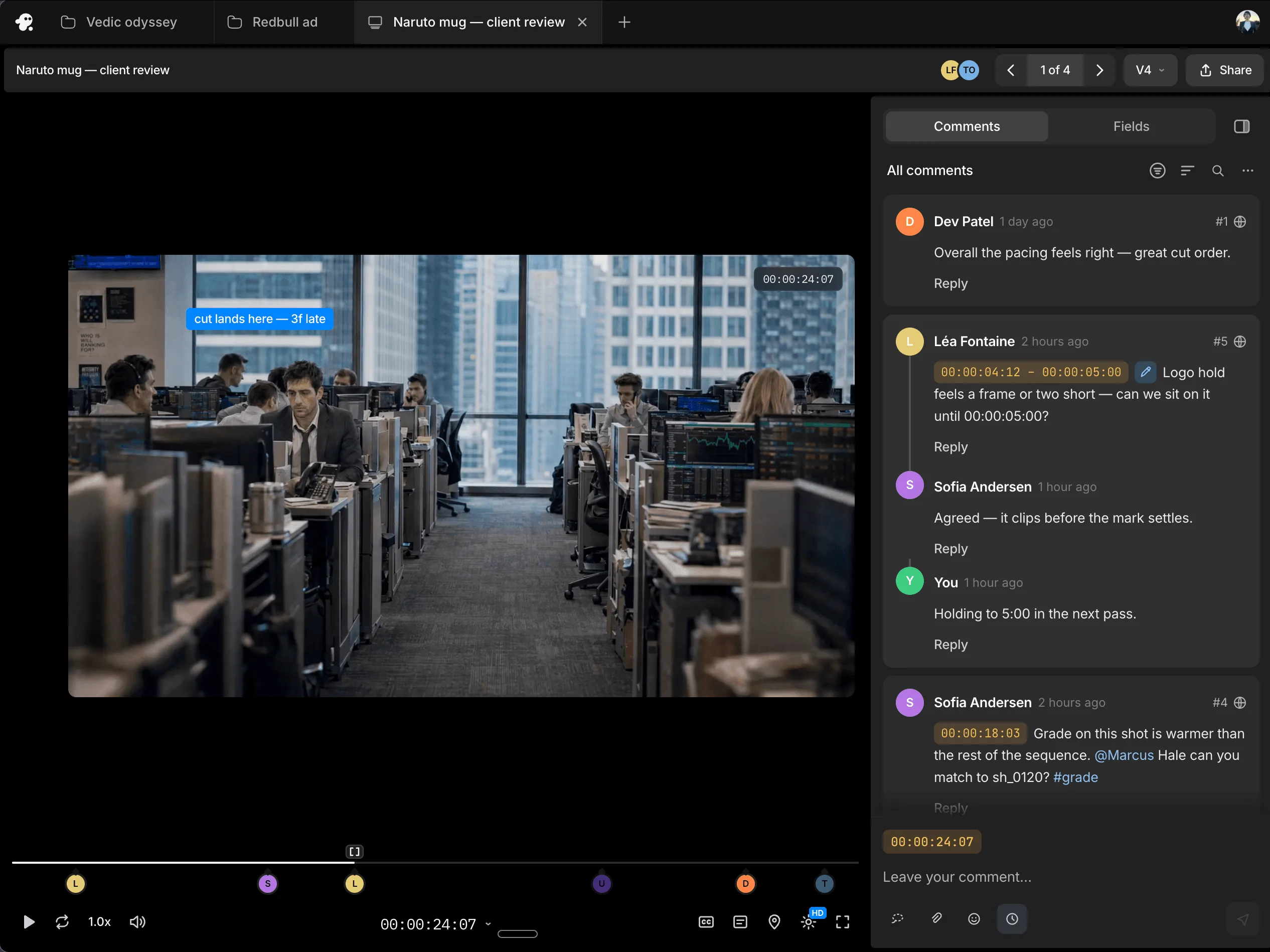
Work with teammates on the same timeline and share session replays for handoffs with context. Gather timestamped comments through review links, so you know what needs to change and where.
No. You can ask the agent to restructure clips, change the opening, adjust the pacing and prioritise specific moments so every cutdown works as a complete video.
Yes. Ask for a five-minute segment, a 60-second social cut, a 30-second ad or another target duration. Tell the agent what must be retained and it builds the edit around those requirements.
Yes. The editor can create landscape, square and vertical cutdowns from the same project for different placements and platforms.
Yes. Ask for different durations, formats, hooks, messages, products, offers or calls to action. Each cutdown can be built from the footage already in your project.
Yes. Describe the topic, statement, speaker or moment you need, and the agent can find the relevant footage and use it to build a cutdown.
Yes. Tell the agent which lines, scenes, messages or brand elements must be retained and what it can shorten, replace or remove.
Yes. Review each cutdown on the timeline, ask the agent for further changes or adjust the clips, timing, audio and other elements yourself.
Yes. Ask the editing agent to create a cutdown while keeping your original edit intact. Explore a different opening, shot order or pacing without losing the cut you already have.