Flux 2
Create photorealistic images with real-world lighting and physics. Describe the shot in plain words and invideo agent writes the structured prompt Flux 2 needs.
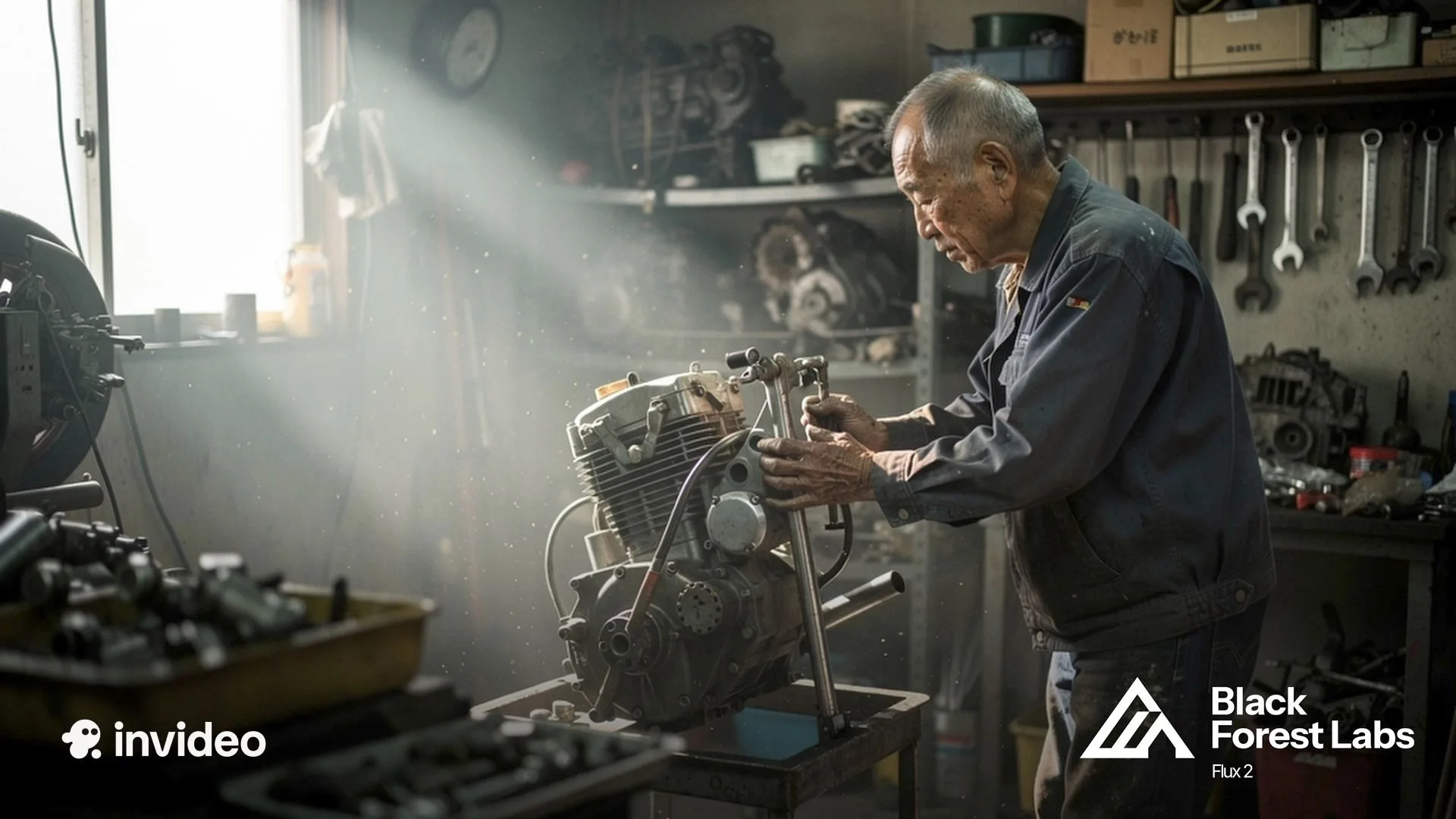
















What sets Flux 2 apart
Photorealism that does not read as AI
Lighting behaves like light, perspective holds, and physics stays honest, which is exactly what strips the AI look out of a frame. Skin, fabric, and hands, the places generated images usually give themselves away, hold up under a close look.
Up to 10 references, one consistent result
Flux 2 reads up to 10 reference images at once and keeps characters, products, and styles locked across every output, no finetuning, no training run. The face, the bottle, and the look you brought are the ones that come back.
Brand colors by hex code
Specify #FF5733 and the image lands on #FF5733, no approximation, no drift. For work where the brand guide is law, the color in the frame is the color in the guide.
Typography, infographics, and UI that hold
Complex typography, dense infographics, and interface mockups render with small text that stays legible. The layouts that break most models are the ones this one was built for.
Generation and editing in one model
The same model that creates the image edits it: change an element from a text instruction while the structure and composition stay put. No second tool, no pipeline seam between making and fixing.
What Flux 2 is best used for
Product photography at scale
Shoot the hero once, then generate the rest: contextual lifestyle shots, seasonal variants, and channel-specific crops with the product staying exactly itself. The catalog grows without the studio rebooking.
Campaigns with consistent characters
Build a campaign around a face and keep that face consistent through every asset, format, and market. Ten references in, one identity out, across as many variations as the media plan wants.
Storyboards and concept frames
Lay out scenes where costumes, lighting, and environments stay coherent frame to frame. For directors, the board reads like one production instead of twelve generations.
Brand-exact marketing assets
Every asset lands on the brand's exact hex values, with typography that renders clean. The version of on-brand that survives a brand team's review, not just a glance.
Lifestyle and editorial imagery
People in real light doing believable things, with the texture and imperfection that makes a frame feel photographed. The stock-photo look, retired.
How to use Flux 2 with invideo agents
On invideo, Flux 2 runs inside an agentic workflow: the agent gives it the work it wins, writes the structured prompts it rewards, and keeps your references and brand values on every call. Here is how it works in practice:
The agent picks the right model intelligently.
Flux 2 sits on a roster of 200+ models, and the agent routes work to it where it wins: photorealism that has to pass for photography, consistency across big asset sets, and color that has to match a guide.
You describe it, the agent structures it.
Flux 2 rewards detailed, structured prompts and reads hex codes straight from the text. You say what the image is and what it is for, and the agent writes the structured version, exact colors and text placement included.
Approve references once, the agent attaches them always.
Your characters, products, and style frames go in one time, and the agent's memory carries the right ones into every Flux 2 call, up to 10 at a time. Asset forty in the campaign holds the same face and the same bottle as asset one.
Inside invideo, generating an image is just the start.
A product hero becomes the product film, a campaign frame becomes the ad, a storyboard panel becomes the shot it sketched. The agent hands the still to Seedance 2.0 as a reference or Veo 3.1 as a first frame, and the image keeps moving.
You always stay in control.
You set how much the agent does on its own: let it generate images freely, or see every prompt before it hits generate. That setting is yours to make, and yours to change.
Helping creatives stay creative

Multiplayer mode
Collaborate in real time with live cursors to show what everyone's working on.
Storyboarding
Turn any script or idea into a shot-by-shot plan, then tweak as needed before generating.

Script writing
Write your script inside invideo, and ask an AI co-writer for help if you'd like.
Timeline editor
Picture Premiere Pro with full AI.
Build your own agents
Create custom agents to fill specific roles like cinematographer, music designer, and more.
From solo creatives to creative enterprises
World-class investors stand behind invideo.
Backed by the firms behind Stripe, Spotify, Flipkart, and ByteDance.
Loading pricing…
Flux 2 FAQs
What is Flux 2?
Flux 2 is Black Forest Labs' image generation and editing model, built for production work: photorealistic output with real-world lighting and physics, up to 10 reference images for consistent characters and products, exact hex color control, and typography that renders legibly. On invideo, it runs inside the agent's roster.
How do I use Flux 2 on invideo?
Open Agents & Models and select Flux 2, or tell the agent to use Flux 2 in your prompt. Describe the image, attach any references, and the agent writes the structured prompt the model rewards.
What can I create with Flux 2?
Production-grade visuals: product photography and lifestyle variants, campaign assets with consistent characters, storyboards and concept frames, brand-exact marketing images, and editorial imagery that reads photographed rather than generated.
How is Flux 2 different from Flux Kontext?
Flux Kontext is Black Forest Labs' earlier editing-focused model; Flux 2 is the new generation, combining generation, editing, and multi-reference support in one model with higher output resolution. On invideo, both sit on the roster, and the agent picks per task.
How many reference images can Flux 2 use?
Up to 10 in a single generation, and it reads them together: characters, products, and style frames stay consistent across outputs without any finetuning.
Can Flux 2 edit images as well as generate them?
Yes, in the same model. Describe the change and it edits the image while preserving structure and composition, so the frame you liked stays the frame you liked.
Do I need to learn Flux 2's prompting to use it on invideo?
No. Flux 2 rewards structured, detailed prompts with exact colors and text placement spelled out, and the agent writes them for you. You describe the image the way you would to a person.