Open editor
Start a new project in invideo's editor. Free, no download required.
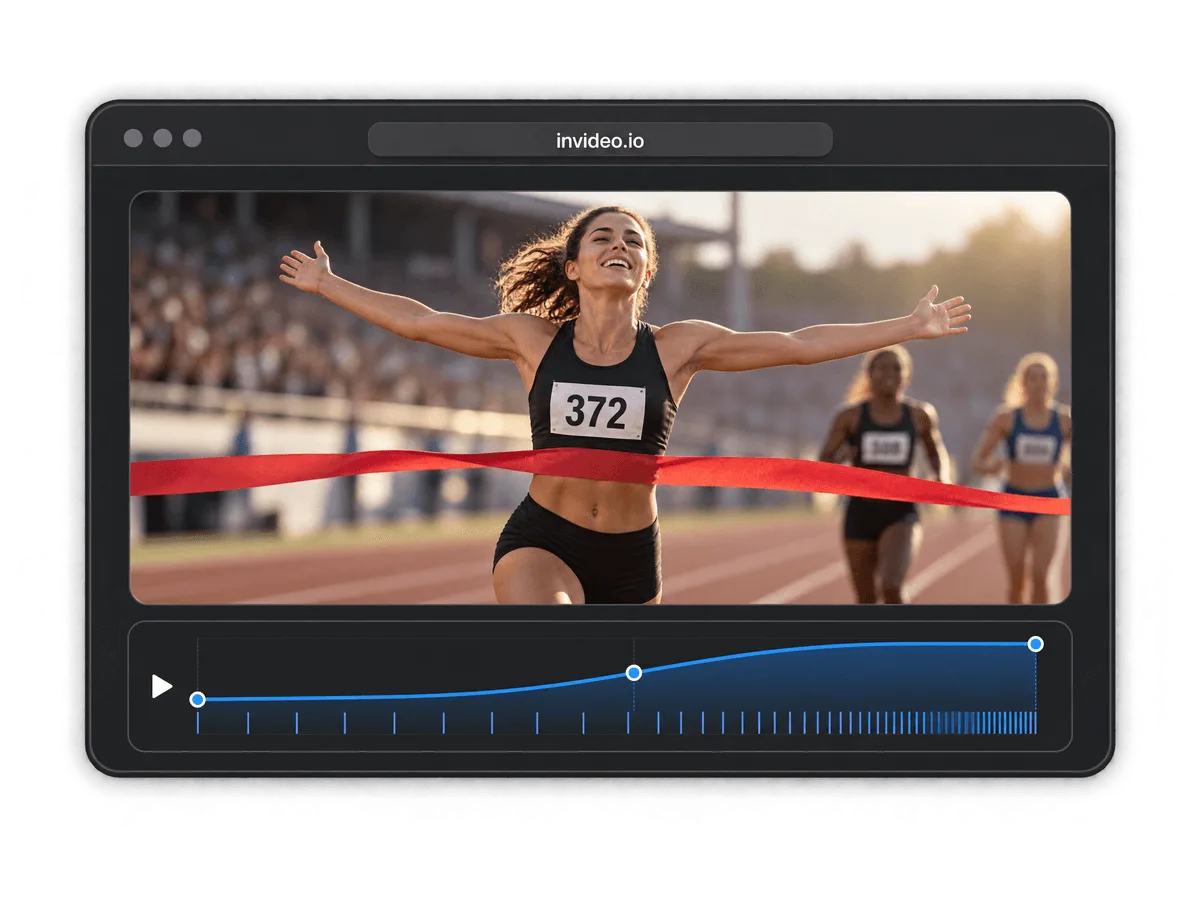
Speed up or slow down any video, free. No watermark, no software to install, no editing experience needed. Every common format, full resolution exports, and enterprise-grade security to keep your files private.
Start a new project in invideo's editor. Free, no download required.
Add your video file, or an entire folder, straight into the timeline.

Speed your clip up or slow it down. Adjust the rate on any clip, at any point in the timeline.

Export your video in full resolution, watermark-free.
Try invideo's free video trimmer tool.
Try invideo's free video cropper tool.
Try invideo's free video resizer tool.
Try invideo's free merge videos tool.
Try invideo's free video stabilizer tool.
Try invideo's free video cutter tool.
Try invideo's free video looper tool.
Try invideo's free rotate video tool.
Upload your video, set the speed on any clip, and export. invideo's editor runs in your browser, so there's nothing to install and no watermark on what you get back.
You can work with MP4, MOV, WebM, AVI, and every common video format, and export in the same range of formats.
The online editor is built for desktop browsers. On iPhone or Android, use the invideo companion app to edit on the go.
No. The editor is built for beginners and pros alike, with drag-and-drop, keyboard shortcuts, and mouse controls for the same actions.