Invideo Agentic Extend vs Premiere Generative Extend: Filling Gaps in a Video Edit
October 21, 2026

invideo Agentic Extend and Premiere Generative Extend both use AI to extend footage in an existing edit. This guide compares how they extend shots, create missing moments, continue dialogue, music and background sound, and let you refine the result. It also covers Premiere’s separate Generative Media Tool for creating clips within a sequence.
Cover: generated editorial illustration, not a product screenshot or comparison test.
The coffee has finished pouring, but the closing message still needs four seconds on screen. You need enough picture and sound to make the existing sequence work.
invideo’s Agentic Extend and Adobe Premiere Pro’s Generative Extend approach those missing moments differently. This comparison looks at longer holds, sound continuation and the work of fitting generated material into an edit.
Is extending a clip the same as freezing, looping or slowing it down?
No. A freeze holds one frame, a loop repeats recorded material, and slowing footage spreads its action over more time. Generative extension creates new material. Use the simplest method that gives the scene the movement and timing it needs.
Agentic Extend vs Premiere Generative Extend at a glance
invideo Editor combines a built-in editing agent with a professional, frame-accurate multitrack editing suite. Agentic Extend adds generated material within that workspace, where you can continue directing the agent or edit manually. Premiere Generative Extend adds short amounts of picture or ambient sound at a clip’s beginning or end, within Adobe’s established editing environment.
Editing task | invideo Agentic Extend | Premiere Generative Extend |
|---|---|---|
Hold a shot longer | Better suited to a hold beyond two seconds: advertised extensions up to 30 seconds give the action room to develop. The usable duration still depends on the generated result. | A focused fit for a few missing frames or a short transition handle. Its two-second video limit leaves longer continuations to another approach. |
Build a lead-in or fill a missing passage | invideo generates missing shots before, after or between existing clips using models such as Seedance 2.5, with the agent taking direction through chat. | Premiere generates missing clips through its separate Generative Media Tool; Generative Extend only extends clip edges. A September 2026 user report described problems with the Media Tool in Premiere 26.5, including ignored prompt changes, wrong reference frames and failed generations. |
Continue the soundtrack | Supports dialogue, music and effects as part of scene continuation, with separate audio layers for refinement. Generated speech still needs wording and performance checks. | Suits room tone or ambience for up to ten seconds. It does not extend dialogue or music, so those parts need another recording or audio workflow. |
Holding a product shot long enough for the ending
The final cup shot needs four more seconds for the call to action to land. Freezing the frame would stop the steam from moving, while looping the clip would repeat the same movement. We compare how both tools extend the shot.
In Premiere, Generative Extend can add up to two seconds of video. You select the Generative Extend tool and drag the clip’s beginning or end to request the extra frames. Premiere generates the continuation while leaving the original media untouched. Review the new material at the join, then use the portion that gives the cut or transition enough room.

Generative Extend processing extra frames at a clip edge. Source: Adobe.
For the coffee film’s four-second hold, that named feature’s duration limit is consequential. You would need a different approach, such as another shot or a separate generation workflow, rather than assuming one Extend operation will supply all four seconds.
In invideo Editor, Agentic Extend can extend a clip by up to 30 seconds. You describe the extra action and what should stay consistent. For this edit, the request is a four-second hold on the cup with the camera still and the steam moving, while leaving earlier cuts intact.

Generated illustration based on invideo Editor references: a scoped request for the final cup shot. This is an example brief, not a captured generation or verified continuation.
That larger allowance makes invideo a practical option when the shot needs more than a short handle. It does not establish that all 30 seconds will be usable, or that the product’s shape and movement will remain correct throughout. Watch the cup rim, handle, reflections and steam across the entire added section before retaining it.
Verdict: invideo is the stronger fit for a longer, directed continuation. Premiere Generative Extend is well suited to a short boundary repair when the rest of the job already lives in Premiere. Choose by the missing action and time, then judge the actual result.
Continuing dialogue, music and the sounds of the action
Extending the cup shot also means continuing its soundtrack. The music may end too soon, or a voiceover line may need completing. We examine how invideo Agentic Extend and Premiere Generative Extend handle dialogue, music and background sound.
In Premiere, Generative Extend can add up to ten seconds of audio, but spoken dialogue is not extended and clips containing music are ineligible. It is a fit for background sound rather than completing the voiceover line or developing the musical phrase.
Adobe recommends unlinking picture from music-containing audio when you only want to extend the video. Its known-issues guide points to Remix for adapting music duration. Remix rearranges the existing music; it is a different job from generating a continuation. The separate Generative Media Tool can also create sound effects, so a missing cup-placement sound does not require leaving Premiere.
In invideo Editor, Agentic Extend supports continuing picture alongside dialogue, music and effects. Its dialogue workflow lets you specify the remaining words of the scripted voiceover line. The additional words are generated speech, not recovered recording. For an interview or a factual statement, use the actual recorded words rather than presenting a generated completion as something the person said.
The separate audio layers let you keep an acceptable picture continuation while changing its sound. For the extended cup shot, you can lower the music beneath the completed voiceover, shorten an effect or move its entrance. Separate layers do not promise that every individual sound inside an audio clip is isolated.

Illustration of the coffee film’s separate voiceover, music and room-ambience tracks, with the music level lowered beneath the voiceover.
Verdict: invideo is the stronger fit when the missing passage needs speech or music as well as picture. Premiere Generative Extend suits ambient sound extensions; dialogue and music require other workflows. Neither feature’s scope establishes which will sound better on your material.
How well does the generated footage match your shot?
Four extra seconds only help if the cup still looks like the same cup. Its handle, reflections and steam should remain consistent, and the camera should follow the direction given. We examine what each workflow offers for maintaining that continuity.

Illustration of the product shape, lighting and motion to inspect in a continuation. These frames are illustrative, not outputs from either tool.
In invideo, the agent takes direction through chat and works with models such as Seedance 2.5. That gives the workflow access to newer generation capabilities within the editing project. For the cup shot, the relevant result is whether the model preserves the product and continues the steam without introducing an unwanted camera move.
In an October 2026 walkthrough, creator Moe Lueker used invideo Editor to generate B-roll and revise its presentation within an existing edit. His finished sequence provides a practical example of generated footage used alongside recorded material.
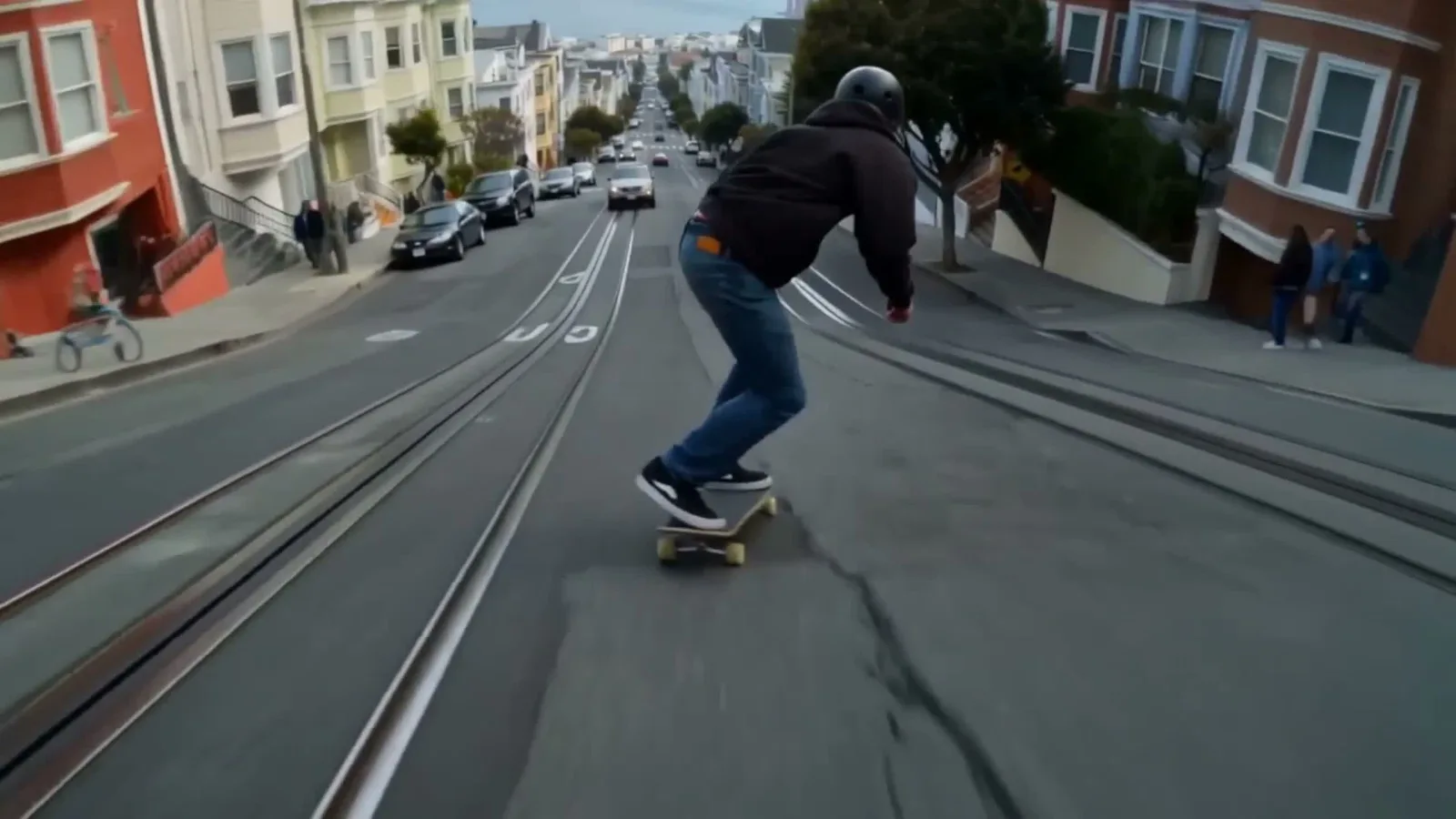
Kling 3.0 B-roll generated in invideo Editor for Moe Lueker’s video. Source: creator’s walkthrough.
In Premiere, Generative Extend handles short continuations, while the separate Generative Media Tool offers model selection and reference frames for generating new clips. Feedback identifies problems in both workflows. An April 2026 Generative Extend report described a door-closing action becoming unrealistic when the editor switched to higher-resolution source footage. A September 2026 Generative Media Tool report described ignored prompt revisions, incorrect reference frames and failed generations in Premiere 26.5.
These reports identify specific failures to check for, rather than establishing how every generation will perform.
Which should you choose?
Go with invideo Editor when your edit needs a longer continuation or generated speech and music alongside picture. Agentic Extend’s broader scope, separate audio layers and full manual editing suite let you develop and finish those changes in one project.
Go with Premiere when you already work in Adobe and need a short picture or ambience extension to land a cut. Generative Extend is a focused fit for that repair, but its duration and audio restrictions matter. For a larger missing passage, consider Premiere’s separate Generative Media Tool rather than expecting the Extend feature to cover it.
Frequently asked questions
Will either tool recover what the camera failed to record?
No. A generated continuation is a new interpretation of the available context. It may suit a creative scene, but it is not evidence of the original missing action or speech.
Can I assume the extension matches my source resolution?
No. Adobe documents native Extend resolutions through 4K and generated frame rates from 12 to 30 fps, with conversion behavior for other sources. The reviewed invideo Extend sources do not specify a universal output-resolution guarantee. Check the generated media’s dimensions and frame rate, then watch both joins before delivery.