Using your phone to capture camera motion vs Blender proxy rigs for AI video — which is better?
Last updated August 10, 2026
For AI video camera control, a phone recording is the better path for almost every move: one phone clip delivered a camera move that 50+ prompt-engineered generations could not, with zero equipment and no scene setup. Blender proxy rigs achieve similar precision but require building a blockout scene and animating a camera path first.
Compare the two workflows step by step and the gap is mostly overhead. The Blender path means building a proxy scene — box stand-ins for your subjects, an animated camera path between them, a render of that motion — before any AI generation starts. The phone path is four steps: frame the shot on your phone, hit record and physically perform the move, upload the clip as a motion reference, and generate. No gimbal, no drone, no 3D scene, no professional equipment of any kind.
On precision, the phone method matches the rig. Any move you can physically execute transfers — a dolly-in, a simple pan, a compound push-in-and-swirl — and the reference scene doesn't need to resemble the output at all: a toy figure filmed on a table has driven a cinematic dolly-in on a person riding a horse through a desert. The phone video is never final content; it's purely a motion driver that gets discarded once the AI scene is generated. That also means you never have to source matching reference clips online for an unusual move — you just perform it.
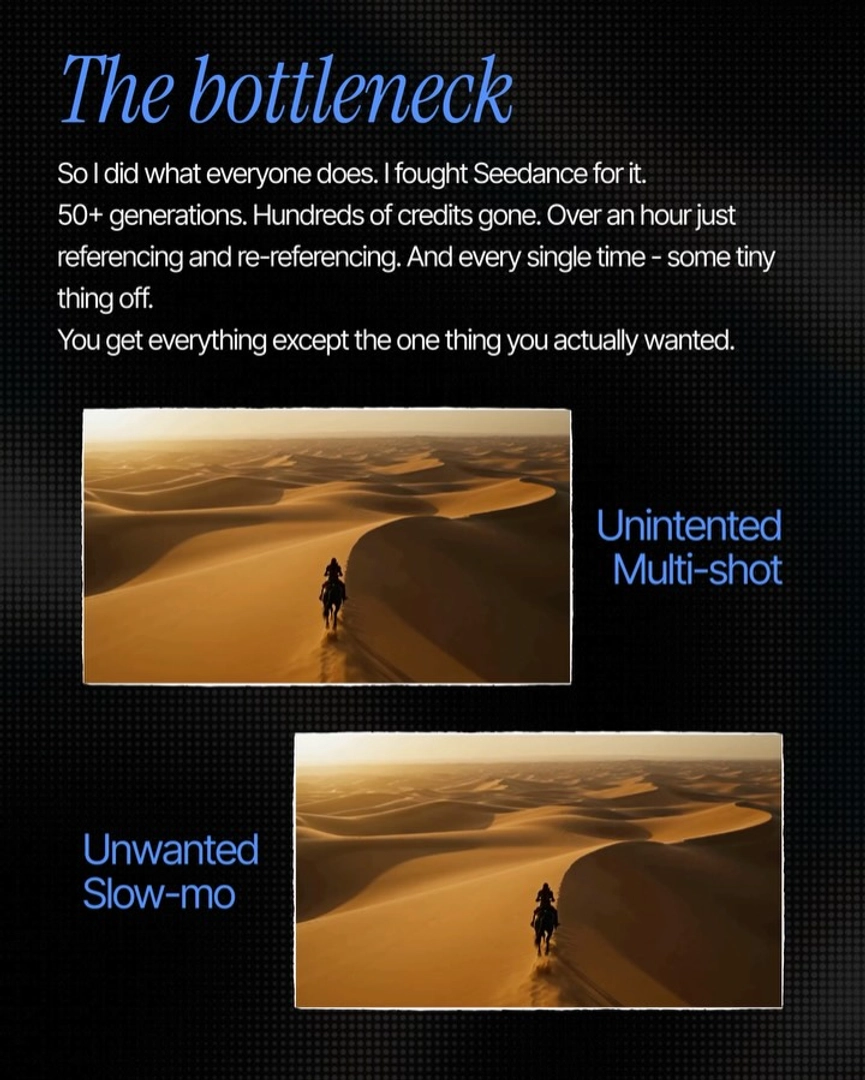
On cost, the alternative paths are measurably worse. Trying to prompt-engineer one specific multi-part camera move consumed 50+ generations, hundreds of credits, and over an hour of referencing and re-referencing — and still came back with some detail off each time. One phone clip replaced all of it. A Blender rig avoids the prompt lottery but shifts the cost into scene construction and camera animation for every new shot.
The pipeline itself is hands-off. invideo is an agentic video creation tool with the current generation models available inside it, and the invideo agent handles the extraction: upload your phone clip, and it pulls the motion data and routes it to Seedance 2.0, which renders the final scene with that camera move applied. One optimization matters most for quality — match your phone recording's framing to the first frame of your generated or target video; the closer the alignment, the better the motion transfer, and skipping this step visibly degrades the output.
Where does Blender still earn its place? Only for camera paths no human can physically perform with a phone in hand, or if you already run a full 3D pipeline where the blockout exists anyway. For everything a body can do — which covers the moves that make a shot feel directed — the phone reference gets equivalent precision without the modeling work.
Watch some of these to see what works for you:
Everyone's still out here tripping over Blender. 'Build the scene, drop a box here, a box there, move the camera between them.' You could get the exact same precision by just recording the move on your phone. And it works every single time.
— invideo's creative team