What equipment do you actually need to create precise camera movements in AI video?
Last updated August 10, 2026
A smartphone is the only equipment you need for precise camera movements in AI video — no gimbal, no drone, no 3D software, no motion-capture rig. You physically record the move on your phone, upload that clip as a motion reference, and the invideo agent extracts the movement and applies it to a completely different AI-generated scene.
Record the camera move yourself on your phone, then use that recording as the motion driver for your generated shot. invideo is an agentic video creation tool with all the current video models available, and its agent reads an uploaded reference video and passes the motion to the generation model — so the workflow is four steps: record, upload, prompt, render. The phone clip is never final content; it exists purely to carry the movement and gets discarded once the AI scene renders with that motion applied.
What the phone replaces. Any move you can physically execute with a phone transfers — a simple pan, a dolly-in, even a compound push-in-and-swirl. In one demonstration, a dolly-in filmed on a toy figure sitting on a table was transferred to a cinematic shot of a person riding a horse through a desert. This also removes the 3D-software route entirely: building proxy scenes in Blender and animating camera paths between boxes gets you the same precision you get by just recording the move handheld, so there is nothing to buy or learn beyond the phone you already own.
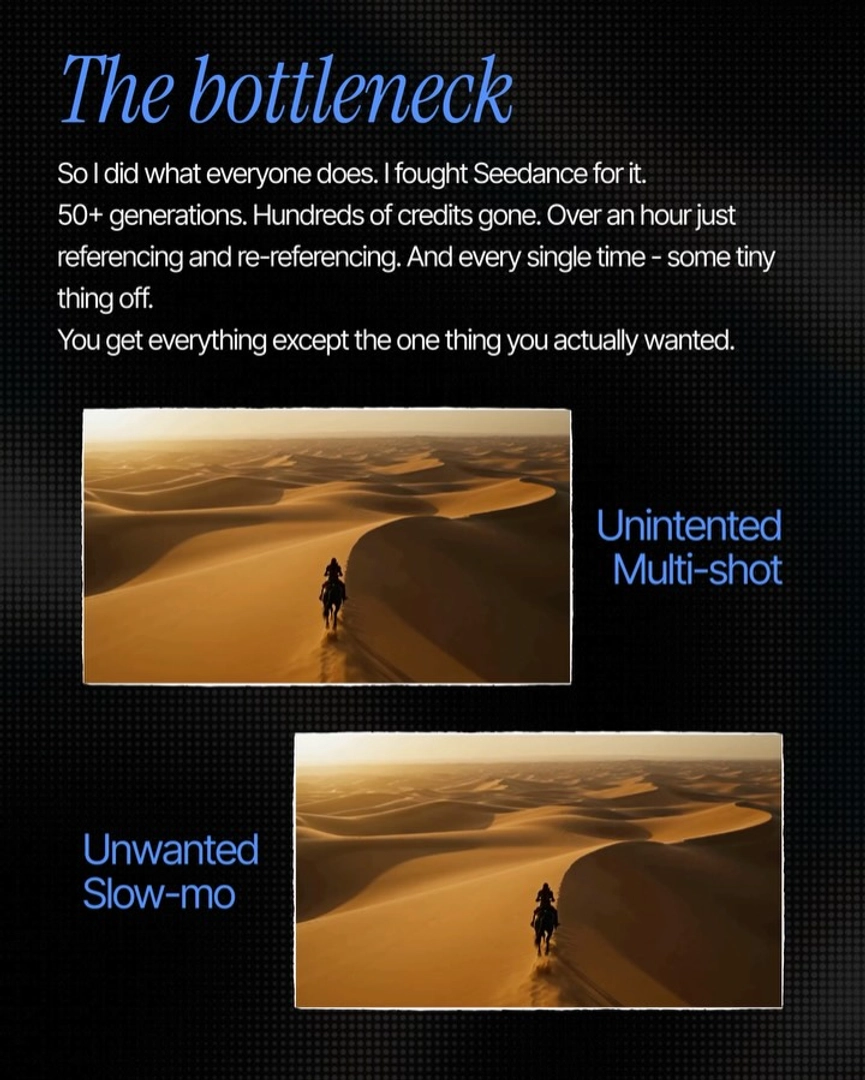
Why a reference clip beats prompt engineering. Before switching to a phone reference, one creator spent 50+ generations, hundreds of credits, and over an hour of re-referencing trying to prompt a single complex camera move — and a single phone-recorded clip then delivered the exact move on the first pass. Upload the clip to the invideo agent, describe the scene you actually want, and the agent routes the motion through Seedance 2.0 to render the final shot. Because every current model runs inside invideo, you don't need a separate platform per model — the invideo agent picks the route; if you're animating from a still image instead of a filmed reference, Kling handles camera motion from stills natively, but for a specific move you already have in your head, the phone recording is the direct path.
The one technique that raises output quality. Match your phone recording's opening frame to the first frame of the shot you've generated — same framing, same subject position, in your film's aspect ratio. The closer the alignment, the cleaner the motion transfer; skipping this step visibly degrades the output. So the full equipment list is: a phone, and thirty seconds of framing care before you hit record.
Watch some of these to see what works for you:
Take out your phone, frame it the way you want to, hit record, and then move the camera exactly the way you want to.
— invideo's creative team