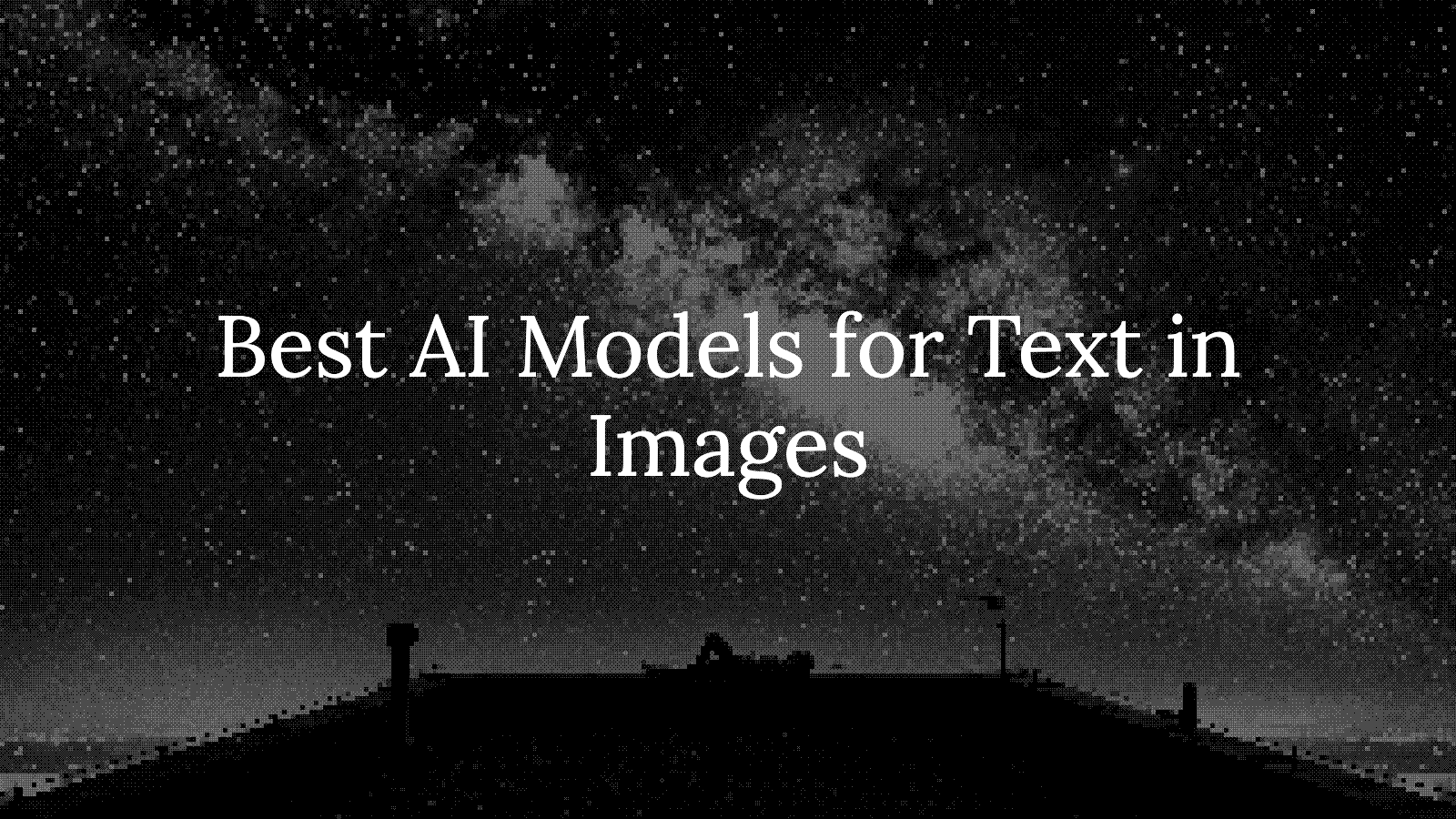
Posters and event graphics
Explore a visual direction around an event name, date and theme. Check the generated wording and details before using the design.
Try now
Turn a creative brief into design visuals with invideo. Tell the agent what you are making, who it is for and how it should look. Generate posters, social graphics and campaign concepts, guide revisions with references or sketches, and develop the direction through conversation.













Brief the agent on the audience, purpose and visual hierarchy. For a launch graphic, specify the product, headline and focal point. For a social post, describe the format and the message people should notice first.
Try now
Use agent chat to arrange shapes, drawings and reference photos. Mark where the subject and text should sit, then ask the agent to generate a design using that composition.
Try now
Ask for a quieter background, a different colour palette or more space around the subject. Annotate the result to point out specific changes and compare revisions as you develop the design.
Try now
Explore a visual direction around an event name, date and theme. Check the generated wording and details before using the design.

Build a visual around an announcement, product or story, with framing that suits the intended post.

Try different compositions and art directions for an ad or launch before choosing the look to develop further.

Develop mood images and packaging concepts to communicate a direction. Use the results to explore the look before preparing final production artwork.
Connect the invideo MCP to your favorite LLMs to turn a creative brief into design visuals directly from your chat. Describe the format, message and style, then refine the result in invideo.
Include the audience, intended placement, key message, colours and visual references. Write out any text you want in the image and describe its position.
Ask the agent to create the design, or choose an available image model directly. Review the layout and imagery, then use feedback or sketch annotations to guide another version.
Check the wording, product details and composition at the size you intend to use. Download the image, or use it as a reference for a video and continue the edit in invideo editor.
Collaborate in real time with live cursors to show what everyone's working on.
Turn any script or idea into a shot-by-shot plan, then tweak as needed before generating.
Write your script inside invideo, and ask an AI co-writer for help if you'd like.
Picture Premiere Pro with full AI.
Create custom agents to fill specific roles like cinematographer, music designer, and more.
Backed by the firms behind Stripe, Spotify, Flipkart, and ByteDance.
Loading pricing…
You can generate image-based designs such as social graphics, poster concepts and campaign visuals. Start with a brief that explains the purpose, message and look, then develop the result through feedback.
Image models such as Nano Banana Pro support text generation. Include the exact words and describe their placement and style. Check spelling, dates and legibility in the generated image before you use it.
Yes. Upload reference images with a supported image model, or use Sketch in agent chat to show the layout. Explain which details the agent should follow, such as the palette, composition or product placement.
Include your colours, visual references and brand direction in the brief. Describe the elements that should stay consistent between versions, then review each output against those references.
Available output formats depend on the selected model. Check its output options when you need a vector or layered file; generating a design image does not by itself create separately editable text and graphic layers.
Yes. Use a supported image-to-video model and describe how the scene should move. You can then arrange the generated clip with other visuals and audio on the timeline in invideo editor.