Logging the footage
The agents watch every take and log each line, moment and angle, so you never scrub hours of footage to find the best deliveries.
Try now
Arrange clips, trim to the exact frame, sync audio and layer in effects, titles and transitions on a multitrack timeline. Every cut, sound and graphic sits on a track you can edit, retime or rework, and AI agents can take on the grunt work when needed.
Stack footage, b-roll, voice, music, text and effects on separate tracks. Trim, cut and reorder to the frame with snapping and markers, while linked selection keeps picture and sound in sync as you move clips.
Try it
Animate position, scale, rotation, crop, opacity and effect parameters on any clip. Set a keyframe, move the playhead, change a value, and the editor fills in the motion between the two.
Try it
Build animated titles, lower thirds and on-screen text as layers on the timeline. Keyframe each layer, time it to the cut and adjust it whenever the edit changes.
Try it
Shape how every move eases in and out with custom Bezier curves. Drag the handles to make motion snap, drift or settle the way the shot needs.
Try it
Correct and grade with colour wheels, tone curves, hue and saturation curves, qualifiers and LUTs. Check each adjustment on a waveform scope so scenes hold together from shot to shot.
Try it
Save checkpoints, branch to try a different cut and roll back to any earlier state. Explore a bolder version of the edit without losing the one that already works.
Try it
The agents watch every take and log each line, moment and angle, so you never scrub hours of footage to find the best deliveries.
Silences, filler and flubbed takes come out, and a first draft builds from the best takes on your multitrack timeline before you sit down to edit.
Mark the first few beats and the agents carry the pattern through the track, landing your shots on the music.
Point the agents at an edit you admire, and they apply a similar pacing, structure and style to your own footage.
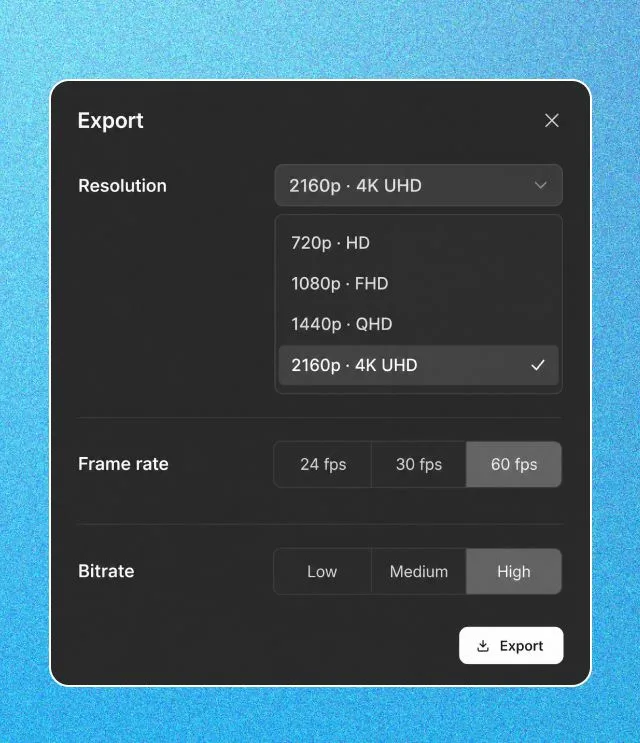
H.264 MP4, straight from the browser.
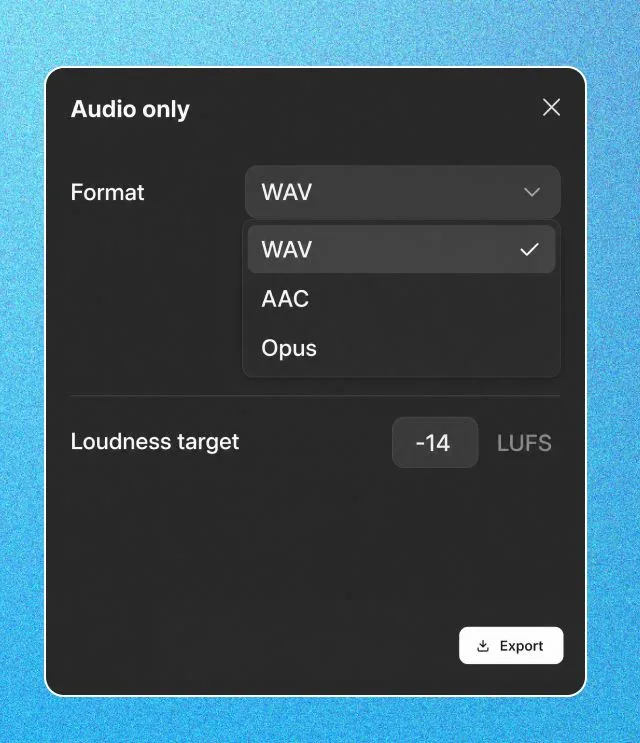
WAV, AAC, or Opus when the mix is the deliverable.
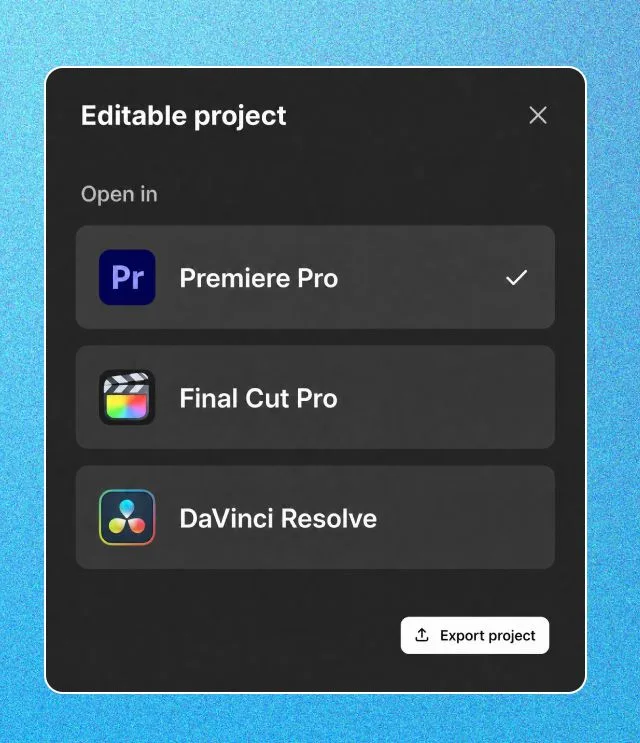
Premiere Pro, Final Cut Pro, or DaVinci Resolve. Cuts and layers intact.
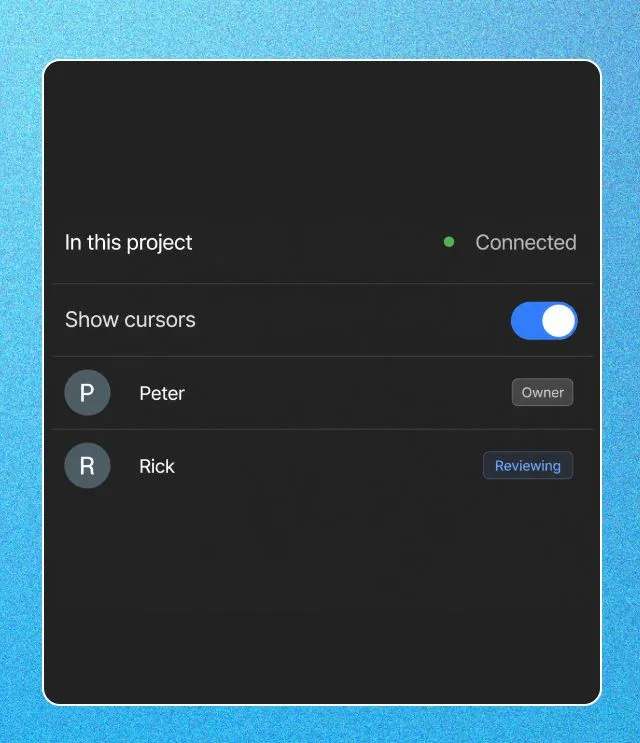
Anyone can scrub the finished cut in the browser and leave frame-accurate comments. The agents can pick the notes up from there.
Talking-head footage cut tight, with b-roll, captions and on-screen graphics layered above.
Vertical edits paced for Reels, Shorts and TikTok.
Product shots, motion graphics and a voiceover timed to the music.
Multiple angles and long takes shaped into a story.
Connect the agent you already use to invideo's editor. It trims, grades and mixes on your timeline while you watch every change land.
A video editor where clips, audio, text and effects sit on tracks laid out over time. You arrange, trim and layer them to build the edit. invideo editor is a multitrack timeline editor with AI agents that do editing work on the same timeline.
Yes. The manual editor is free: upload, cut on the timeline, grade, mix and export. Agents and AI generation use credits, and you choose when to bring them in.
A real timeline. Nothing is locked to a template. Every clip, caption and sound sits on a track you can rearrange.
Yes. Everything an agent does lands as normal clips on your timeline. Retrim, reorder, retime, swap takes or undo any change.
Yes. Describe the edit and let the agents build it, then learn the timeline by changing their cut.
An H.264 MP4, audio only as WAV, AAC or Opus, a review link, or an editable project. The project opens in Premiere Pro or Final Cut Pro, and in DaVinci Resolve through OpenTimelineIO, with cuts and layers intact.
No. invideo editor runs in your browser on a desktop, laptop, tablet or phone. Agent jobs keep running after you close the tab.