How do you know when an AI-generated video clip is good enough to keep?
Last updated July 27, 2026
An AI-generated clip is good enough to keep when it passes a standard you locked before generating — style match against your references, character consistency, continuity with adjacent shots — and contains at least a few usable seconds. Calibrate to documented yields: roughly 25% of generated clips survive editorial, averaging 3 generations per usable shot.
Judge every clip against a standard you set before generation, not on how it looks in isolation. invideo is an agentic video creation tool with all the current video models, and the yields below come from productions documented on it.
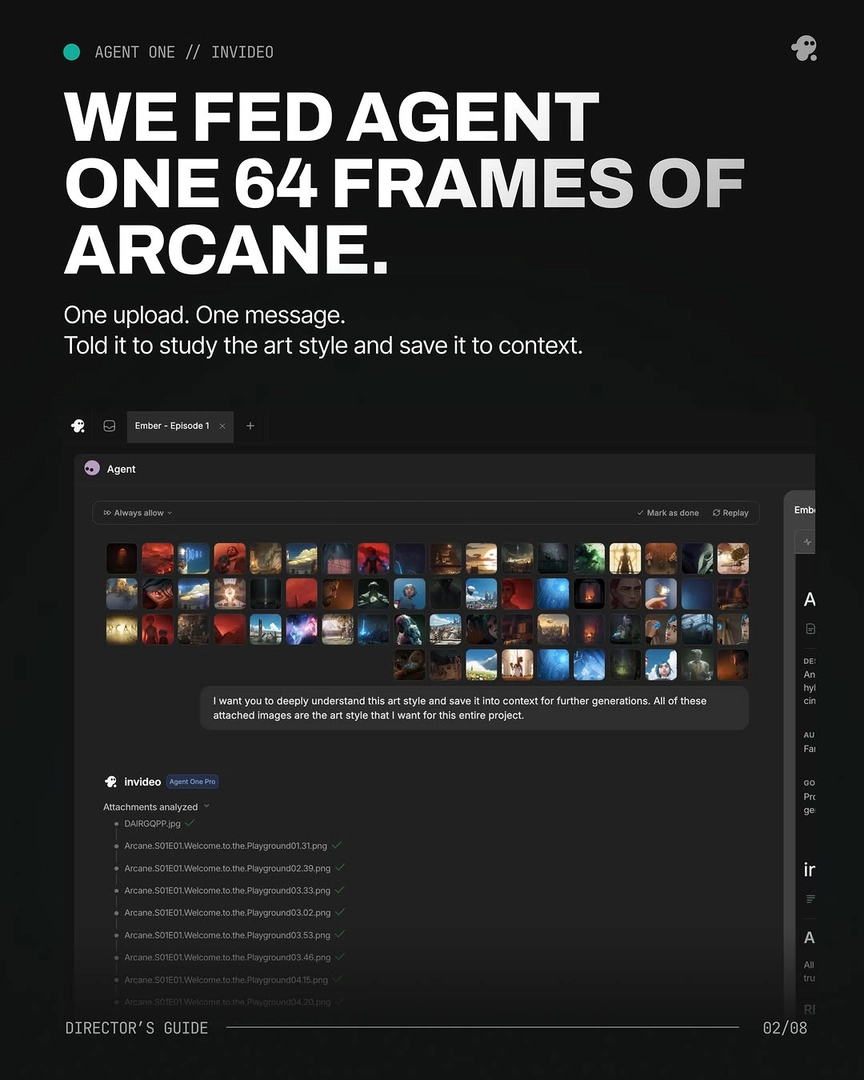
Check the clip against your locked references first. Compare it to your style references, character sheets, and the previous shot in the sequence: does the lighting source match, does the character match the sheet, does the spatial geography hold? You can make the invideo agent run this gate for you — in one production it was instructed to evaluate every shot against 12 parameters (film reference, shot design, length, style interpretation, emotional register, lens, lighting plan, color script, atmosphere, blocking, final prompt, negative prompt) and to hold each frame against the loaded treatment before returning it. A clip that looks impressive alone but breaks continuity with its neighbors is not a keeper.
Judge in usable seconds, not whole clips. Each 15-second generation typically contains 4–7 distinct shot candidates, and documented productions kept an average of only 5 seconds per clip. So the bar is not "is the whole clip perfect" but "is there one strong segment in it." A clip with three good seconds is a keeper: Frankenstein shot assembly — stitching the best seconds from multiple generations into one composite shot — accounted for 17 of the final shots in one 3-minute episode, over 40% of the finished cut.
Calibrate your keep rate to realistic yields. Across one documented production, 41 of 164 generated clips made the final cut — a 25% selection rate — and the average across shots was 3 generations per usable result. Overgeneration is a deliberate budget line, not waste: keep anything that clears your reference checks, generate alternatives anyway, and make the final keep/cut call in the edit where you can compare options side by side.
A single flaw doesn't disqualify a clip. If one detail ruins an otherwise strong take — a wrong accessory, a continuity slip — trace the error to its source instead of discarding the clip: in one documented case the invideo agent identified the exact character-sheet panel causing the error, fixed it there, and regenerated only what was needed. Surgical fixes beat slot-machine re-rolls.
Treat unexpected-but-strong as a keep signal. When a result is bolder than what you asked for but works, lock it rather than revising toward your original mental image — "if you feel like it's too off, then it means we should lock it in" was the working heuristic on one production.
Finally, reduce the number of bad clips you have to judge at all: running the invideo agent in Always Ask mode gives you approval over each prompt and its attached references before credits are spent, so more of what comes back is worth evaluating.
Watch some of these to see what works for you:
Out of 164, 41 videos made the cut, and on average only 5 seconds of each 15-second clip was used. That's how 41 clips became a 3-minute episode.
— invideo's creative team