What negative prompts should you use for AI character reference sheet generation?
Last updated July 27, 2026
For AI character reference sheets, run two negative-prompt layers: an artifact layer (bad anatomy, extra limbs, missing fingers, distorted faces, blurry, low quality, watermark, text) and a multi-view consistency layer (merged views, overlapping figures, figures touching, views blending, different face between views, different hair between views, inconsistent outfit between panels, gradient background, shadows on backdrop).
Paste this as your starting block, then tune to your style:
Technical / artifact layer — bad anatomy, bad hands, extra limbs, missing fingers, deformed hands, distorted face, asymmetrical eyes, low quality, blurry, jpeg artifacts, watermark, signature, text, logo. These suppress the universal failure modes every diffusion model produces and apply to single portraits and sheets alike.
Multi-view layout layer (character-sheet specific) — merged views, overlapping figures, figures touching each other, views blending into one another, panels merging, duplicate poses, cropped figures, cut-off limbs, uneven spacing. Character sheets fail more often than single images because the model has to hold several figures on one canvas without bleeding them into each other — this layer is what stops that.
Cross-view consistency layer — different face between views, different hair between views, different outfit between panels, inconsistent skin tone, inconsistent proportions, different age between views, changing accessories, mismatched colors. This is the layer most prompt lists skip, and it's the one that decides whether the sheet is usable downstream as a video reference.
Scene / background layer — gradient background, busy background, shadows on backdrop, props in hand, held objects, environmental clutter, depth of field, bokeh. Keep the backdrop a clean neutral so the sheet reads as a reference, not a portrait. Hridaye, invideo's creative director, calls this out directly: "Objects should be removed from characters' hands before generating multi-angle character sheets to avoid inconsistency across turnaround angles."
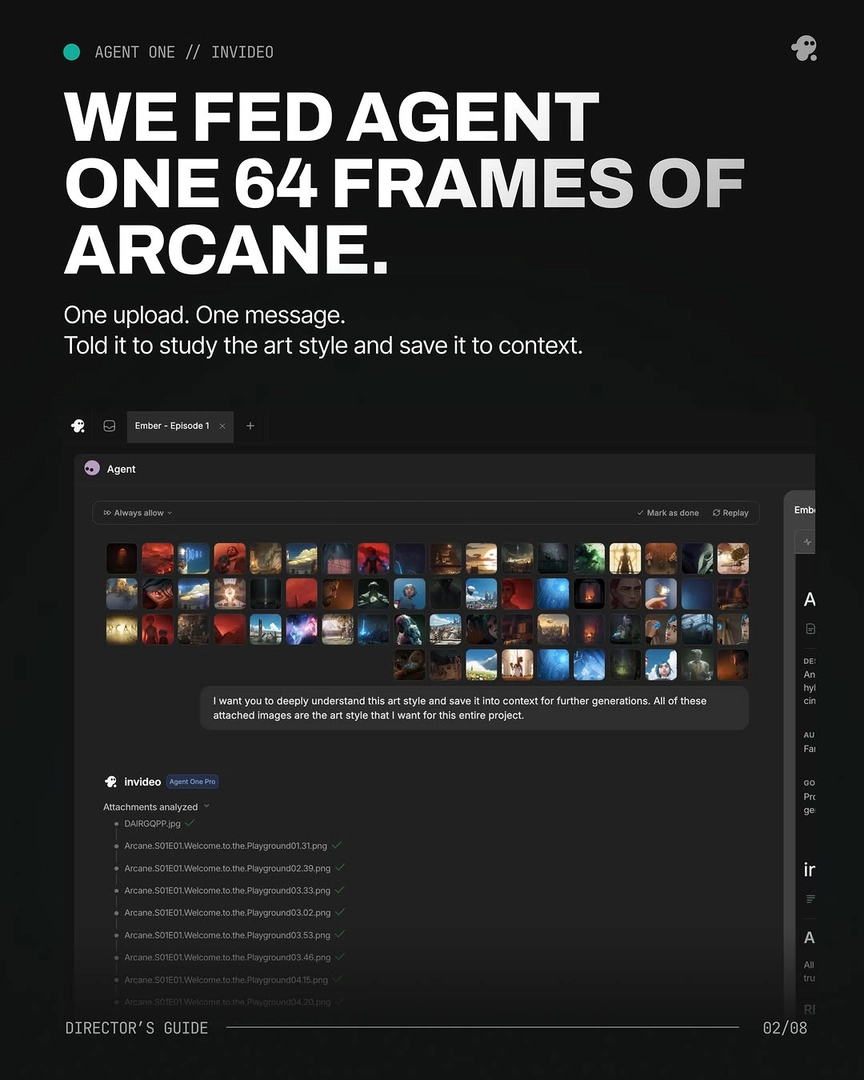
Style-drift layer — invert your target style here. For an Arcane / hand-painted sheet, block photorealistic, 3D render, CGI, live action, plastic skin, smooth shading. For a photoreal sheet, block anime, cartoon, illustration, painted, stylized. One production fed 64 frames of reference style into context and then enforced the inverse as a negative on every prompt — without that explicit block, models drift toward photoreal defaults.
Platform syntax — inside the invideo agent, write negatives in plain language as part of your shot brief; the agent routes to the right image model (Recraft for portraits with real skin texture — pores, lines, stubble — and Nano Banana / GPT-Image-2 for multi-angle turnaround sheets) and handles the model-specific negative syntax for you. You don't maintain separate prompt formats per model.
Tactical sequencing. Generate four variations of every sheet, pick one, and lock it before any video. Across documented productions this locks character identity in roughly five generations at about $9.78 per character. When a continuity error slips through (an earbud appearing in one panel, hair color drift in the back view), ask the invideo agent to inspect the sheet — it identifies the exact panel, corrects it in context, and every downstream shot inherits the fix instead of you re-rolling shots.
Per-beat sheets. If your character changes across the film — picks up a trinket, swaps a costume layer, ages — generate a separate sheet per beat with the same negatives. One short film needed a fresh sheet for every city the character passed through because a prop kept accruing.
The through-line: negative prompts on a character sheet do two jobs at once — kill artifacts, and force the same person to appear in every panel. Write both layers explicitly; don't assume the model will infer either.
Watch some of these to see what works for you:
Objects should be removed from characters' hands before generating multi-angle character sheets to avoid inconsistency across turnaround angles.
— Hridaye, invideo's creative director