How do you maintain a consistent visual style across every shot in an AI-generated film?
Last updated July 27, 2026
Visual style drifts across AI shots because every generation is an independent roll of the dice. You lock it by giving one agent a written visual language up front, locking character and environment references before any video, and gating every shot prompt with the same style block — so every frame is checked against the same rulebook.
Style drift in AI video is a context problem: each generation call samples fresh from latent space with no memory of the last shot, so characters wander, lighting shifts, and palette breaks unless something external holds the grammar. The fix is to externalize that grammar once, then route every shot through it. invideo is an agentic video creation tool where one agent holds a persistent context across the whole project and routes shots to the right model (Veo, Kling, Seedance 2.0), so the rulebook you write at the start governs every generation downstream.
1. Write a visual language document, not a mood board. Codify the film's look as discrete, teachable directives — camera spec, lens and aspect ratio, lighting source, color palette with hex values, composition, atmosphere, mood register, film/DP attribution, and a negative-prompt list of what the look is NOT. One documented Wong Kar-wai-style short used a 25-page treatment covering 14 sections; a horror short coded its director's style as five escalating emotional stages, each with locked rules for camera, lighting, and sound. The shape doesn't matter — the completeness does. As Hridaye, invideo's creative director, puts it: "IT ISN'T A LOOK. IT'S A LANGUAGE. Color as diagnosis. Subliminal dollies. Dread before dialogue." Upload this document to the invideo agent once and instruct it to save it to context for every generation.
2. Ingest style references in bulk and name what to ignore. If you're matching an existing aesthetic, upload a thick batch of frames in one message — one production fed 64 frames from a single episode of reference animation — and tell the agent to deeply analyze and save the style to context. Equally important: tell it what NOT to carry. A working style block reads "This MUST look and feel like [aesthetic] — not live action, not photorealistic. Every surface has hand-painted brushstroke texture." Exclusion is as load-bearing as inclusion; without it, the model drifts toward photoreal defaults.
3. Lock character and environment references before any video. This is the single step that prevents consistency problems for the rest of the film. Generate four options per asset — character sheets with multiple angles (front, side, back, face and mid-angle closeups at 4K), plus environment plates — pick the best one, and lock it into context. A 70-second short held two characters consistent across every scene with character sheets alone, no LoRA. If the character evolves through the film (a costume change, an accumulating prop), build a separate sheet per beat rather than expecting one sheet to cover all states.
4. Attach the style block and references to every shot prompt. Run the agent in a mode that asks before generating, so you approve each prompt. Every prompt after the lock should start with the same style block and the relevant character/environment sheet — across 164 clips for one 3-minute episode, every generation began with the locked block. The 9-element prompt order used by directors on the platform — camera spec, lens and aspect ratio, lighting source, palette, composition, atmosphere, mood register, film/DP attribution, negative prompt — is the disciplined version of this: same scaffold, varying contents.
5. Use grids and surgical edits instead of re-rolls. Generate image grids (3 per round is a common cadence) rather than single shots so you're comparing options against the locked references, then extract the chosen panel and let it replace the original reference as the continuity anchor for nearby scenes. When a continuity error appears in a shot — wrong prop, drifted feature — don't re-roll the shot. Ask the invideo agent to inspect the character sheet, identify the panel with the error, fix it there, and store the corrected sheet so every subsequent shot inherits the fix. Surgical edits, not slot-machine re-rolls.
6. QA every shot against the locked rulebook. Treat the treatment document as a checklist the agent runs against itself. In one documented horror production, the agent caught Scene 1 shadows leaning blue-green instead of neutral gray, pulled the Stage A rule from the doc, flagged the deviation, and offered a warmer pass without being asked. You can force this: after each generation, prompt the agent to check the frame against the loaded document for camera, lighting, palette, and stage register, and flag any mismatch. Once the doc is loaded, a three-word continuation prompt — "Everything should match" — is enough for the agent to hold character, lighting, lens grammar, and spatial continuity across a sequence.
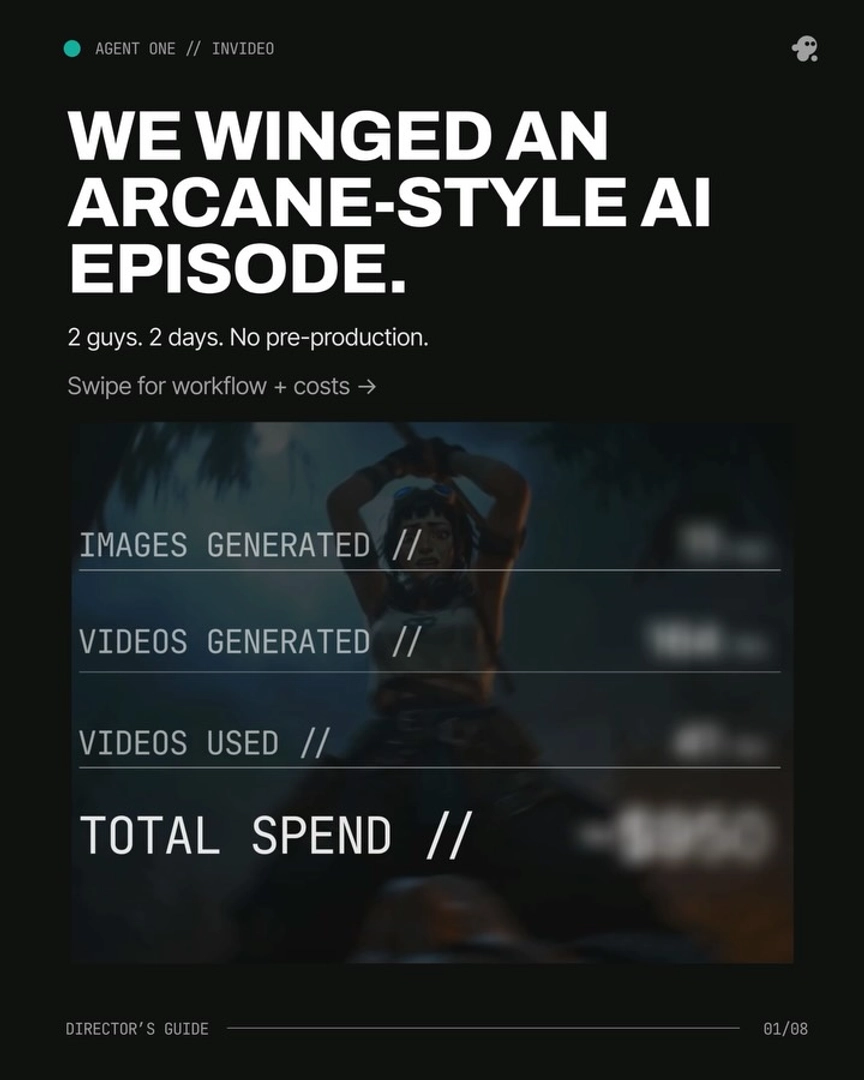
A final unification pass in color (LUT or grade) tightens any residual variance across shots, but if steps 1–6 are done well, that pass is touch-up, not rescue. Across documented productions — a 70-second short at $750, a 90-second horror short at $870, a 3-minute animated episode at $950, a 2-minute brand promo at $1,500 — the productions that came in clean shared the same spine: one visual language document, locked references, the same style block on every prompt, and the agent as the auditor.
Watch some of these to see what works for you:
Agent One reads your treatment doc once and keeps it loaded across every frame. The thread stays held, scene to scene. No re-explaining. No starting over.
— Hridaye, invideo's creative director