What is storyboard lock in video production, and when do you need it for AI-generated videos?
Last updated July 27, 2026
Storyboard lock is the production milestone at which every shot's framing, order, pacing, and audio cues are frozen and signed off — the visual equivalent of script lock and picture lock. For AI video, you need it before the first generation run on any multi-shot project where continuity, character, style, or audio timing matter.
Treat storyboard lock as the gate between planning and generation. By the time it's locked, four things should be fixed and approved: the shot list with framing notes for each shot, the scene order, the pacing target per shot (length and rhythm), and any audio cues — dialogue, music hits, SFX beats — that the visuals have to land against. Once that's signed off, you generate against the lock; you don't redesign shots mid-pipeline.
You need storyboard lock whenever generation drift would be expensive to fix. That's any multi-shot project where a character, location, or style has to carry across cuts; any sequence cut to music or VO where pacing is non-negotiable; any client or agency deliverable where sign-off has to happen before spend; and any one-take or continuous-coverage sequence where the next clip's start depends on the previous clip's end. If you skip the lock, you discover continuity and pacing problems after generating — and re-prompting at scale is where credits and days disappear. One documented 3-minute animated episode generated 164 clips to land 41 in the final cut (~25% selection rate, average 3 generations per usable shot); that ratio is survivable when you're generating against a locked plan and brutal when you're not.
You can skip a formal lock on single-shot tests, throwaway style probes, or solo experiments with no continuity load — anything where regenerating from scratch is cheaper than planning. The moment a second shot has to match the first, lock.
invideo is an agentic video creation platform with the current video and image models routed by a single agent — so the lock lives inside the same context that generates against it. Practically, that means: load your full script and shot breakdown into the invideo agent, then run a storyboard sub-agent to visualize each shot as a frame before any video generation. Review the visualized board end-to-end — framing, order, pacing, audio cues — get sign-off (yours or the client's), and only then move to clip generation. Because the board is held in agent context, every subsequent generation is checked against it; when you change a shot, you change it in the board first so the lock stays the source of truth. One documented brand promo ran 8 specialist sub-agents in parallel off a locked board and produced a 2-minute film in 3 days for ~$1,500 — the lock is what made parallel agents safe to run, because every agent was generating against the same frozen plan.
Lock before the first generation run, not after. If pacing or audio sync matter, time the board to your edit length before locking — a board that runs long on paper runs longer in clips. As Hridaye, invideo's creative director, puts it: "You direct. It remembers." The lock is what there is to remember.
Watch some of these to see what works for you:
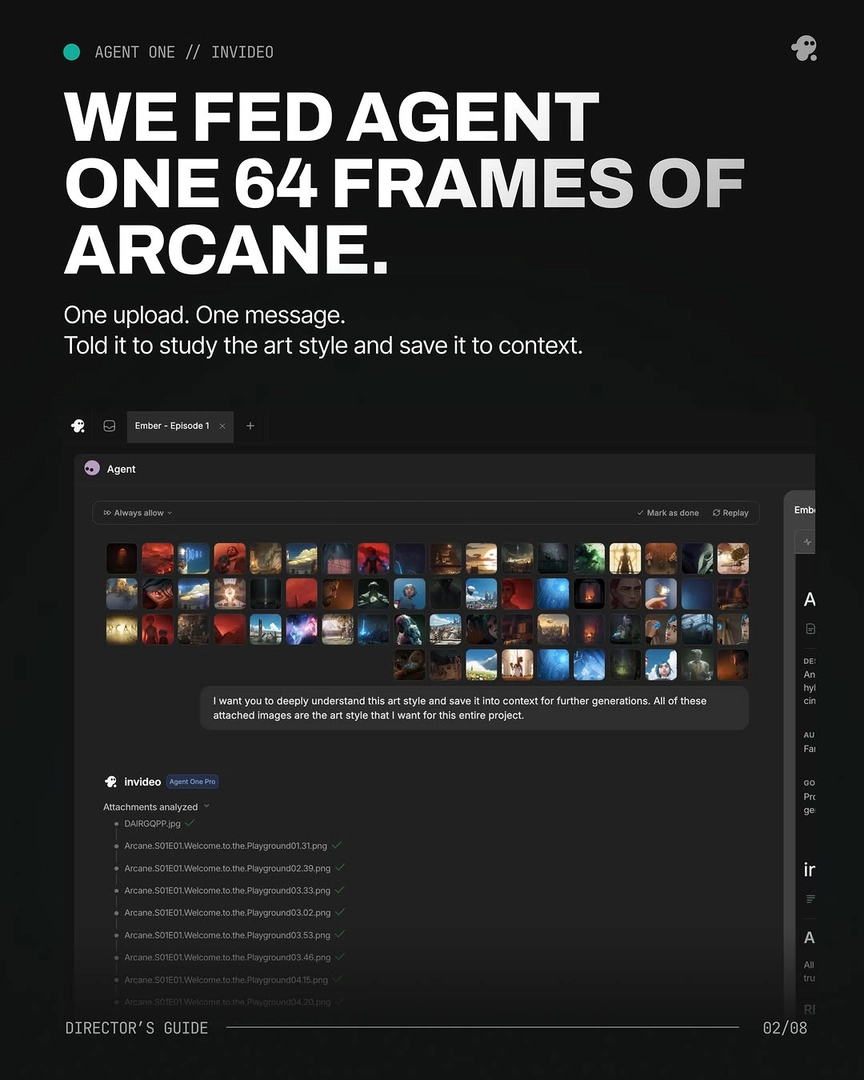
You direct. It remembers.
— Hridaye, invideo's creative director