What is the Three-Sets-of-Three batch method for AI storyboard-to-video generation?
Last updated August 10, 2026
The Three-Sets-of-Three batch method splits a finalized 9-shot storyboard grid into three 3-panel grids and animates each one separately in Seedance 2.0, instead of feeding all nine shots in a single pass. The split prevents plasticky-looking footage, makes each frame large enough for the model to read, and gives you batch-by-batch control over edit pacing.
Use this method at the point in a storyboard-to-video pipeline where your shot grid is locked and ready to animate. In the documented workflow it comes from, GPT-Image-2 generates candidate 3×3 storyboard grids from your storyboard concept, you handpick the frames you like into a final 9-panel grid, and then — instead of sending that whole grid to Seedance 2.0 at once — you split it into three sets of three. invideo is an agentic video creation platform with the current image and video models built in, so the grid generation, the split, and the animation passes all run through the invideo agent in one place.
Why the split works. Three mechanisms drive it. First, input economy: the fewer inputs you load into a single Seedance 2.0 generation pass, the better the output — nine shots in one pass is what produces the plasticky look. Second, readability: splitting the 9-panel grid into 3-panel grids makes each frame large enough for Seedance 2.0 to read character, framing, and lighting details accurately. Third, pacing: each 3-shot batch comes back as its own clip, so you decide rhythm and cut points per batch instead of accepting one monolithic output. In the documented production, the 9-panel grid workflow alone reached 80–85% accuracy to the director's vision — the three-panel split is the technique applied on top to close that gap.
How to run it. 1) Lock your grid first: handpick frames from the generated options and compile them into a final grid — do not animate before shot selection is done. 2) Split the 9 panels into three 3-panel grids. 3) Ask the invideo agent to animate each three-panel grid one at a time; it automatically attaches your uploaded project context — character sheet, location sheet, shot breakdown, and look-and-feel document — to every pass, so consistency holds across batches. 4) Assemble the three output clips in edit order, trimming each batch to the pacing you want.
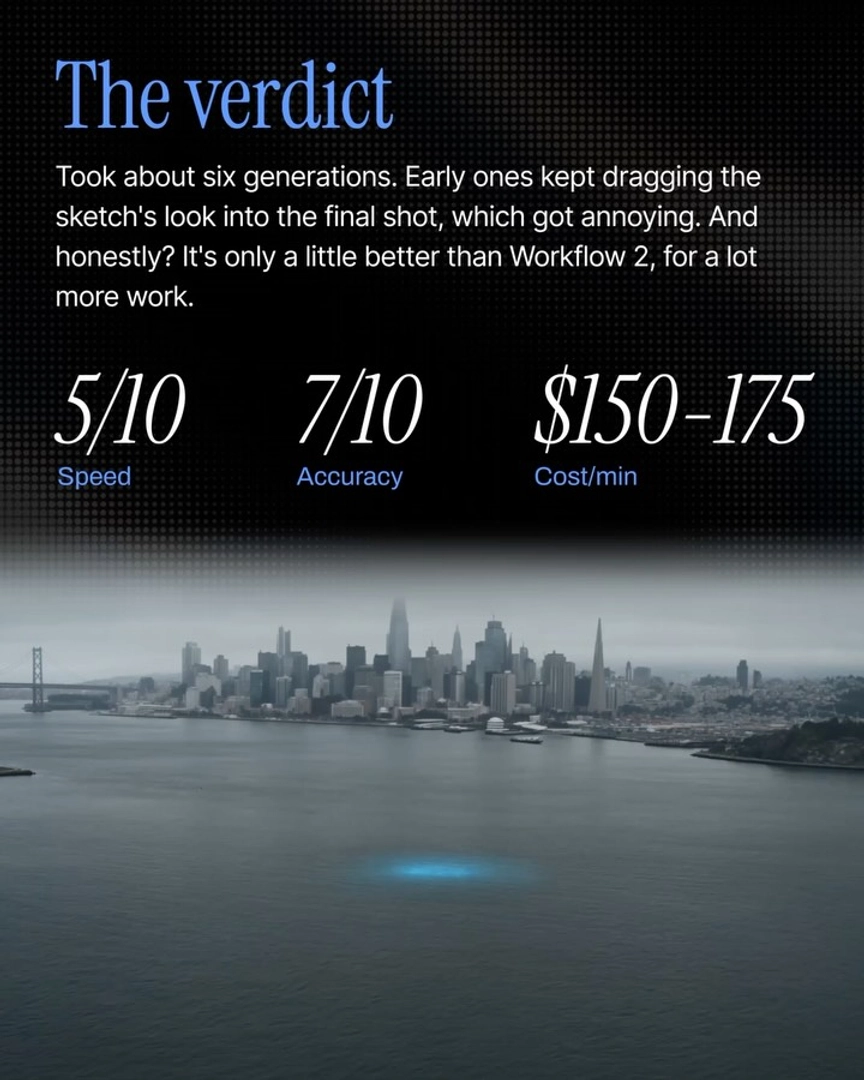
What it delivers. The storyboard-to-images-to-video workflow this method belongs to rates 8/10 on speed and 8.5/10 on accuracy at $175–$200 per minute of output, reaching a final stitched result in 5–6 generations — against traditional previz that costs tens of thousands of dollars and takes weeks. Community threads on grid-to-video prompting confirm the underlying problem this solves: creators feeding full storyboard grids as a single input report inconsistent, degraded results compared with smaller batched inputs.
Watch some of these to see what works for you:
If you want more control over the edit pacing and want to ensure your shots don't look plasticky then instead of feeding all 9 shots to Seedance at once, split them into three sets of three and feed each set on its own.
— invideo's creative team