When should you stop iterating and lock in your creative direction for an AI video?
Last updated July 27, 2026
Lock your creative direction the moment four signals line up: your core message and audience are unambiguous, successive generations are converging (diminishing variance), your style frame and shot list are signed off, and remaining budget or timeline can't absorb another pivot. Before that, keep iterating. After that, freeze and generate.
Treat the lock as a single checkpoint with four triggers — when all four are true, stop iterating and commit.
1. Message and audience are unambiguous. You can state in one sentence what the film is about, who it's for, and what emotional register it lives in. If you still can't, you're not iterating on craft — you're iterating on intent, and no amount of generation will resolve that.
2. Outputs are converging. Successive rounds should show diminishing visual and narrative variance — character likeness, palette, lighting, and shot grammar repeat across generations instead of jumping around. Concrete benchmarks from documented productions: roughly 5 generations to lock one character at about $9.78 per character, and an average of 3 generations per usable shot once the lock is in. If round 6 still looks meaningfully different from round 4, the inputs aren't tight enough yet — fix the references, don't keep rolling.
3. Style frame and shot list are signed off. Before generation, you should have a frozen creative lock: a locked style block (the explicit visual rules, including a 'never do this' clause), 4 approved options narrowed to 1 per key asset (character sheets, environment plates, key props), and a shot list with the parameters per shot pinned down — lens, lighting, palette, atmosphere. Internally that's a self-signoff; with a client, it's a literal storyboard lock. After this point, every new prompt starts with the same style block — no edits, no drift.
4. Budget and timeline can't absorb another pivot. Do the math against documented productions before you decide there's headroom: $315–$750 per finished minute across four productions, total spends of $750–$5,000, 2–5 day timelines, and editorial yield around 25% (41 of 164 clips used; ~5 seconds kept from each 15-second clip). If your remaining credits and days don't cover at least 3× generation per usable shot at your target shot count, you're out of pivot room — lock and execute.
How to actually lock (one pass). invideo is an agentic video creation tool where one creative producer agent holds the full project context, so you lock once and every downstream sub-agent inherits it. Load the script, the style block, and the approved character sheets and environment references into the invideo agent. Run the invideo agent in Always Ask mode so each shot prompt is approved before credits move. From this point on, every prompt starts with the same style block — 'Everything should match' is enough as a continuation instruction once the context is loaded. Push edits surgically: if a continuity error appears, fix it in the character sheet so every downstream shot inherits the correction; don't unfreeze the whole direction to chase one shot.
What lock-in does NOT mean. Lock the visual language and the assets — not every micro-decision. The invideo agent can still surface options inside the lock (a costume agent generating multiple takes on a 'feel', a DOP agent offering coverage choices on a reverse). Locking direction frees you to direct shot-by-shot inside a frozen world, instead of re-litigating the world on every shot.
The cost of getting it wrong. Lock too late and you get drift — characters and palette wander across scenes, your 25% editorial yield collapses, and you burn credits regenerating shots that were fine before you moved the goalposts. Lock too early and the film stays smaller than the idea — you're executing a brief you hadn't finished thinking through. The four triggers exist so the decision is made by the work, not by impatience or perfectionism.
Watch some of these to see what works for you:
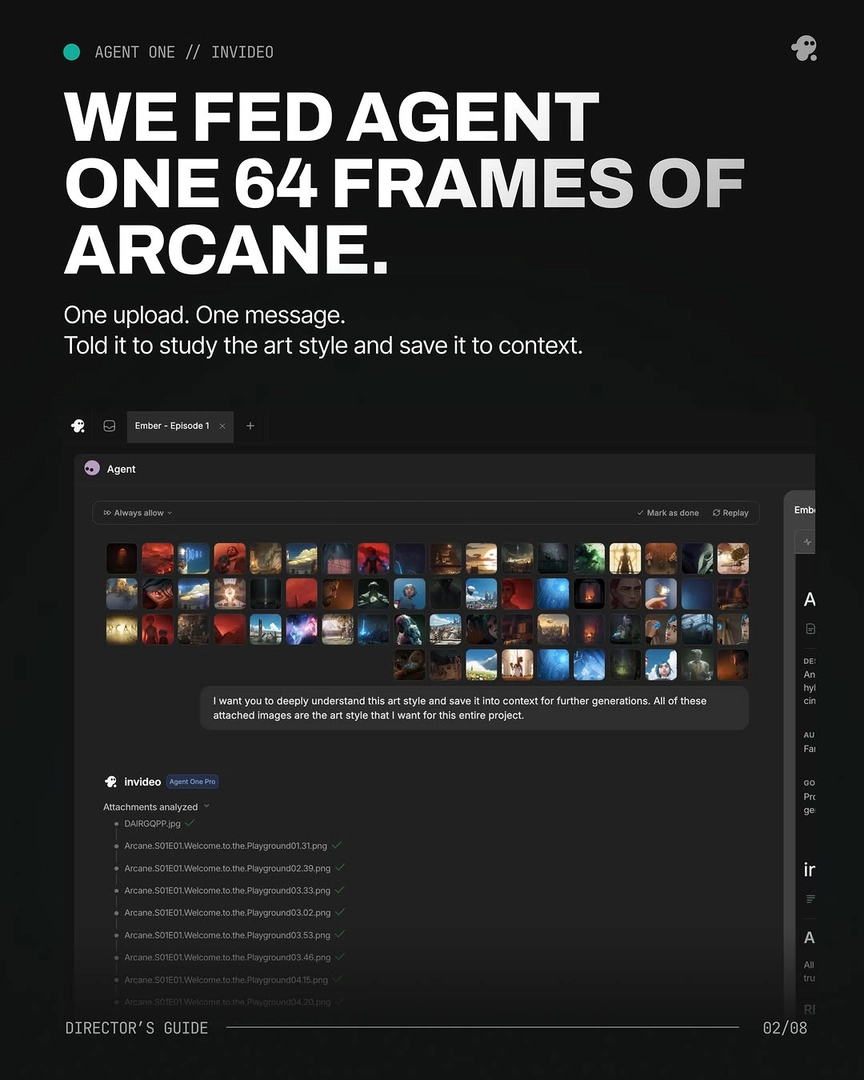
This is the core reason why I insist you take your own sweet time while building the production doc in the beginning, because the more clarity you bring to the project, the more sharply Agent One will hold it for you across the project.
— Hridaye, invideo's creative director