Trim and cut video
Cut out mistakes, awkward pauses, or anything you don't need. Drag to trim a clip, or delete a sentence from the transcript and the video cuts with it.
Try now
Whether you're turning a podcast into shorts, editing a vlog, creating a tutorial, producing a skit, or repurposing long-form content, our YouTube shorts editor helps you get from raw footage to a polished Short faster with complete creative control.
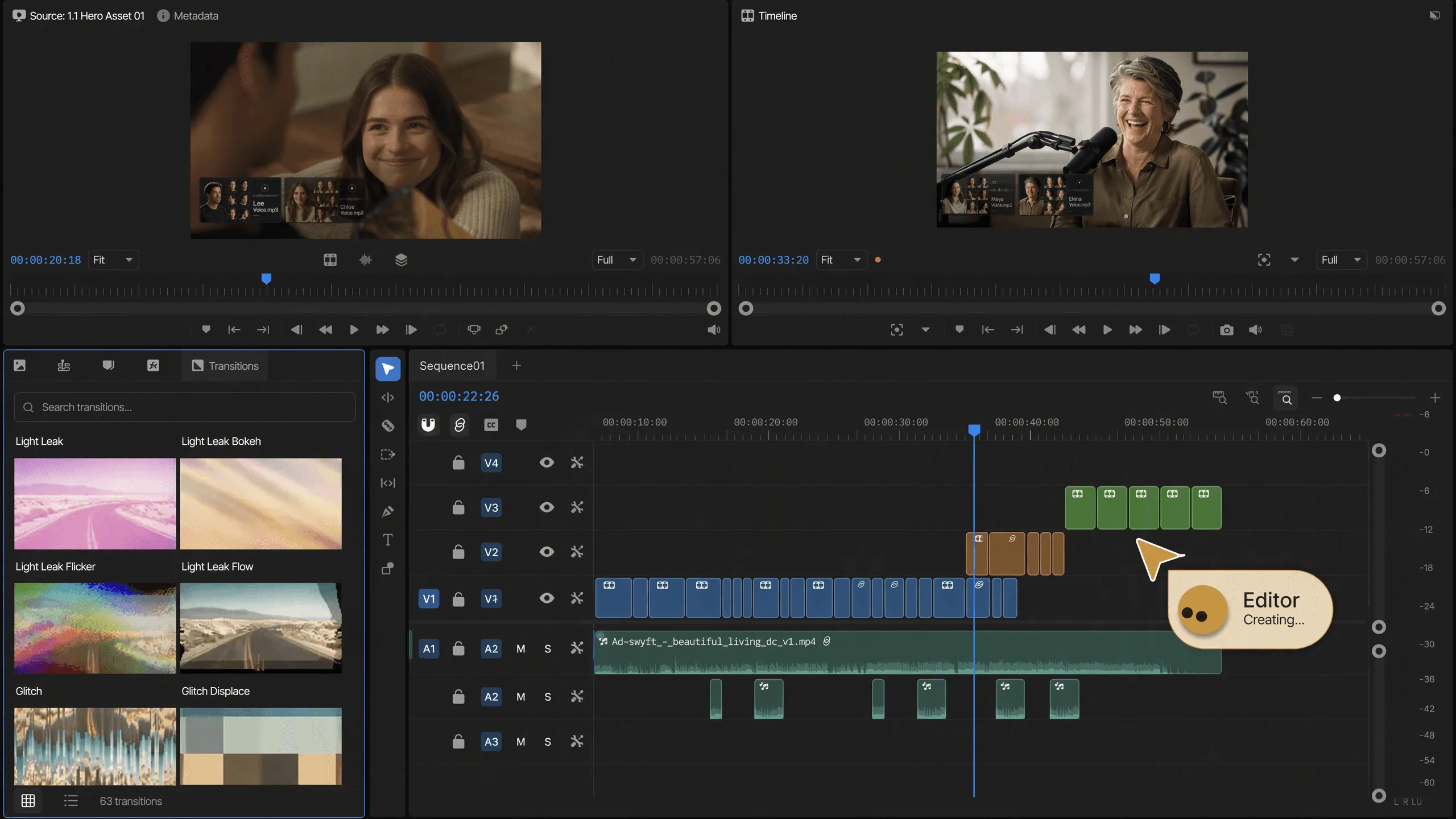
















Cut out mistakes, awkward pauses, or anything you don't need. Drag to trim a clip, or delete a sentence from the transcript and the video cuts with it.
Make your video vertical for TikTok, square for Instagram, or fit any other aspect ratio. Keep the important part of the shot in frame as you resize.
Add captions automatically and keep them synced to what's being said. Choose a style, edit the text, and your captions update as you keep cutting.
Add a song, record your own voice, or use an AI voiceover. Adjust the mix so the music gets quieter when someone speaks.
Speed through the boring parts or slow down the moments you want to emphasize. Create smooth slow motion without choppy playback.
Replace the background without needing a green screen. Add a new image, video, or scene behind your subject and keep it in place as they move.
Put videos, photos, music, and other media into one edit. Drag them into order, trim them down, and layer them on the timeline.
Smooth out handheld or shaky footage to make your shots steadier and easier to watch.
Every word in your footage is typed out for you. Delete a sentence and that part of the video is gone, umms and pauses included. Search the words to find any moment.
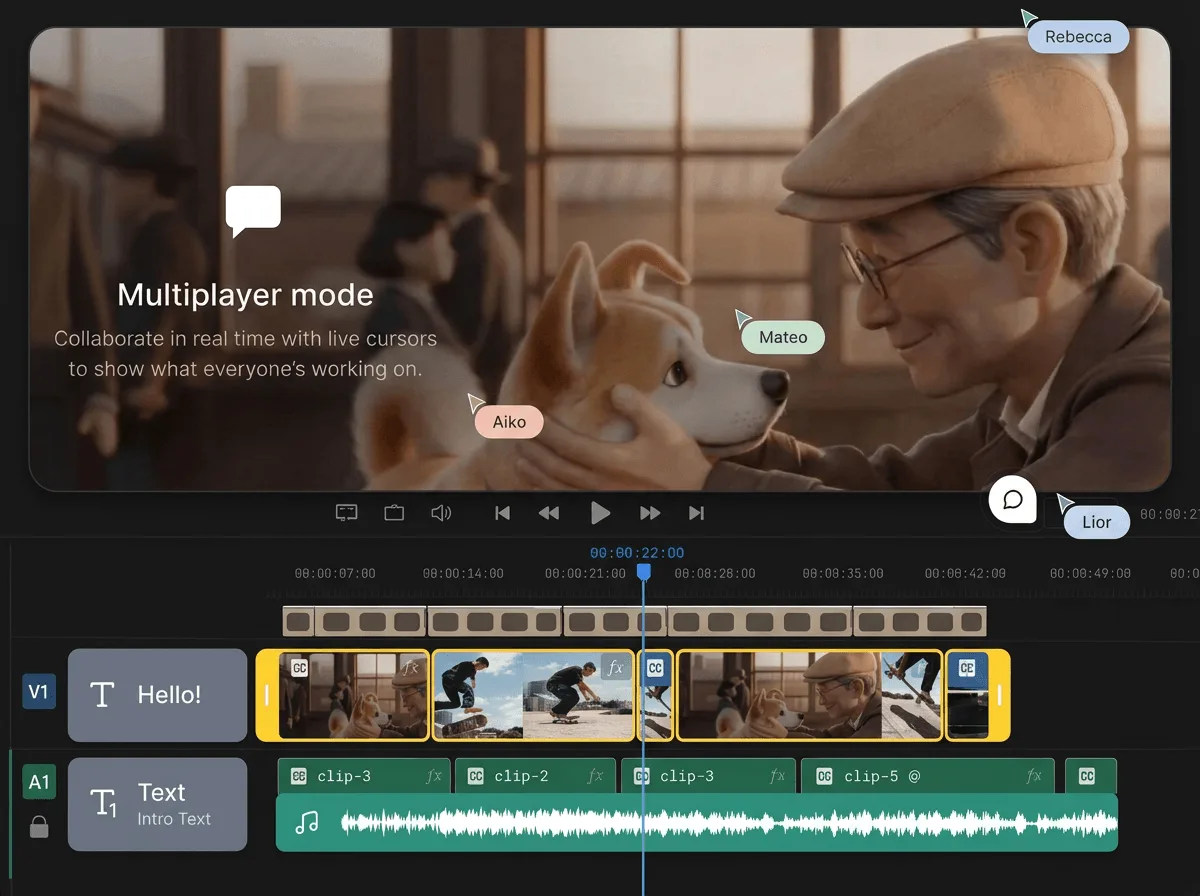
The timeline is multiplayer, like a Google Doc. Send a link, edit the same video at the same time, and drop comments on the exact moment you mean.
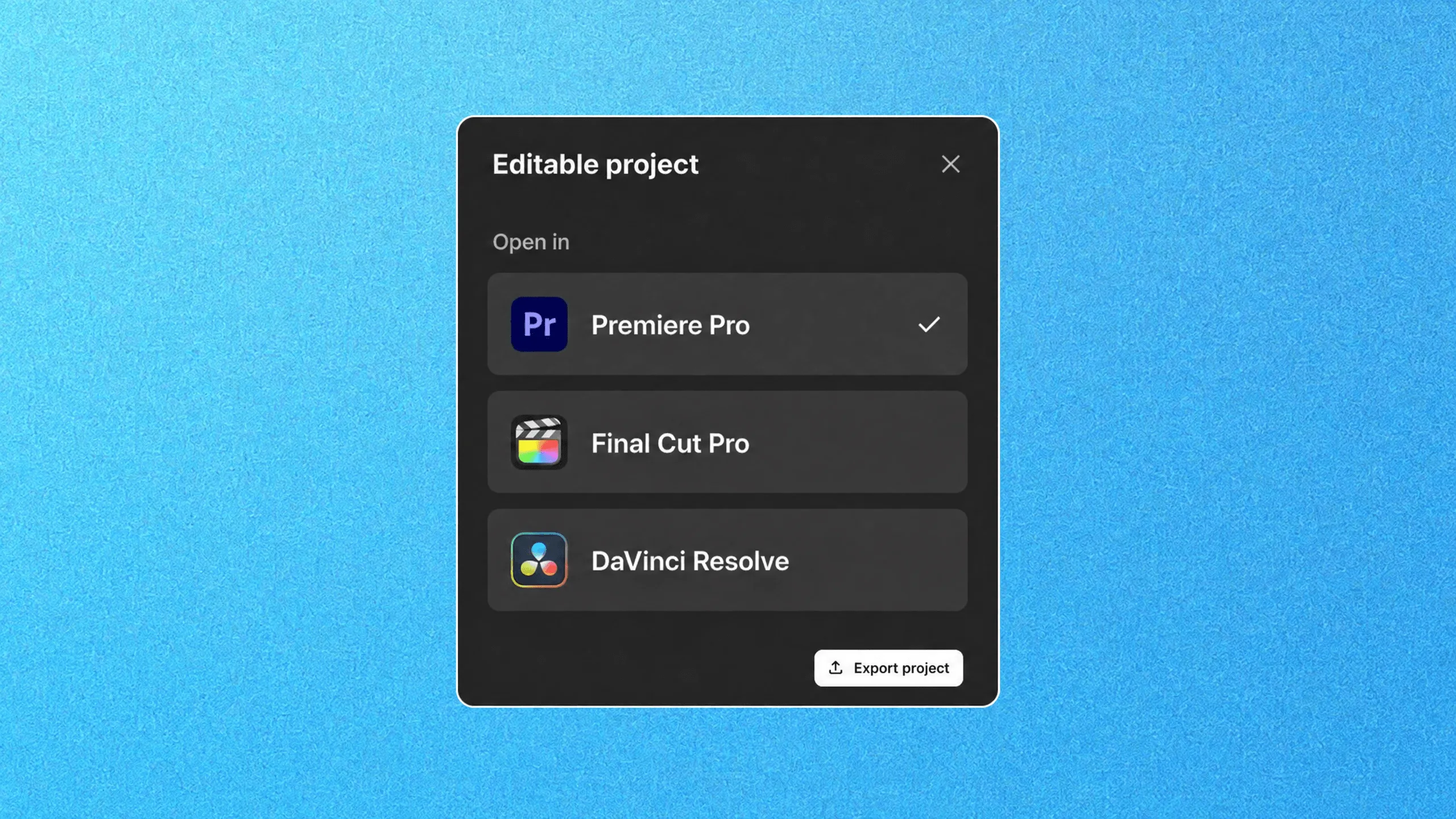
Export an editable project for Premiere Pro, Final Cut Pro, or DaVinci Resolve. Your whole timeline goes with you, media included.
The agents watch every take so you don't scrub hours of footage. Each line, moment, and angle is logged and the best deliveries picked.
Filler, silences, and flubbed takes come out, and a first draft builds from the best takes on your multitrack timeline. Days of watching and assembling, done before you sit down.
Landing every cut on the music is hours of frame-by-frame nudging. Mark the first few beats and the agents carry the pattern through the track, your shots on it.
Recreating an edit you admire means studying it cut by cut. Point the agents at the reference, and its pacing, structure, and style land on your footage.
Bring in your long-form YouTube video, raw clips, screen recordings or audio files. The editor accepts everything you would drop into a desktop suite.
Let the AI agent pull the best moments from an existing video, or start with raw footage and build a Short from scratch. Both paths land on the same multi-track timeline.
The editor reframes horizontal footage to 9:16 vertical. Trim, split, add B-roll, transitions and text. Adjust the reframe on any shot where the auto-crop missed.
Correct your colors, balance your audio, and burn in styled captions for muted autoplay. Add a CTA end card or subscribe animation. This is where a clip starts looking like a finished Short.
Export in up to 4K and publish to YouTube from the editor. Or download the file and post it wherever vertical video plays: Instagram Reels, TikTok, Facebook Reels.
Bring your whole creative process inside invideo, with the best image, video, audio, editing and language models on tap.
Backed by the firms behind Stripe, Spotify, Flipkart, and ByteDance.
Loading pricing…
A YouTube Shorts editor is a tool built for vertical, sub-60-second videos in YouTube's short-form format (9:16 aspect ratio, with text, transitions, and music). InVideo's YouTube Shorts editor takes you from idea to finished video without a timeline or editing experience.
Use an AI YouTube Shorts generator like invideo AI. Give it a topic or script and it puts together a full Short with clips, captions, voiceover, and music. You refine the output with follow-up prompts instead of dragging clips around on a timeline, so it works as a YouTube Shorts maker even if you've never opened an editor before.
It depends on how you work. For fast, AI-assisted creation, InVideo AI handles scripting, editing, and formatting in one place. Traditional editors give you more manual control but take longer per video. If you're producing Shorts on a regular schedule for a channel or brand, speed and template access usually matter more than fine-grained timeline control.
Yes. An AI video editor for YouTube Shorts like InVideo AI can generate a full video from a text prompt: it selects stock footage, adds subtitles, matches music to pacing, and exports in the right format. You give directions instead of scrubbing a timeline.
Invideo offers a free YouTube Shorts online video editor with AI-powered creation, templates, and a stock media library. Free exports carry a watermark; paid plans remove it and add longer exports and more stock.
H.264 MP4, straight from the browser.
WAV, AAC, or Opus when the mix is the deliverable.