AI Ad Localization: Scale One Winning Ad Across Every Market
July 15, 2026
AI ad localization is the workflow for taking one winning ad and shipping market-specific versions by swapping characters, language, voiceover, and on-screen UI while preserving the original creative structure. The first localization takes ~2 hours at ~$145 and 570 credits; six more locales ship in the same day at ~1 hour each.
AI ad localization is the workflow for taking one winning ad and shipping market-specific versions by swapping characters, language, voiceover, and on-screen UI while preserving the original creative structure — the edit order, music bed, pacing, and shot beats stay locked. The first localization runs ~2 hours at ~$145 and 570 credits inside invideo for ad localization; each additional market ships in ~1 hour, so six more locales clear the same day. Read this alongside our AI video ad production overview and AI UGC ad production guides for the upstream creative.
What AI ad localization is
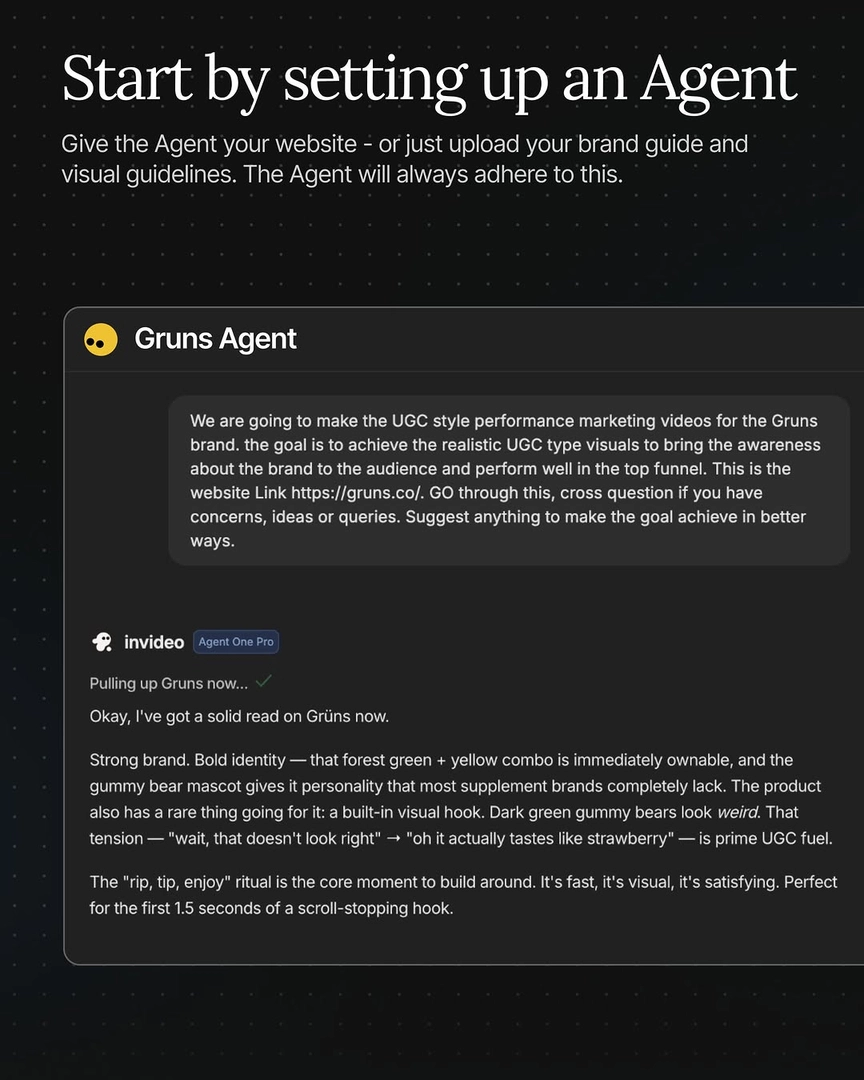
Localization is a structured swap, not a re-edit. You hand the invideo agent your winning English ad as a reference, and it analyzes the spot, returns a structured change plan with estimated asset counts, then systematically regenerates only what changes per market — characters, on-camera location, voiceover, and any in-app UI screens — while preserving the shot list, cut points, music structure, and pacing that drove performance in the original. invideo is an agentic video creation tool with every current image and video model and the invideo agent routes each shot to the right one, so one workflow covers Recraft for casting, GPT-Image-2 for location and UI screens, and Seedance 2.0 or Kling 3.0 for the clips.
The three-phase localization workflow
You run localization as a single conversation in three phases: analyze the original → structured change plan → systematic regeneration, locked tier by tier. The fastest way to start is to prompt the agent for localization with an open question rather than a prescribed process — "What's the best way to localize this for Japan?" gets you a structured plan covering what stays, what changes, estimated reference sheets, estimated video clips, and estimated UI screens. Approve the plan, then approve each tier in order: characters → locations → clips → UI → voiceover. Skipping the estimate step is the most common reason teams overshoot credits on the first market.
Analyze the reference ad. Upload the winning English spot. The invideo agent transcribes the VO, detects every cut (typically 7–9 beats for a short UGC ad), and extracts one representative frame per scene as the structural template.
Lock the change plan. Ask for the breakdown before any generation runs — number of character sheets, location sheets, video clips, and UI screens it plans to produce, plus the credit estimate.
Regenerate tier by tier. Cast the new face, lock the location keyframe, generate ~13 video clips per ad in batches, translate the VO, and re-animate the UI screens. Stitch in your editor in the original cut order.
Cast the local face first
The thing that makes a localized ad land isn't translation — it's casting someone the market actually sees themselves in. Start by generating face options without wardrobe in Recraft, lock the version numbers of the ones you want, and let the invideo agent auto-assign wardrobe from the source ad's lookbook. For multi-character ads, generate each character sheet sequentially — front, side, and one expression range — before moving to location. To keep characters consistent across markets, lock by exact version number in a single command so every subsequent clip references that precise output; voice gets its own lock per character (never share one voice model across two characters in the same ad).
Storyboard before video to lock composition
For a new face and a new language, generate an 8-panel photorealistic storyboard before animating. The storyboard becomes the keyframe set fed into Seedance 2.0 reference-to-video, which is what holds skin-tone, hand, and foot consistency through close-ups and B-roll. Skipping this step and jumping straight from character + voiceover references to video generation is what produces the skin-tone drift you see in cheap localizations — the model has no compositional anchor between cuts. The 8 panels also let you grid-review before-and-after location states side by side, confirming lighting and palette match the original.
Translate voiceover and on-screen UI
Upload the original English VO file as a reference and the invideo agent produces the target-language take with matched pauses, tone, and lip-sync timing — typically generating three takes per script for selection. For app-screen ads, the agent translates on-screen UI text (e.g., "up to 45% off on first purchase" rendered as "初回購入は最大45%オフ") and re-animates the screens in the same sequence as the original — usually five UI screens per ad. If your app brand is already recognized in the target market, you can translate app UI per market selectively rather than across the board; the workflow supports either choice.
Batch multiple markets in one pass
You don't need to run the workflow seven times for seven markets. Name your character reference image files after the target language — Spanish.jpg, French.png, Japanese.jpg, German.png — upload them together, and the invideo agent reads the filenames and assigns each character to the correct market ad automatically. One documented run scaled to nine markets in a single batch using this naming convention. The rest of the spec (shot list, cut points, music) stays shared across markets; only the per-market character sheet, voiceover language, and UI text vary. See batch multiple markets in one workflow for the full setup.
Cost and throughput per locale
The published receipts: one localization runs ~$145 / 570 credits and takes ~2 hours for the first market; each additional market ships in ~1 hour, so six more locales clear in the same day after the first is locked. For credits per localization, the breakdown across documented runs sits at roughly 27 images, 13 video clips regenerated, four reference sheets, and five UI screens per ad. Across two markets and three winning ads, one team spent $425 total (~1,700 credits) for six fully localized UGC ads — about $70 per ad on the marginal runs. Clip rejection runs ~85%, which is normal for this workflow — those rejects are already priced into the $145 figure, so don't double-count them when why localized clips get rejected comes up in planning.
Locale | Time | Cost | Credits |
|---|---|---|---|
First localization | ~2 hours | ~$145 | 570 |
Each additional market | ~1 hour | ~$145 | 570 |
Six-market day (after first) | ~8 hours | ~$870 | 3,420 |
Localization vs. product swap — when to use which
The decision frame is market vs. SKU. Localize when the same product targets a different language, face, or cultural context — the swap is who's on camera and what they say. Run a product swap scaling workflow when the same creator and the same market sell a different SKU — the swap is what's in the hand. Product swaps run ~$30 / 115 credits each and clear 12 ads in an 8-hour day at ~30 minutes per subsequent swap; localization runs ~5× the credits per ad and yields 6–8 markets per day. If you're scaling a winner across both axes — multiple SKUs in multiple markets — run product swaps first to find which SKUs perform, then localize the winners.
FAQ
How much does it cost to localize an AI ad?
A single full localization runs ~$145 (570 credits) on documented runs, covering ~27 images, ~13 video clips, four reference sheets, five translated UI screens, and a target-language voiceover. The figure includes the ~85% clip rejection rate that's standard in this workflow, so it's an all-in cost — not just the accepted assets.
How long does AI ad localization take per market?
The first localization into a new language takes about 2 hours end-to-end. Each subsequent market drops to about 1 hour because the invideo agent already holds the shot structure, music, pacing, and UI sequence in project context — only the new character sheet, voiceover, and translated screens get regenerated.
Should I localize or just subtitle a winning ad?
Subtitle when the on-camera face still represents your target market and only language access is the barrier. Localize when the face, voice, or cultural cues don't match — casting the local face is what drives performance, not the translation. For high-spend markets, the $145 to recast is paid back in days versus subtitling a face the market doesn't see itself in.
Why are so many localized clips rejected?
A ~85% rejection rate is normal because Seedance 2.0 and Kling 3.0 generate multiple candidates per shot and you pick the one that holds character identity, lip-sync, and motion intent. Locking the 8-panel storyboard before video generation cuts the rejection rate meaningfully — drift is highest when video is generated from character + voiceover alone with no compositional reference.
Can I localize for multiple markets at once?
Yes. Name your character reference files after their target language (Spanish.jpg, Japanese.jpg, etc.) and upload them together — the invideo agent reads the filenames and assigns each character to the correct market ad. Documented runs have scaled to nine markets in one batch this way, with the shot list, music, and pacing shared and only the per-market assets regenerated.
Sources
Localization Industry Research — CSA Research on Language Preferences — supports the market-fit argument behind casting and language localization.
r/PPC discussion on creative localization for paid social — practitioner context on why localized creative outperforms translated creative in paid markets.
Meta Business — Best Practices for Localizing Ads — corroborates the principle that on-camera face and voice match drive performance more than caption translation.
r/marketing thread on scaling UGC across markets — community evidence for the time and cost benchmarks of multi-market UGC production.