What AI video camera angles are hardest to generate — and how do you work around them?
Last updated July 27, 2026
The camera angles AI video models miss most often from text prompts alone are:
First-person POV
Over-the-shoulder with locked framing
True overhead / top-down
Reverse angles matching an existing shot Each has a documented fix: phone-shot reference footage, start/end frames with model rerouting, agent-directed shot specs, and geography-based reverse construction.
Each of these angle types fails in a different way, so each gets its own workaround. invideo is an agentic video creation tool with all the current video models — Veo, Kling, Seedance 2.0 — available in one place, so the fixes below run through one interface rather than separate platforms.
First-person POV — act the shot out on your phone and upload it as a reference video. Text prompts alone rarely produce a correct POV; documented productions burned through multiple iterations and multiple prompting techniques before solving it. The fix that worked: film a quick mock version of the shot on a phone, then upload that footage as a reference video so the model has a visual anchor for the camera position and motion. In one production, the invideo agent itself proposed this — shoot the mock in the office, hand it back, and let the model match it.
Over-the-shoulder with precise framing — set the frames first, then reroute the model. OTS shots are a documented weak point of the Nano Banana image model and cannot be fixed through prompting alone. The working pattern: lock a start frame and an end frame as still images first (the standard inputs for a specific cinematic shot), and let the invideo agent audit your existing image assets, upload them to the generation pipeline, and prompt autonomously while you give only creative feedback. When one model fails on a shot type, the invideo agent self-redirects to an alternative model and prompting strategy — you don't have to engineer the pivot. Shots produced this way reached final-edit quality in a professional promo.
True overhead / top-down — give directorial intent and let the invideo agent build the technical spec. Manual prompting tends to drift on extreme verticals; in one documented workflow, a complex top-down shot that manual prompting couldn't crack was achieved on the first generation attempt after switching to agent-directed prompting. Describe the shot the way you'd brief a DOP — what the camera sees and why — and the invideo agent assembles the camera, lens, and composition language for you.
Reverse and coverage angles — chain them off the hero shot in the same session. After you land a shot you like, immediately request the compositionally opposite angle in the same conversation so the invideo agent builds a matched coverage pair from established context. Instruct it to apply art-director logic rather than simple mirroring: it will surface undecided production design elements — "Reverse on Marcus — what's behind him? That near wall doesn't exist yet. What should it be?" — and present options before generating. The invideo agent can also reconstruct a spatial reverse angle with no reference image at all, using only the geography established in prior shots. For broader coverage, lock one element of your world and the invideo agent extracts every angle — wide, close, side — without you requesting each one individually.
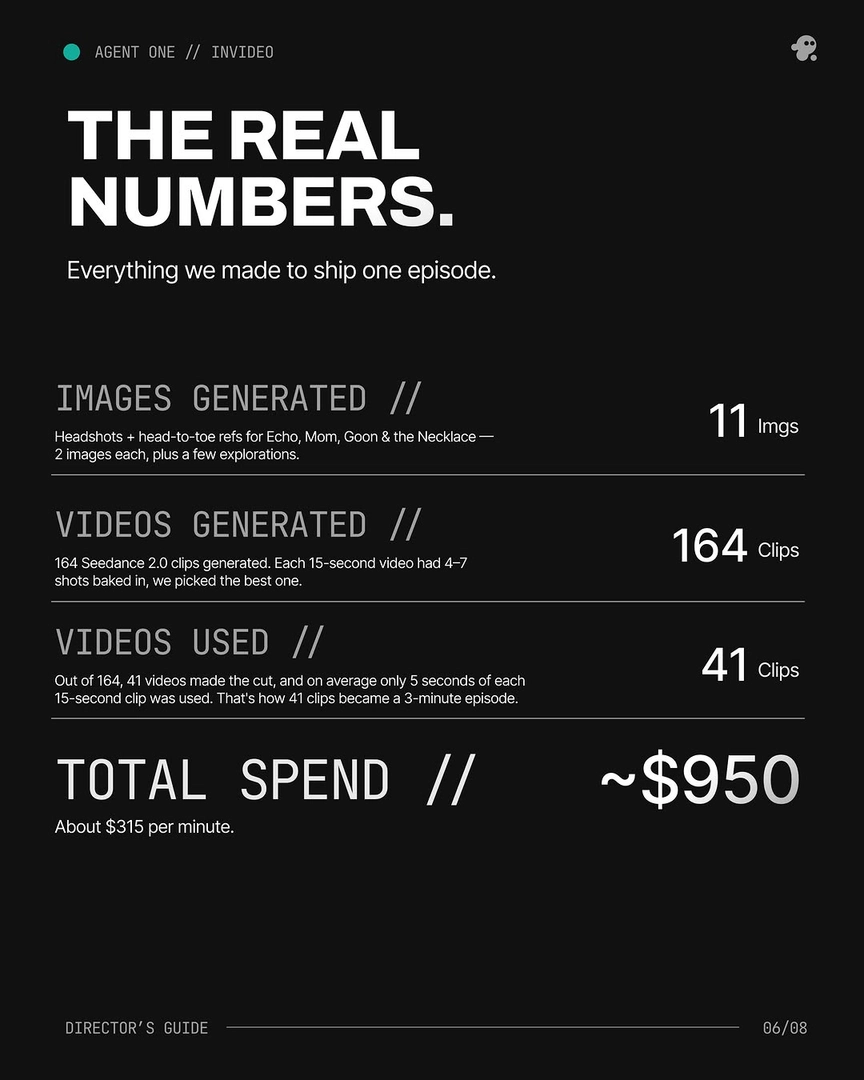
The universal pattern: stills first, motion second, and budget for iteration. Get the composition approved as a static frame before initiating video generation — frames-first is the production order that holds angle accuracy through motion. Then plan for selection rather than single takes: documented productions averaged 3 generations per usable shot, and in one finished episode 17 of the final shots were Frankenstein shots — stitched from the best seconds of 2 or more generations of the same prompt. When prompting still won't land the angle, bring physical inputs in: shoot it or draw it, then hand it back to the invideo agent.
These are some of the ways to problem-solve hard angles — what works depends on your shot.
Watch some of these to see what works for you:
It suggested that instead of prompting our way to our goal why don't we shoot like a mock video of it on our phone inside the office.
— invideo's creative team, on solving a POV shot the models couldn't generate from text