What is Frankenstein Shot Assembly — and why is it the default workflow in AI video production, not a workaround?
Last updated July 27, 2026
Frankenstein Shot Assembly is stitching the strongest seconds from two or more generations of the same prompt into one finished shot. It's the default because the generation math demands it: in one documented AI animated episode, 17 final shots — over 40% of the cut — were composites of multiple generations, not single takes.
Run it like this: generate the same shot several times, review every take, clip the best seconds from each, and assemble them into one shot in your editor (Premiere Pro or DaVinci Resolve both work). Treat each generation as a contact sheet rather than a single shot — a 15-second Seedance 2.0 clip typically contains 4–7 usable shot candidates, and you select the best one or two seconds-long segments from each.
The reason this is the default posture, not a fallback, is that no single generation reliably delivers a complete usable shot, so selection and stitching is where the editorial craft lives. The documented numbers make the case: one 2-person team generated 164 Seedance 2.0 clips to finish a 3-minute episode, kept 41 of them (a ~25% selection rate), and used an average of just 5 seconds from each 15-second clip. Overgeneration there wasn't waste — it was a planned budget line, with the whole episode landing at ~$950 total, about $315 per finished minute, in 2 days with no pre-production.
For budgeting your own shots, plan on an average of 3 generations per usable shot before a take meets the quality bar. invideo is an agentic video creation tool with all the current video models available, and running the invideo agent in Always Ask mode gives you shot-by-shot approval of every prompt and attached reference before credits are spent — so each round of generations is a deliberate decision, not a slot-machine pull.
The one risk to manage is drift between the takes you stitch: segments from different generations only cut together if they were generated under identical visual constraints. Lock a style block and character references once and attach them to every generation prompt — the team behind the episode above fed 64 style-reference frames into the invideo agent's context at project start and opened every subsequent prompt with that block, which is why takes from separate generations matched well enough to composite. If a stitch needs continuous motion across the boundary rather than a cut, Seedance 2.0 reference-to-video can ingest the prior clip plus character and location references to continue the move seamlessly.
Two clarifications worth knowing. First, the term: you may see "Frankenstein Method" used narrowly online for horror transformation effects in specific courses — in production usage, Frankenstein Shot Assembly is the general-purpose workflow across every genre, from animated episodes to commercial promos. Second, upstream planning — locking reference frames and shot lists before any video generation — raises your keep rate, but it doesn't eliminate assembly: even with locked style and character assets, that documented episode still composited more than 40% of its final shots.
Watch some of these to see what works for you:
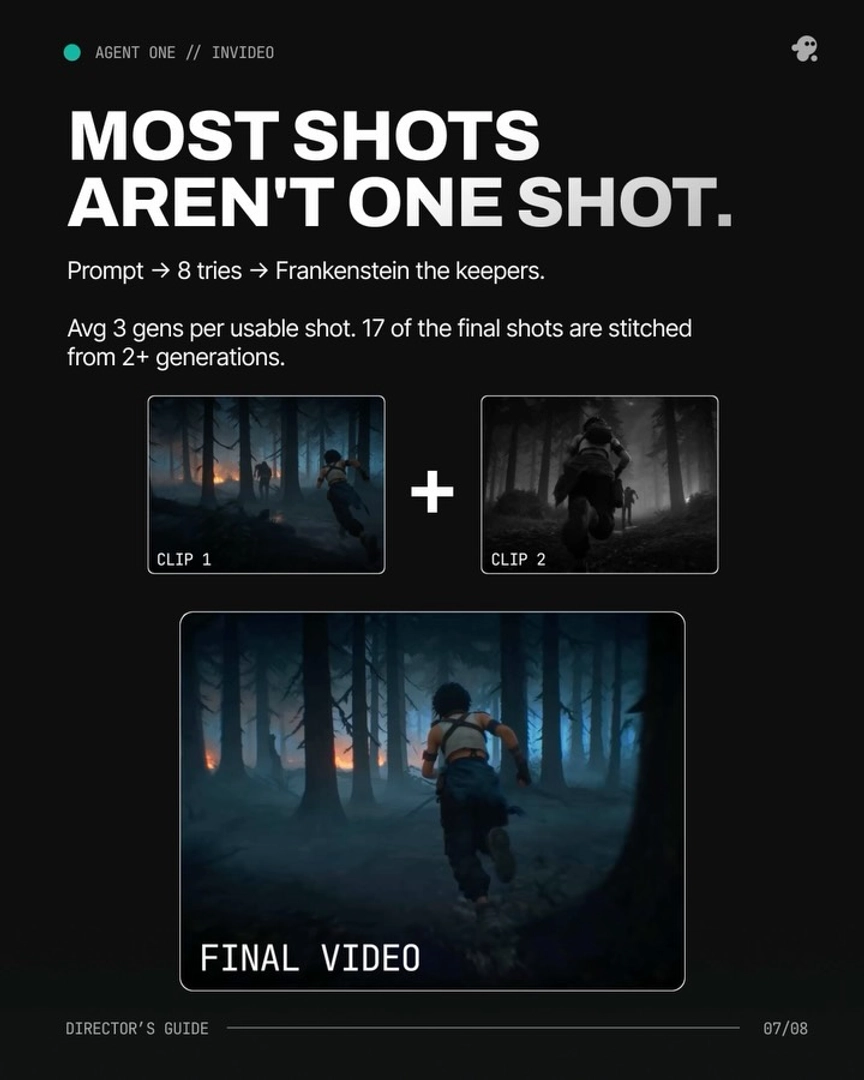
MOST SHOTS AREN'T ONE SHOT. Prompt → 8 tries → Frankenstein the keepers.
— invideo's creative team