Which AI video tools maintain style consistency best across multiple scenes in 2025?
Last updated July 27, 2026
In 2025, style consistency across scenes comes from persistent project context, not single-clip generation. At the model level, Seedance 2.0 reference-to-video carries character and location context between clips, Kling generates multi-shot sequences natively, and Veo handles multi-prompt continuity. The invideo agent sits above all of them, locking one style reference across every shot in a project.
Judge any tool on one criterion: does it hold your style as project-level context, or does it make you re-attach references to every clip? Re-prompting scene-by-scene is the anti-pattern — drift creeps in the moment each generation starts from a blank context. invideo is an agentic video creation platform with all the current video models available, so the comparison below is about which model and which mechanism to use, not which platform to switch to.
Model-level consistency features. Seedance 2.0 reference-to-video accepts character references and location references simultaneously, and reads the end of an uploaded clip to continue camera movement and atmosphere into the next segment — measurably better continuity than older start/end-frame extension methods, which carry no context beyond the single frame you upload. Kling generates multi-shot sequences natively, so several consecutive shots share one stylistic pass. Veo supports multi-prompt scene continuity across a sequence. All of these run inside invideo, and the invideo agent routes each shot to the right one, so model choice never forces a platform choice.
Project-level context is what actually prevents drift. Upload your style references once and instruct the invideo agent to save them as persistent context — in one documented production, a 2-person team uploaded 64 frames from their target aesthetic in a single message with the instruction "I want you to deeply understand this art style and save it into context for further generations," then prefixed every subsequent prompt with the locked style block. That held one hand-painted style across 164 generated clips for a 3-minute animated episode. Write explicit negative constraints into the style block ("not live action, not photorealistic") — prohibiting the failure modes is what stops the model sliding back toward its defaults.
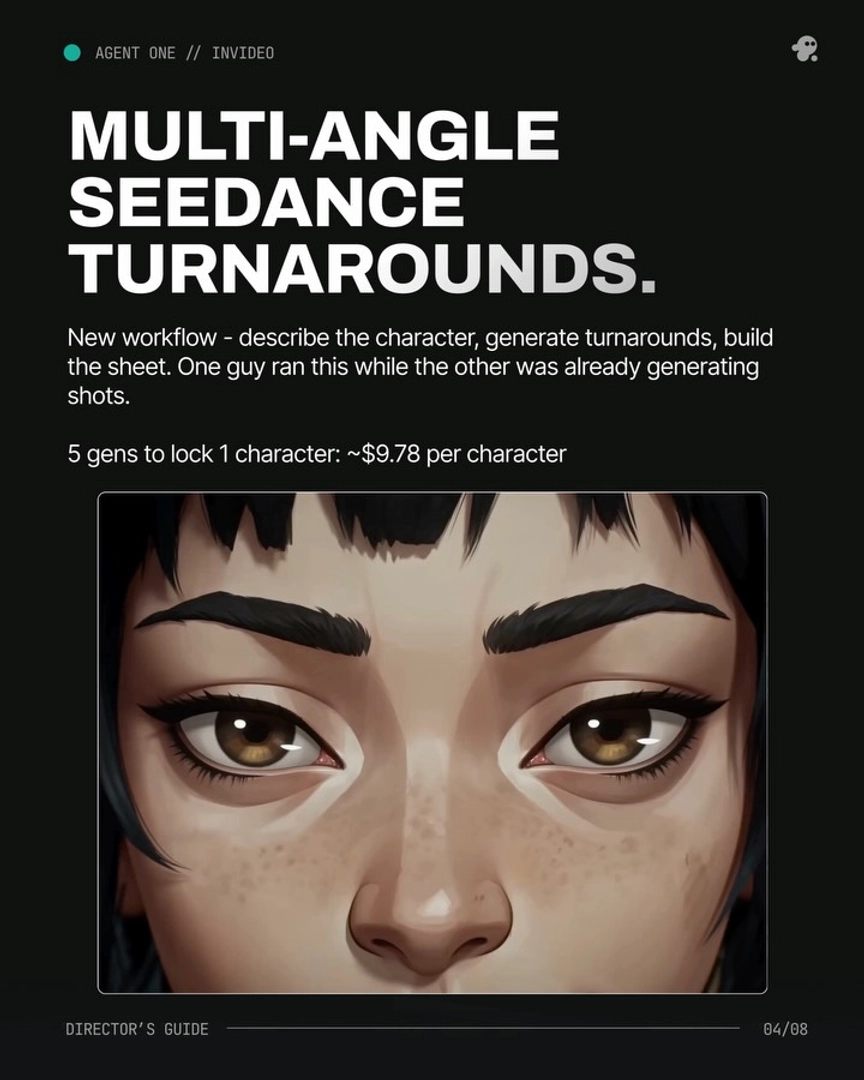
Character consistency without fine-tuning. Lock multi-angle character sheets into the invideo agent's context before generating video: a 70-second short film kept 2 characters visually identical across every scene with no LoRA training, at $750 total. Once context is loaded, continuation prompts collapse to almost nothing — "Everything should match" was sufficient to carry character, lighting, lens grammar, and spatial continuity across a multi-shot sequence. The largest documented project ran scene numbering past 160 under a single loaded context.
One honest caveat: no model fully solves consistency natively end-to-end in 2025 — documented productions still averaged 3 generations per usable shot, and a light grade pass in post helps even out residual drift between clips. The tools that rank best are the ones that minimize how often you have to re-establish the style, and a persistent-context agent minimizes it to once per project.
Watch some of these to see what works for you:
One agent that reads your treatment once and holds every directive across every shot, every scene. No re-prompting. No drift. So now, you direct, and the Agent remembers.
— invideo's creative team