How do you build an animatic timeline in an AI tool without downloading or exporting files?
Last updated August 10, 2026
Build the animatic inside one agent workspace: generate your storyboard frames, then ask the invideo agent to line them up on Slate — invideo's built-in timeline — and add voiceover and sound design as tracks. Nothing gets downloaded or exported between steps. One documented production assembled a full animatic this way in half a day for under $50.
Start by generating your storyboard frames in the same workspace where you'll edit them — invideo is an agentic video creation tool with a built-in timeline called Slate, so generation and assembly never leave one place.
Step 1 — Generate frames in-agent. Ask the invideo agent to produce storyboard image grids with GPT-Image-2 from your storyboard concept, then hand-pick the frames you like. Curating the panels yourself — rather than using everything the model returns — is the step that keeps the animatic on-vision.
Step 2 — Line the frames up on Slate. Tell the invideo agent to place your selected frames on the Slate timeline. Because the frames already live in the workspace, there is no per-shot download step: as one documented production put it, the frames were lined up on Slate without downloading each shot separately, and from there the editor had full control over length, placement, and audio. Set each frame's duration to match your intended shot timing.
Step 3 — Add the voiceover track. An animatic in this format is a boardomatic: your storyboard images laid out on a timeline with your voiceover underneath. Record or generate the narration and place it as a track under the image sequence, then adjust frame durations against the read.
Step 4 — Layer sound design. Add sound design as a separate track on top of the image and voiceover timeline — keeping it on its own track lets you retime images without touching audio.
Step 5 (optional) — Swap static frames for animated shots. For key moments, have the invideo agent animate individual frames before placing them on Slate — Seedance 2.0 generates up to 15 seconds per shot, Kling up to 10, and both run inside invideo, so the clips land on the timeline through the same no-export path. For longer moments, generate clips and instruct the invideo agent to stitch them.
The finished cut is something to put in front of your DOP, creative team, or client before a shoot day. The documented benchmark: half a day and under $50, against $500–$2,000 and a week with a traditional storyboard-artist pipeline — and traditional boardomatics have run $5,000–$10,000 over 2–3 weeks. This is one way to problem-solve in-tool animatic assembly — adapt the track layout and timing to your film.
Watch some of these to see what works for you:
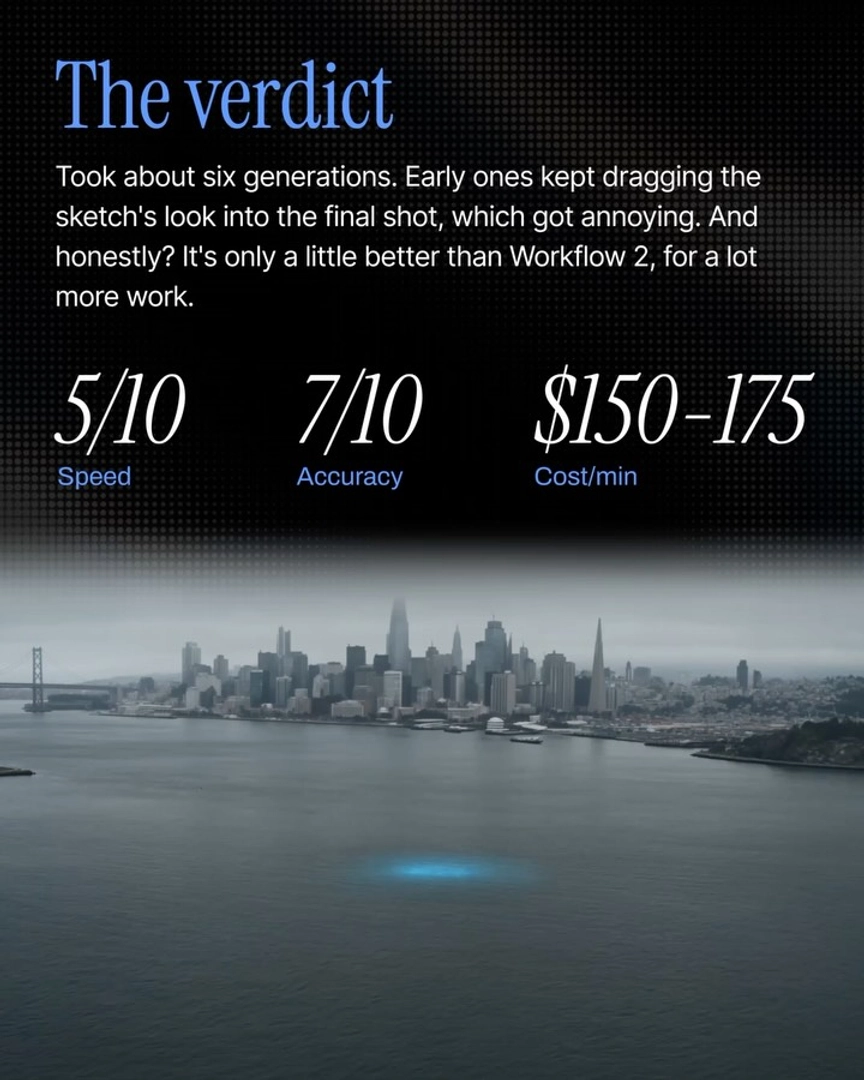
I just asked agent one to line them up on Slate, so I didn't have to download each shot separately. Once they were lined up on Slate, I had full control over length, placement, and audio.
— invideo's creative team