How do you organize and reuse assets across multiple episodes in AI video production?
Last updated July 27, 2026
Organize episodic assets as a persistent series bible: multi-angle character sheets, a locked style block, world references, and named voice profiles, all saved to agent context under named keys with numbered versions. Reuse them by attaching the same references to every prompt — and carry visual language into a new episode by uploading the finished prior episode as reference.
Build the series-level assets once, before generating any footage, then make every episode pull from that single source of truth. invideo is an agentic video creation tool whose context system stores these assets persistently, so the whole workflow runs in one place instead of scattered folders and chat sessions.
1. Lock series-level reference assets first. Generate multi-angle character sheets with close-up panels (small details like scars and accessories drift when sheets only show wide views), plus location and prop references. This library is smaller than you'd expect: one documented animated episode used just 11 reference images — headshots and head-to-toe refs for 4 characters and 1 prop — to hold consistency across 164 generated clips.
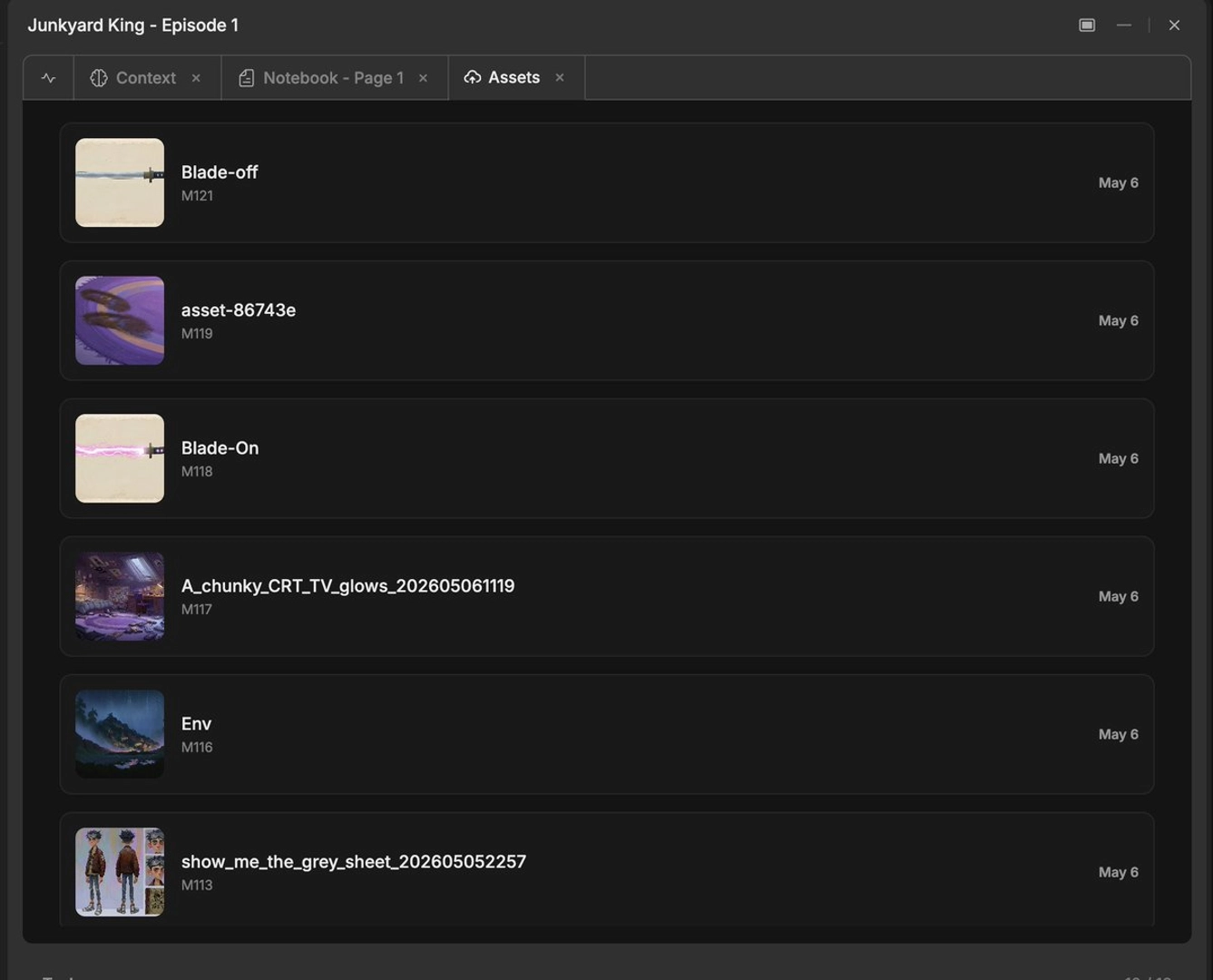
2. Save everything to persistent context under named keys. Store characters as named constants (e.g., CHARACTER_KENJI, SAMURAI_HERO) in the invideo agent's context tab so every downstream generation references the same entry instead of a fresh description. Tools without persistent memory cost roughly 20 minutes per session in re-described context, and that loss scales with project size — exactly what an episodic series can't absorb.
3. Turn style into a saved block, not a per-prompt description. Upload your style reference frames in one message and instruct the invideo agent to save the style to context for all further generations — one production uploaded 64 reference frames once, then opened every subsequent generation prompt with that saved block.
4. Version assets numerically and fix errors at the source. Use an asset.iteration convention (asset 5.1 becomes 5.2 on revision) so you always know which version a shot pulled from. When a continuity error appears, correct the character sheet itself rather than re-rolling shots — the corrected sheet is stored back in context and every subsequent generation inherits the fix. Global changes propagate the same way: a single instruction changed a character's hair color across all generated scenes, and one outfit note updated 6 images across 3 sequences.
5. Reuse visual language across episodes by uploading the finished episode. Instead of re-explaining camera angles, movement style, and tone in text for episode two, upload episode one — the invideo agent extracts the visual language and carries it into new production planning, even with a different cast and locations. As one documented episodic team put it: "So instead of re-explaining all of that in text, the team just uploaded episode number one. The agent picked up the visual language on its own and it carried it forward to episode number two."
6. Keep voices reusable per character. Generate dialogue from persistent, named voice profiles and resync in your edit, rather than accepting whatever voice each video generation produces — that's what keeps a character sounding identical in episode five as in episode one.
7. Track provenance so any asset is regenerable. Each generated clip carries metadata — model used, duration, resolution, and source reference images — and the invideo agent's auto-generated prompt log stores the exact prompt behind every asset, so you can reproduce or adjust it next episode instead of rebuilding from memory. Two habits keep this ledger accurate: log any manually created or edited image back into the shot breakdown so the invideo agent's memory matches reality, and keep anchor images on a dedicated project page separate from general world-building so references stay findable.
This system compounds: each session trains the invideo agent further on your style, so episode two starts faster than episode one — a meaningful difference when a single documented episode dispatched 920 individual production tasks.
Watch some of these to see what works for you:
So instead of re-explaining all of that in text, the team just uploaded episode number one. The agent picked up the visual language on its own and it carried it forward to episode number two.
— invideo's creative team