What is the best AI image model for generating cinematic look-and-feel frames for film?
Last updated August 10, 2026
GPT-Image-2 is the strongest image model for cinematic film frames when you need storyboard-grade stills — in documented previz work, its 3×3 grids came back looking almost like the first frames of the actual film, at 8.5/10 accuracy to the director's vision. Nano Banana Pro is the pick for single hero look-dev frames and for texturizing 3D blocking renders. Both run inside invideo.
Pick the model by the kind of frame you need: GPT-Image-2 for batches of storyboard-accurate cinematic frames, Nano Banana Pro for individual hero look-and-feel frames and for texturizing 3D blocking renders where composition is pre-decided. invideo is an agentic video creation tool with all the current image and video models available, so you don't choose a platform per model — the invideo agent routes each request to the right one.
GPT-Image-2 — cinematic frame grids at scale. Ask the invideo agent to generate 3×3 storyboard image grids with GPT-Image-2 from your storyboard concept, then hand-pick the frames that match your vision and compile them into a locked grid. In a documented previz production this scored 8.5/10 accuracy at 8/10 speed for $175–$200 per minute of output, and the nine-panel realistic moodboard approach hit 80–85% accuracy to the director's vision before any refinement. Split the nine-panel grids into three-panel grids so each frame is large enough for the downstream video model to read details accurately. If you start from hand-drawn boards, convert the sketches into photo-realistic cinematic frames first — sketch art style otherwise bleeds into later generations and degrades the result.
Nano Banana Pro — hero frames and compositional control. Use Nano Banana Pro when you need one definitive look-and-feel frame rather than a grid, or when composition must be exact: 3D artists render a low-poly blocking pass in Blender, upload it as a compositional and depth-map reference, and have the invideo agent texturize it with the image model — giving precise control over character placement and camera angle in the finished cinematic frame.
Context drives the cinematic look more than the model. Whichever model you run, upload your locked production documents — character sheet, location sheet, shot breakdown, and look-and-feel document — before prompting; this context-first setup is the foundational step that drives accuracy. Adding a locked color-palette reference alone lifted output accuracy from roughly 3.5/10 to 6/10 in documented testing, and locking a single reference frame — character, location, palette, and angle — significantly improves consistency across every frame that follows. Hand-pick from the generated options rather than using everything the model returns; curation is part of the workflow, not an afterthought.
From frames to footage. Once frames are locked, the same invideo agent feeds them to a video model — Seedance 2.0 generates up to 15 seconds per shot, Kling up to 10 — so your cinematic stills carry directly into moving previz without switching tools.
Watch some of these to see what works for you:
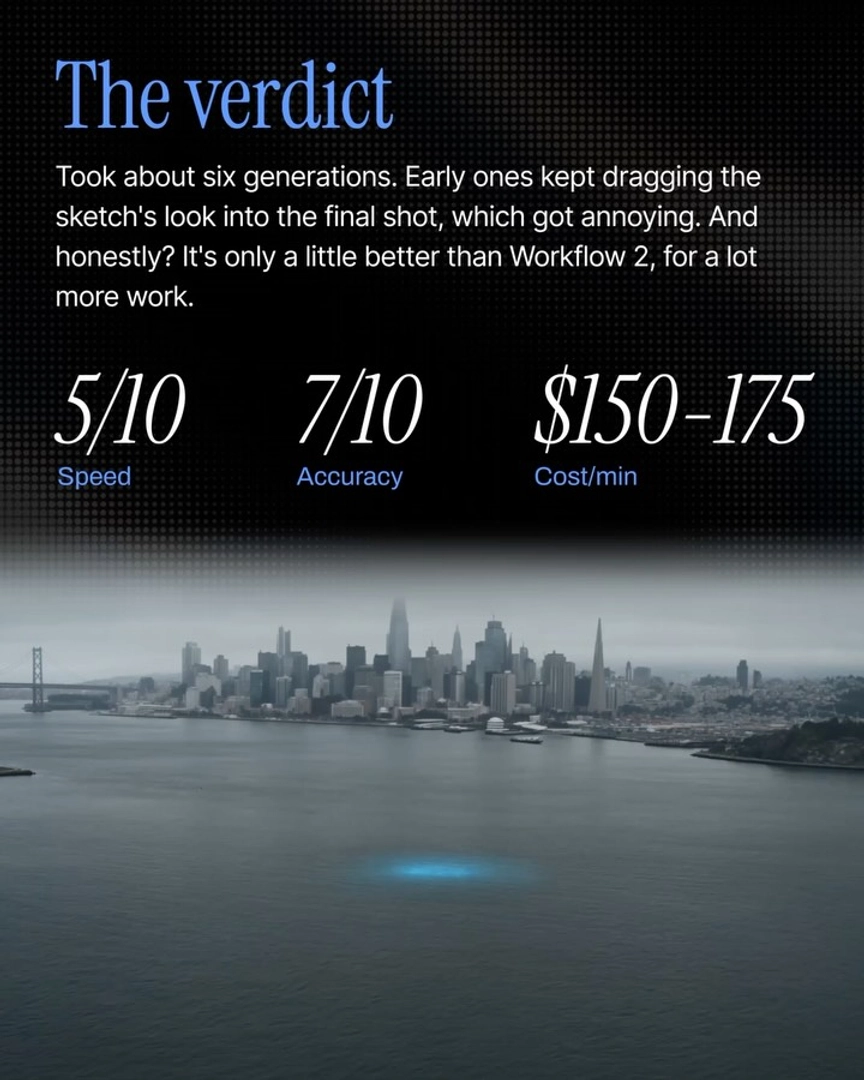
The frames come back looking almost like the first frames of your actual film.
— invideo's creative team, on GPT-Image-2 storyboard grid output