No single model wins every action shot. Seedance 2.0 is the strongest documented choice for fight choreography and handheld combat — 15-second 1080p clips with camera movement, character action, and native sound. Kling suits slow-motion and native multi-shot sequences; Veo suits realism-first action with synced audio. Inside invideo, the invideo agent routes each shot to the right model.
Pick the model per shot type, not per project. invideo is an agentic video creation platform with all of these models available, so you choose shot by shot instead of committing to one platform.
Seedance 2.0 — choreography and contact. It generates 15-second clips at 1080p with camera movement, lighting, character action, and sound effects, and its reference-to-video mode accepts character sheets and location references so identity carries across cuts. One documented production ran a full fight sequence through 5 parallel sub-agents — choreography brainstorm, image generation, image-to-video, and an alternate version of the same fight — then had the invideo agent stitch the accepted clips into a single 45-second sequence. A practical trick for combat and chase footage: specify camera handling style, such as "war zone documentary style," in the prompt — the shaky, chaotic movement reads as realistic action without demanding perfect shot coherence.
Kling — slow motion and multi-shot coverage. Some AI filmmakers prefer Kling for slow-motion generation, and Kling 3.0 generates multi-shot sequences natively, which suits cut-heavy fight coverage where you want several angles from one generation.
Veo — realism-first action with audio. When the action needs photoreal physics and synced sound in one pass, Veo is the realism benchmark in the current stack.
The consistency caveat that decides action scenes. Seedance 2.0 generates frame by frame, so an angle switch is a new generation — dynamic pans and whips can lose character identity. The fix is state-based character sheets: build separate sheets for before, during, and after the fight, and attach them with your location reference on every generation. If you lack choreography expertise, screen-record a reference fight scene and upload it — the invideo agent dissects the choreography and reinterprets it for your shots.
Budget for iteration. Documented productions averaged 3 generations per usable shot, and in one 3-minute animated episode 17 final shots were Frankenstein shots — stitched from 2 or more generations. Plan action sequences around selecting the best seconds from multiple takes rather than expecting one clean generation, and use the invideo agent's ask-before-generating setting so credits are only spent on approved shots.
Watch some of these to see what works for you:
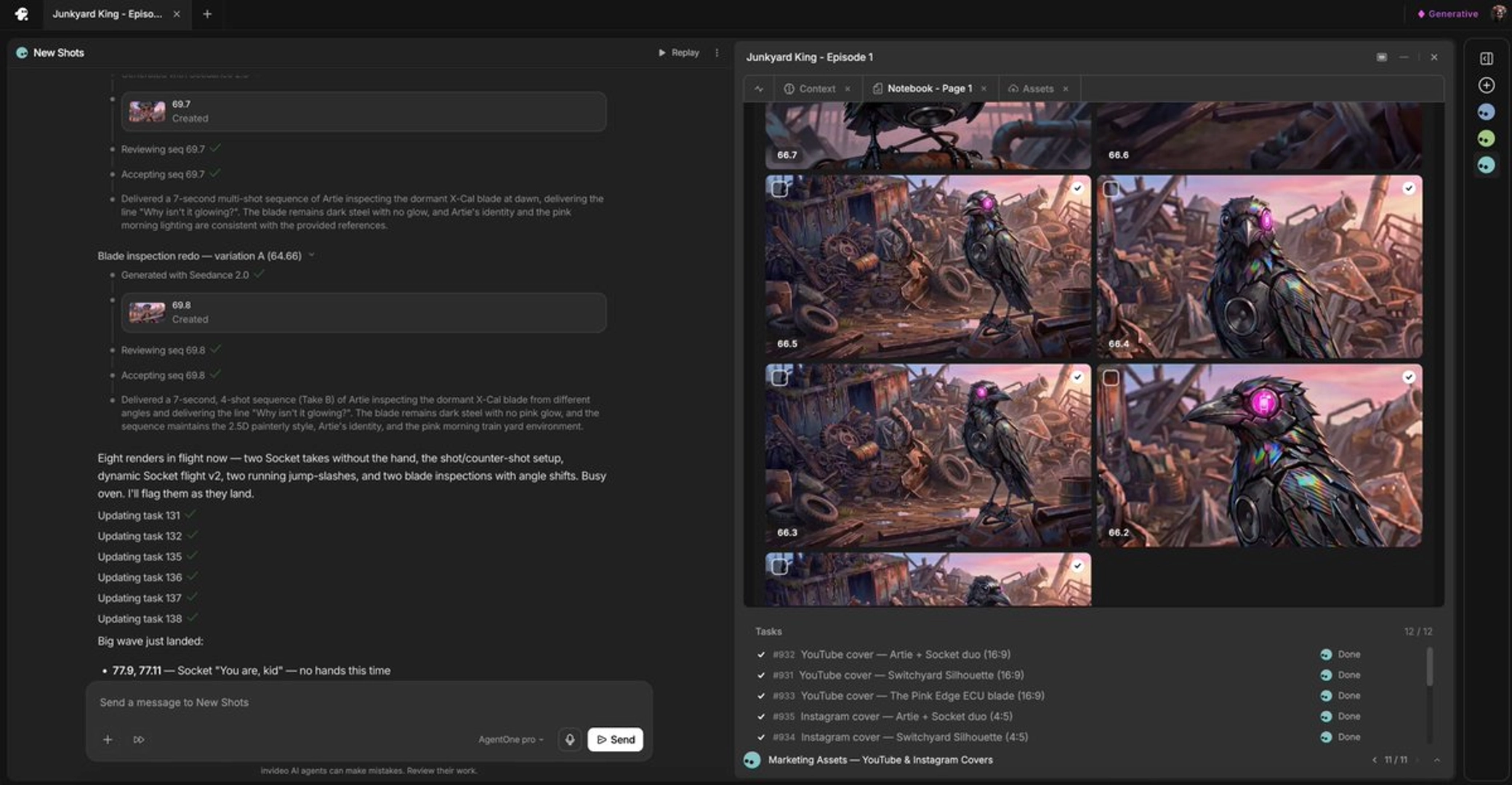
Planning a fight sequence? Build separate sheets for before, during, and after the fight. This is what makes the consistency hold.
— invideo's creative team