Why do filmmakers use low-poly Blender blockouts as references for AI video generation?
Last updated August 10, 2026
Filmmakers use low-poly Blender blockouts because the render works as a depth-map reference: it encodes character placement, depth planes, and camera angle as geometry — spatial facts AI video models can't reliably infer from text prompts or flat reference images. An AI agent then texturizes that geometry with an image model, keeping the composition exact while adding the visual style.
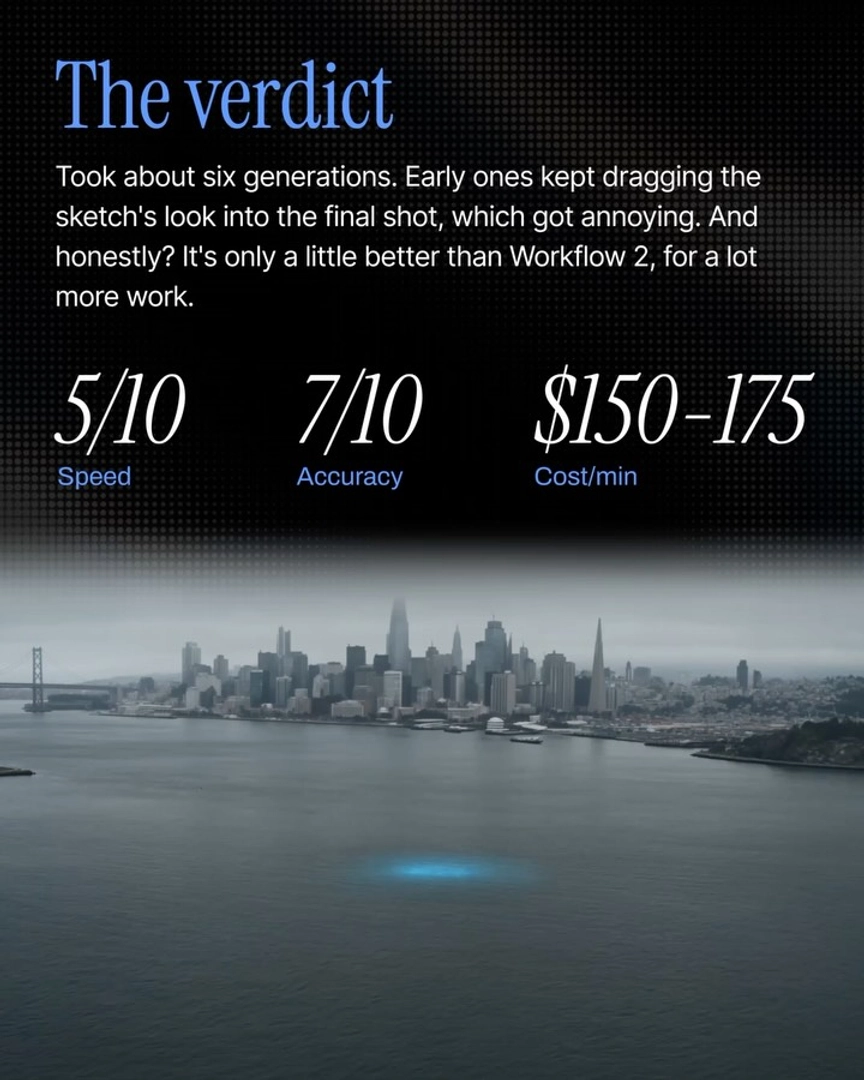
A low-poly blocking render solves the angle-control problem that other references leave open. In one documented set of previz tests, a reference-image-to-video workflow took 7–8 iterations to land a single specific camera angle, because a flat image only implies the 3D relationships in the frame. A blockout states them outright: where each character stands, how deep the space is, and exactly where the camera sits. The model stops guessing spatial layout and builds on top of it.
The absence of texture is part of why it works. An untextured grey render carries no visual style for the model to inherit — a known failure mode with stylized references, where early generations pick up the reference's art style and carry it into the footage. Low-poly geometry gives the image model pure composition with nothing to fight against.
The same geometry also re-skins across styles. Because the blockout is a spatial shell rather than a finished look, you can texturize one blocked shot into different worlds, genres, or looks without re-blocking anything — the composition, blocking, and camera angle survive every restyle. The principle even extends past 3D software: photographing a physical object framed on a table works as the same kind of depth-map reference, with the AI swapping the object for your character and the surface for your environment.
The pipeline inside invideo runs in three steps — invideo is an agentic video creation tool with all the current image and video models available, so the whole chain happens in one place. Import your blocking render, and the invideo agent uses it as the compositional and depth reference. Ask it to texturize the frame with an image model — Nano Banana Pro or GPT-Image-2 both work for turning grey geometry into a finished hero frame. Then the invideo agent routes that locked frame to a video model: Seedance 2.0 generates up to 15 seconds per shot, Kling up to 10.
The trade-off is time and credits per shot in exchange for shot-level precision, which is why this technique belongs to the high-control end of previz — VFX teams and 3D artists locking exact compositions rather than teams still exploring treatment. Traditional previz at that precision level costs tens of thousands of dollars and takes weeks; a texturized blockout gets you the same compositional certainty per shot in minutes.
Watch some of these to see what works for you:
I could possibly take any of my kids' toys and frame that on my table, take an image with my phone, upload that onto Agent One, and watch it use the toy as a depth map reference — replacing the toy with your character and the desk with the environment in your film.
— invideo's creative team