Ads and product videos
Remove the retakes, keep every point about pricing and end on the call to action.
Try now
Turn raw footage automatically into a tight 60-second edit or multiple social cutdowns with AI. Remove filler words, awkward pauses, flubbed lines and get a clean editable first cut on a multitrack timeline.
















Filler words, silences and flubbed takes come out. The agents assemble the strongest deliveries into a first cut, against your script line by line or from your description if you don't have one.
Try itAsk for a 60-second version, a vertical cut for Reels or three cutdowns from one interview. The agents restructure and retime the edit and keep the lines that must stay.
Try itMark the first few beats of the track. The agents carry the pattern through the song and land your shots on it, for montages, promos and highlights.
Try itShare an edit you like, and the agents apply its pacing, structure and style to your footage. The result follows the reference's treatment using your shots, not a copy of the original.
Try itTell the agents which camera has the best audio. They sync every angle as a frame-matched layer and cut to whoever is speaking.
Try itThe agents pull clips from built-in stock libraries or generate shots with 200+ AI models, then place them over the moments they illustrate.
Try itDialogue cleanup and ducking keep voices clear over music. Adjust any track yourself in the built-in audio mixer.
Try it
Write the cut the way you would brief a human editor: who it's for, how long it runs and which lines have to stay. The agents build that version exactly as it is.

The agents log every line, moment, the voice, and angle. They can find the take where the speaker lands the line or the shot where the product hits the table, not just the transcript.

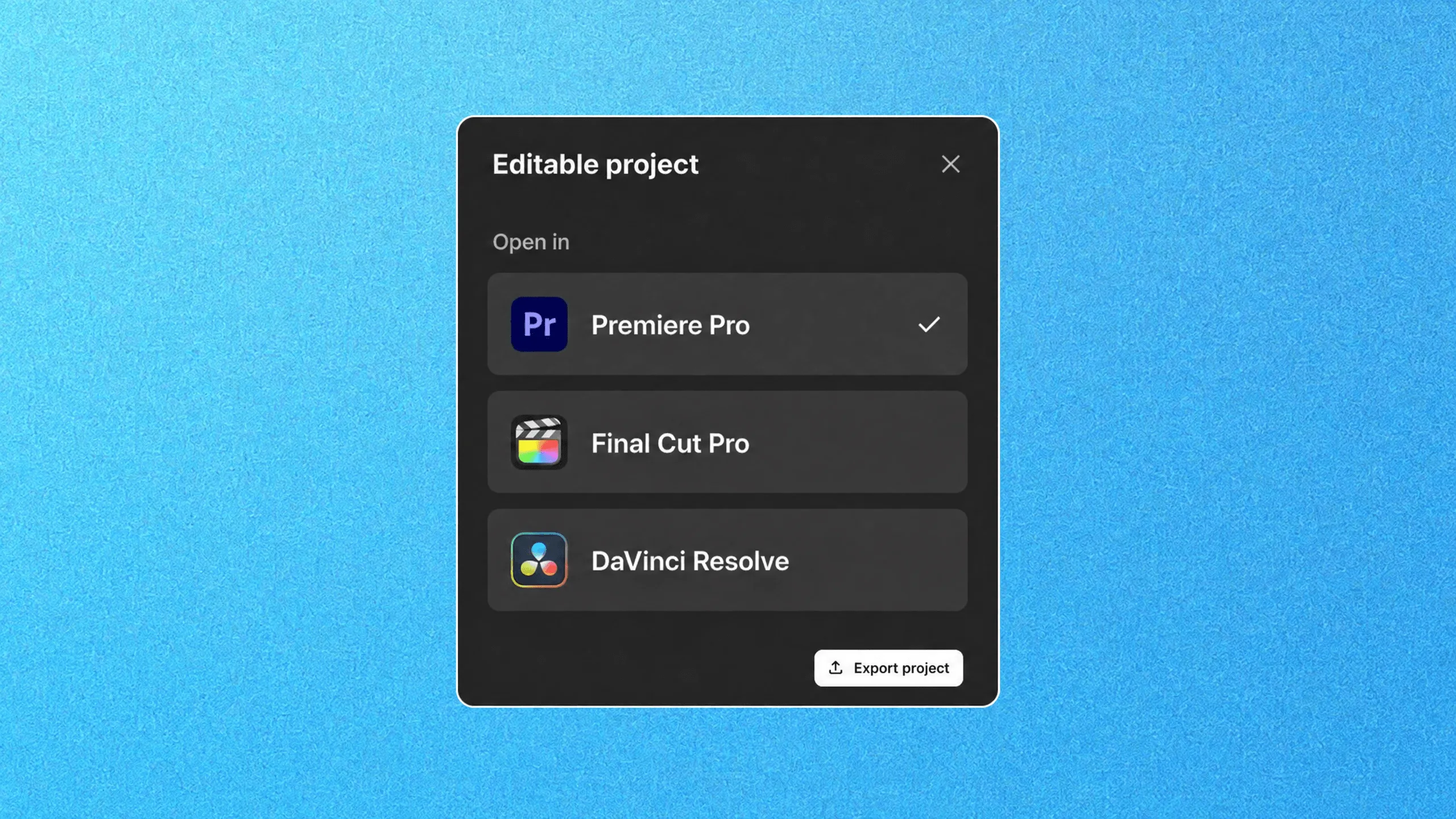
Every cut the agents make is a clip on the timeline. Re-trim it, swap the take in the invideo Editor, or export the editable project to Premiere Pro, Final Cut Pro or DaVinci Resolve with cuts and layers intact.
Remove the retakes, keep every point about pricing and end on the call to action.
Sync the three cameras to the LAV audio and cut to whoever is speaking.
Identify key moments, create tighter cuts, and prepare short-form edits for different platforms like Instagram, Youtube and TikTok
Collaborate in real time with live cursors to show what everyone's working on.
Turn any script or idea into a shot-by-shot plan, then tweak as needed before generating.
Write your script inside invideo, and ask an AI co-writer for help if you'd like.
Picture Premiere Pro with full AI.
Create custom agents to fill specific roles like cinematographer, music designer, and more.
Backed by the firms behind Stripe, Spotify, Flipkart, and ByteDance.
Loading pricing…
An auto video editor uses AI to do the first pass of editing: selecting takes, removing pauses and filler, and assembling clips into a cut. In invideo editor, AI agents do this from your direction and place the result on an editable multitrack timeline.
The manual editor is free. You can cut, grade, mix and export without any cost. If you want to use AI Agents to assign the editing work you will be charged credits as per usage.
Not necessarily. Invideo Agent works from the footage and the brief or description you provide it. Nonetheless, if you have a script, the agents cut against it line by line and flag anything the footage is missing.
Yes. Specify the target duration, aspect ratio and platform, along with any dialogue, shots or key messages you want to keep. For example, ask for a 60-second vertical edit for Reels that includes the product demo and closing call to action. You can also request multiple versions from the same footage, each with a different length, format or focus.
Yes. Ask the agents to find specific moments or topics in your footage and turn them into short clips. For example, pull individual answers from an interview or product demonstrations from a webinar without identifying every timestamp yourself. Specify the length and format you need, then refine each clip’s selection, pacing and start and end points on the editable timeline.
Yes. Ask for changes in plain language, such as “shorten the opening,” “use another take” or “move the product demo before the interview.” You can also edit the timeline yourself to reorder clips, adjust trims and swap takes. Use branches to explore alternative edits and version history to return to an earlier version.
Yes. Export an editable project from invideo to continue working in your preferred editor. This is separate from exporting a rendered video, which combines the edit into a single video file rather than preserving separate timeline elements. Premiere Pro and Final Cut Pro open the project exports directly, while DaVinci Resolve uses OpenTimelineIO.

