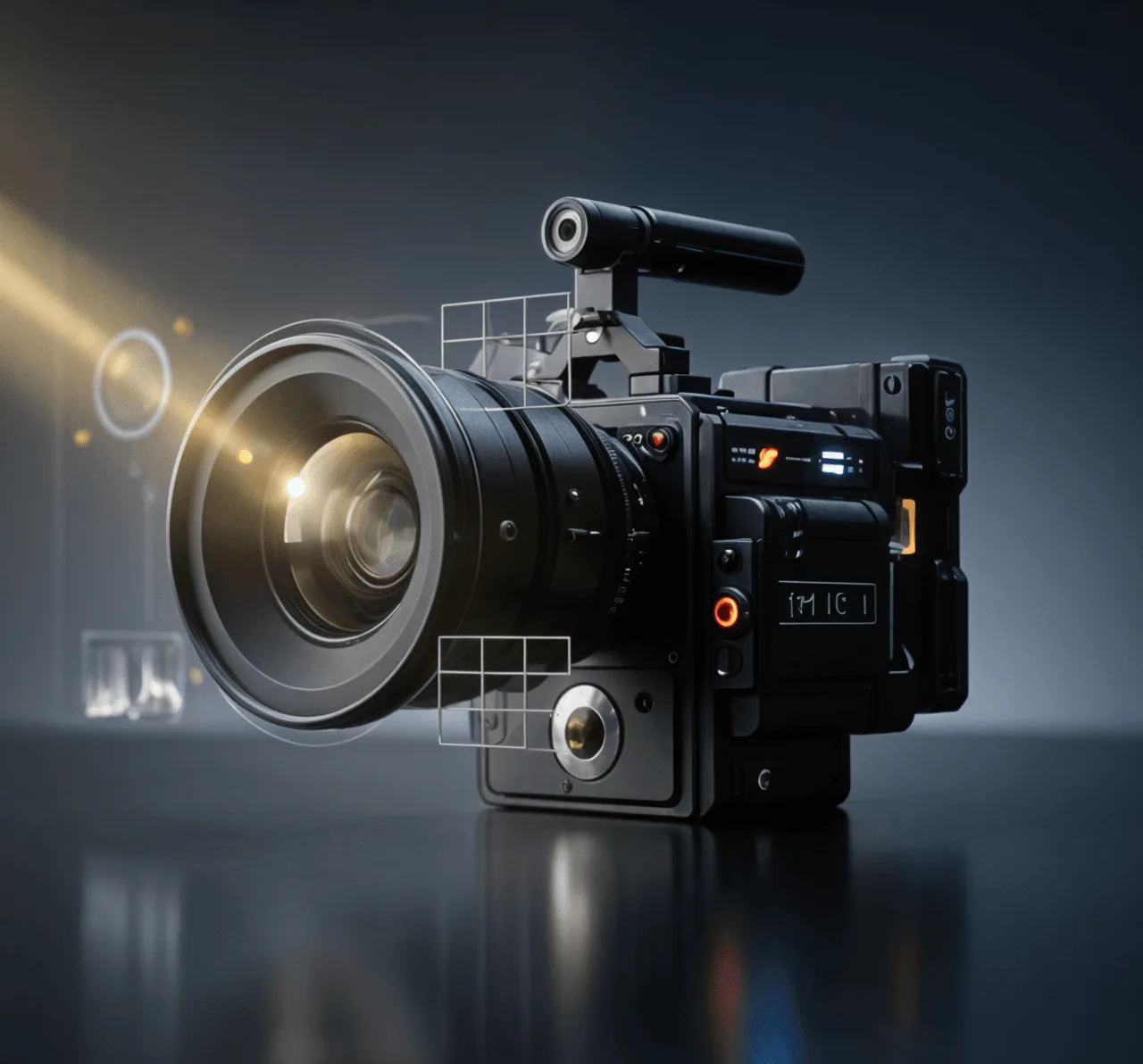
Seedance 2.5
Cinematic scenes with long shots, consistent characters, and detailed motion
Try now
Turn your text to video with AI in minutes. Generate videos in 4K with hyper-realistic human characters, cinematic effects, animations, voiceovers and more, just from a simple text prompt.
















Invideo offers access to top-tier cinematic & creative Models models such as Seedance 2.5, Gemini Omni Flash, Veo 3.1 and Kling, MiniMax, etc to create high-fidelity 4K output, realistic lighting, and native audio generation.
Cinematic scenes with long shots, consistent characters, and detailed motion
Create videos with strong scene understanding, natural motion, and AI-generated visuals from text prompts.
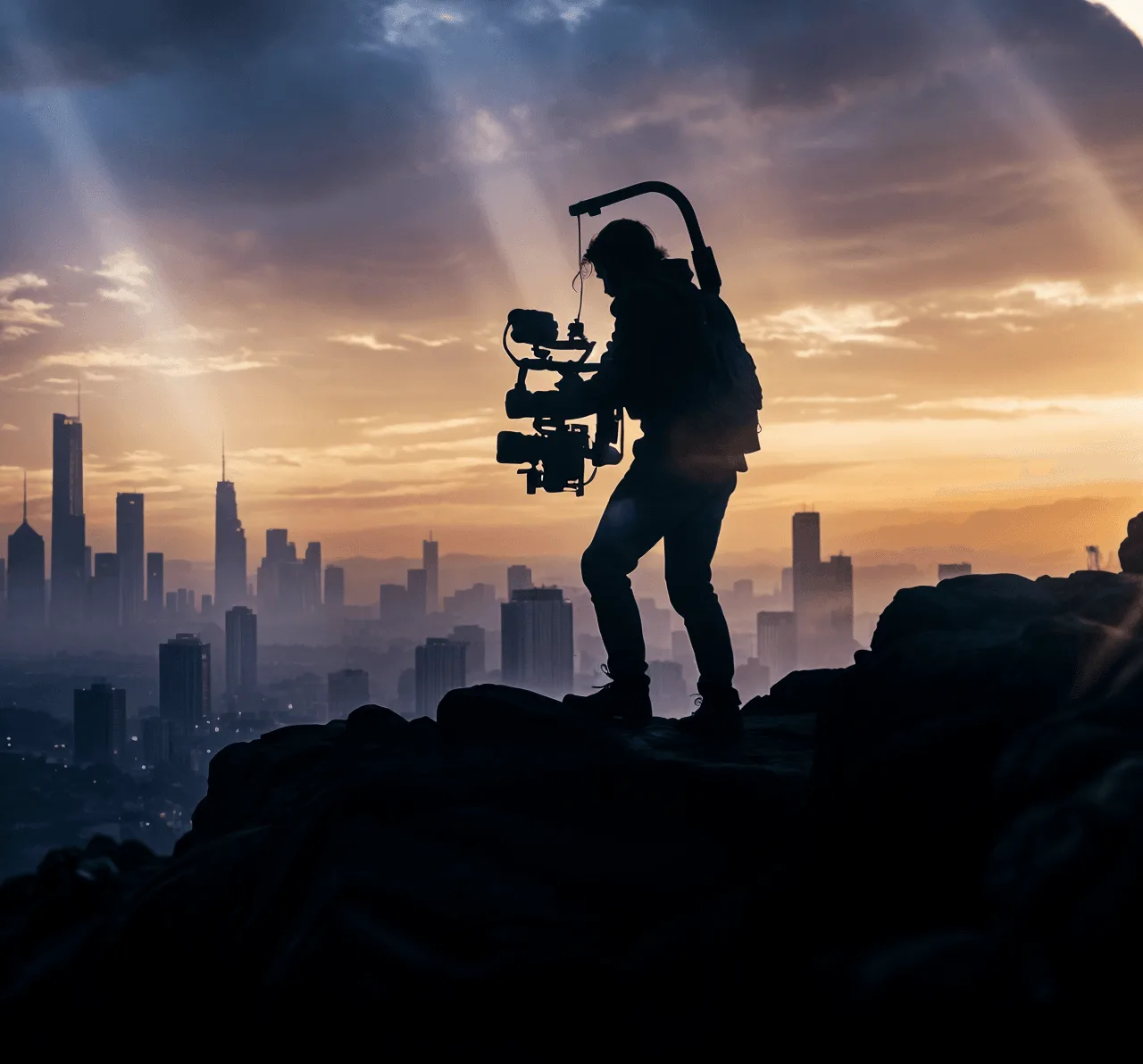
Multi-shot storytelling with realistic characters and dialogue.
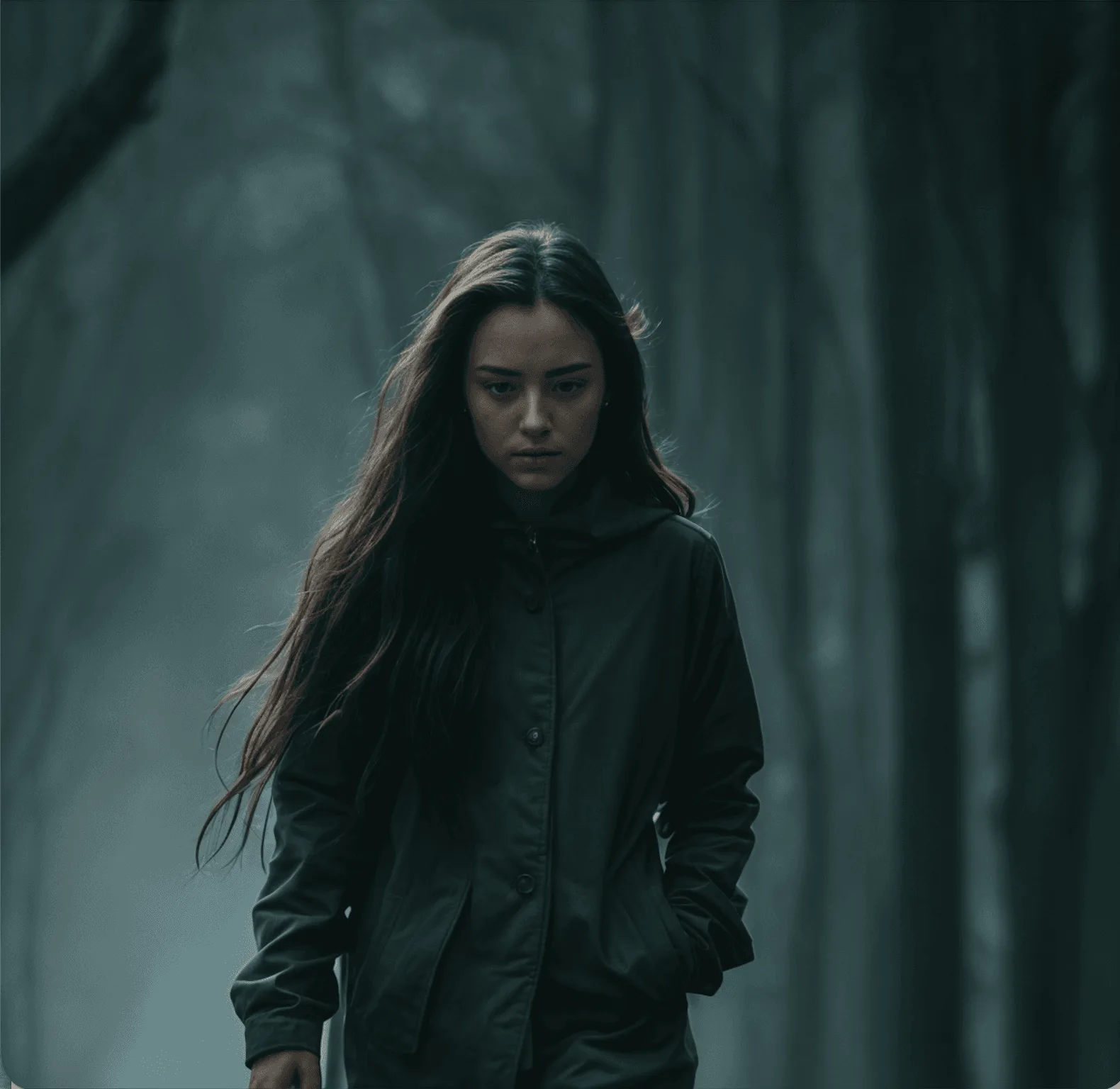
Realistic short clips with synchronized audio and visual consistency.
Turn prompts into high-quality video clips with AI. Create 8-second shots in 1K, 2K, and 4K quality for microdramas, films, product visuals, and creative storytelling.
Try nowGenerate product ads, UGC videos, promos, and social content from simple ideas. Create engaging visuals, scenes, and edits tailored for every platform.
Try nowCreate videos with AI-generated characters in realistic environments. Define their look, movement, and interactions through prompts for explainers, storytelling, training, and branded content.
Try nowTurn scripts, documents, and prompts into finished videos without cameras, crews, or studios. Text-to-video AI helps teams create content faster with AI-generated scenes, visuals, and edits.
Create short-form videos from scripts and briefs for YouTube, Instagram, and TikTok.
Turn ideas and storyboards into cinematic scenes and previsualizations faster.
Create localized product videos, explainers, and campaign content at scale.
Describe the video you want to create, including the style, scene, characters, and visuals.
The AI creates scenes, visuals, voiceovers, music, and edits based on your prompt.
Adjust scenes, refine details, and export your finished video.
Upload your script or brief to AI agents. They analyze it, create clips, organize them, and create an editable timeline that you can review, refine, and export.
Collaborate in real time with live cursors to show what everyone's working on.
Turn any script or idea into a shot-by-shot plan, then tweak as needed before generating.
Write your script inside invideo, and ask an AI co-writer for help if you'd like.
Picture Premiere Pro with full AI.
Create custom agents to fill specific roles like cinematographer, music designer, and more.
Backed by the firms behind Stripe, Spotify, Flipkart, and ByteDance.
Loading pricing…
Text-to-video AI is a technology that converts written prompts, scripts, or ideas into videos. It uses AI models to generate scenes, visuals, animations, voiceovers, and other elements based on the text input.
Text-to-video AI analyzes your prompt to understand the scene, style, characters, and motion you want. It then generates video clips by creating visuals, adding movement, and combining elements like audio, voiceovers, and effects.
To convert text into a video, enter a prompt, script, or idea into a text-to-video AI tool. The AI generates scenes based on your input, which you can customize with different visuals, styles, voiceovers, and edits before exporting the final video.
Yes, AI can turn a script into a complete video by generating scenes, visuals, voiceovers, subtitles, music, and edits. It can help create videos for social media, ads, explainers, storytelling, and other content formats.
The best text-to-video generator depends on your needs, such as video quality, creative control, editing features, and output formats. Tools like invideo help turn text prompts into complete videos with AI-generated scenes, voiceovers, music, and editing options.
Yes, some text-to-video generators offer free plans or credits that let you create videos without paying upfront. Free plans may include limits on video length, exports, available models, or watermarks.
The time required depends on the video length, complexity, and AI model being used. Short clips can often be generated within minutes, while longer videos with multiple scenes, voiceovers, and edits may take more time.
Yes, many text-to-video AI tools can generate voiceovers, captions, subtitles, and background music along with the visuals. This helps create ready-to-publish videos without needing separate editing tools.

