Can I use a photo of my own face as a character reference in AI video tools?
Last updated August 1, 2026
Yes — a photo of your own face works as a character reference in AI video tools, and it's one of the strongest identity anchors you can use. Upload the photo, generate a multi-angle character sheet from it, save that sheet to project context, and attach it to every generation. One documented production locked a series protagonist to the creator's own face with strong consistency across shots.
Start with one clear, well-lit photo of your face — a single source image is enough to build an entire character pipeline from. invideo is an agentic video creation tool with the current image and video models built in, so the workflow runs in one place: upload your photo, and the invideo agent generates a full character sheet from it — multiple views, expressions, color palette, and attributes — in under 3 minutes. From one follow-up prompt you can get additional sheets (dynamic poses, expressions, environmental context), and a 12-angle master sheet locks your face so it stays consistent across every shot.
Don't feed the raw photo into video generation directly — build the sheet first. Video models re-generate identity per shot, and a proper turnaround sheet (front, side, back, close-up, plus a separate face sheet) gives the model enough angles to hold your likeness when the camera moves. One creator working this way put it plainly: full-body turnarounds AND face sheets together produce the maximum depth and clarity at shot-generation time.
Save the sheet to project context under a named key. When your character is stored in the invideo agent's context (e.g. saved as a named character), every future generation pulls from that reference automatically — no re-uploading, no drift between scenes. At generation time, attach only what the shot needs: your character sheet plus 2–3 location references at most. Overloading the model with references is what breaks consistency, not the model itself — fewer, better references outperform more.
Your face also anchors voice, not just appearance. Generating dialogue as a talking-head clip with your face reference produces a more consistent voice signature across generations than a disembodied voiceover prompt — Seedance 2.0 anchors vocal characteristics to a recognized face, so one upload locks both identity dimensions. Within invideo you have all the current video models available, and the invideo agent routes each shot to the right one — Seedance 2.0 reference-to-video is the strongest fit here because it accepts character and location references simultaneously.
Two caveats to plan around. First, Seedance 2.0 generates frame by frame, so a hard camera-angle switch is effectively a new generation — dynamic pans and whips are where likeness slips, which is exactly why the sheet must cover multiple angles. Second, if your character's appearance changes during the story — different outfit, injury, new environment — build a new sheet for that state rather than expecting one sheet to carry the whole film. And a practical boundary: your own face is yours to use, which makes it ideal for personal-brand and self-hosted content; don't upload someone else's photo as a character reference without their consent.
Proof this holds in production: a documented series used the creator's own face as the protagonist's character reference and reported strong consistency across the finished episodes, and a separate 70-second short film held two characters consistent across every scene using character sheets and agent context alone — no LoRA fine-tuning required.
Watch some of these to see what works for you:
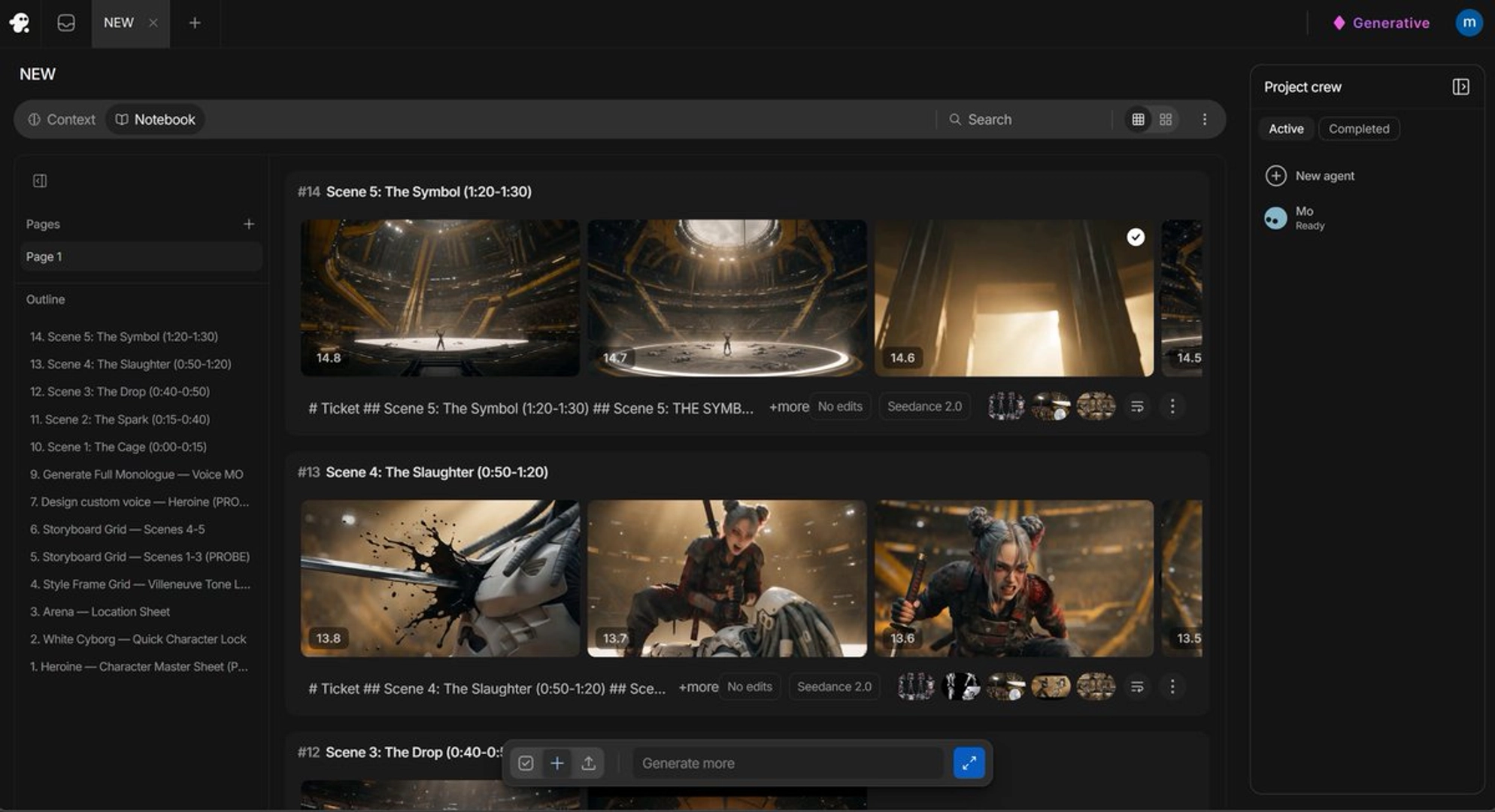
Most people create a single character sheet and expect it to carry across the entire film. It won't.
— an AI filmmaker documenting a character-consistency workflow