How do you avoid the 'two talking heads' problem in AI-generated dialogue scenes?
Last updated August 1, 2026
Avoid two talking heads by staging dialogue as directed coverage, not alternating faces. Five techniques work:
Physical business — characters interact with props and the room
Layered shot coverage — CU/ECU alternation, then OTS with foreground blur
Multi-shot breakdowns per dialogue beat
Reverse angles built with spatial logic
Background life — context-driven extras
Give the characters physical business. Direct them to handle objects and use the space mid-line — pour a drink, inspect a prop, cross the room, react with their hands. Directing characters to interact with physical objects is the documented fix for the two-talking-heads problem in long dialogue scenes: the frame carries action, so the cut between speakers stops feeling like ping-pong. Write the business into the prompt as action, not decoration ("she answers while wiping the counter, never looking up").
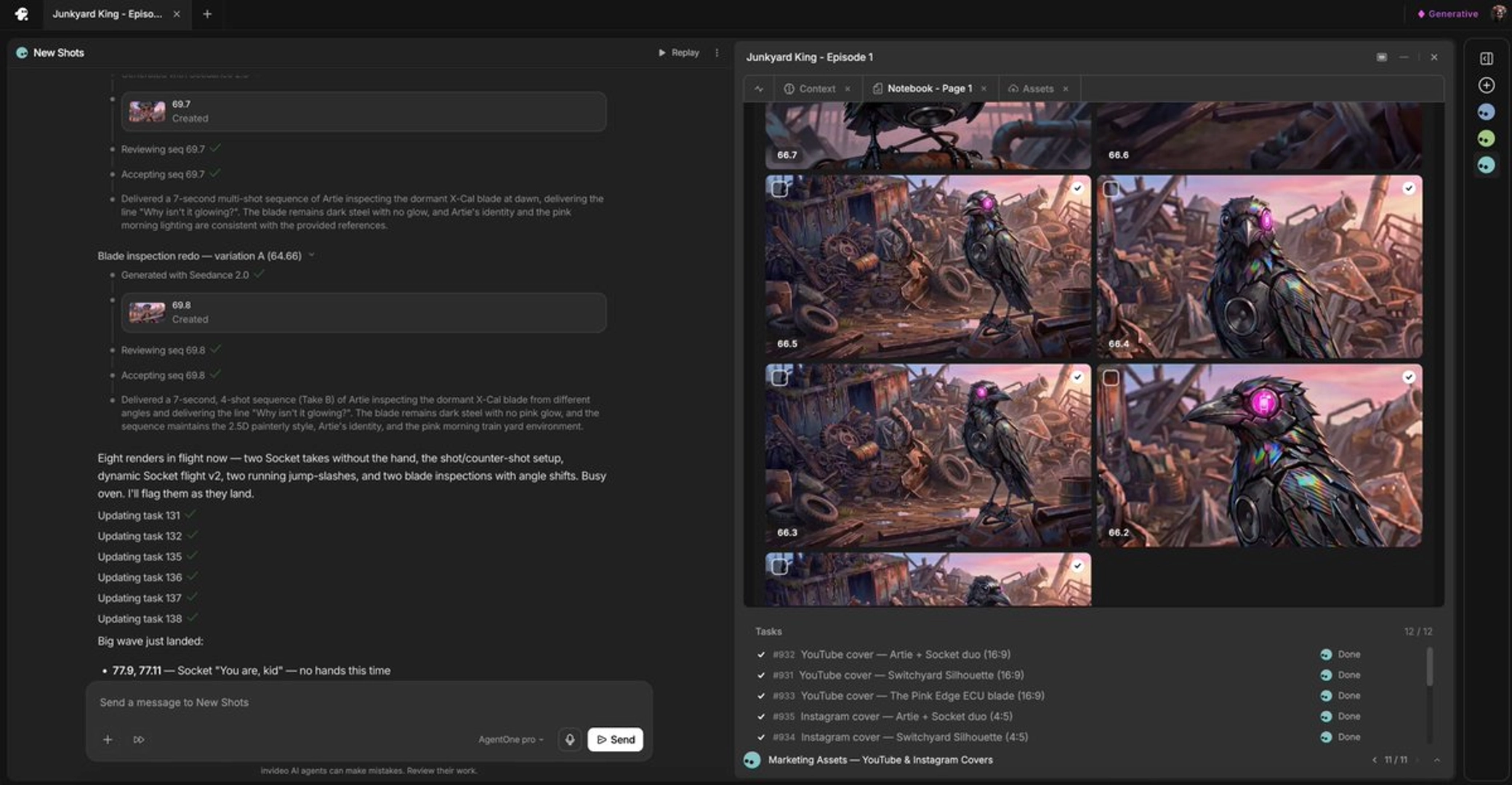
Plan shot coverage the way a live-action set would, and dispatch each setup separately. invideo is an agentic video creation tool with all the current video models available, so you can direct coverage in plain language and send each setup as its own generation task. Start with alternating close-up and extreme close-up cuts, then add over-the-shoulder shots with blurry foreground elements — the OTS layer is what makes two characters read as sharing one physical space. In one documented episodic production, Seedance 2.0 generated 15-second continuous ECU shots for listening coverage and 7-second multi-shot sequences for single lines of dialogue; splitting a character's lines into separate single-line clips gave far more editorial control than one combined generation.
Break every dialogue beat into a multi-shot sequence instead of holding one static frame. Describe the beat to the invideo agent and ask for a shot breakdown before generating: in one production the agent returned a full 6-shot storyboard from a single beat description, and in another it pushed back on a planned continuous 8-second shot and replaced it with 4 locked shots — the filmmaker noted the cut version "hits much harder than one continuous long eight-second shot." Insert listening and reaction shots between lines so the exchange has rhythm, and vary shot scale across the scene: wide, OTS, close-up, insert.
Build reverse angles with spatial logic, not mirroring. The reverse side of a dialogue setup is usually undesigned, which is why AI reverses drift. Ask the invideo agent to apply art-director logic to the reverse — in one production it surfaced the gap itself ("Reverse on Marcus — what's behind him? That near wall doesn't exist yet. What should it be?") and, later, reconstructed a precise reverse angle using only the geography established in prior shots, with no reference image. You can also direct hold-and-release rhythm in on-set language — "stay on him, no back-and-forth cutting, hold right up till he lunges" — which breaks the metronomic shot-reverse-shot pattern.
Put life in the background. Give the model full story context so wide and OTS frames populate with contextually relevant extras and background characters instead of two isolated faces in a void. Documented productions found that models generate era- and location-appropriate background people when the scene context is loaded, which keeps the environment alive between cuts.
These are some of the ways to problem-solve this — what works depends on your scene, the length of the exchange, and how much coverage your edit needs.
Watch some of these to see what works for you:
When you have a long conversation, try to interact with the room, try to interact with the things on the table. Make the characters do something about it. Don't just make it look like just two faces switching back and forth.
— a filmmaker on a documented AI episodic production