How do you use AI agents to produce a complete B-roll package in 2–3 hours?
Last updated August 1, 2026
Run a single invideo agent project through three timed phases: intake and shot planning (0–30 min), parallel clip generation (30–120 min), and assembly with selective regeneration (120–180 min). One documented real-estate B-roll built this way produced 30–35 seconds of finished footage from 19 images and 19 clips, using 270 credits (~$67) in 2–3 hours.
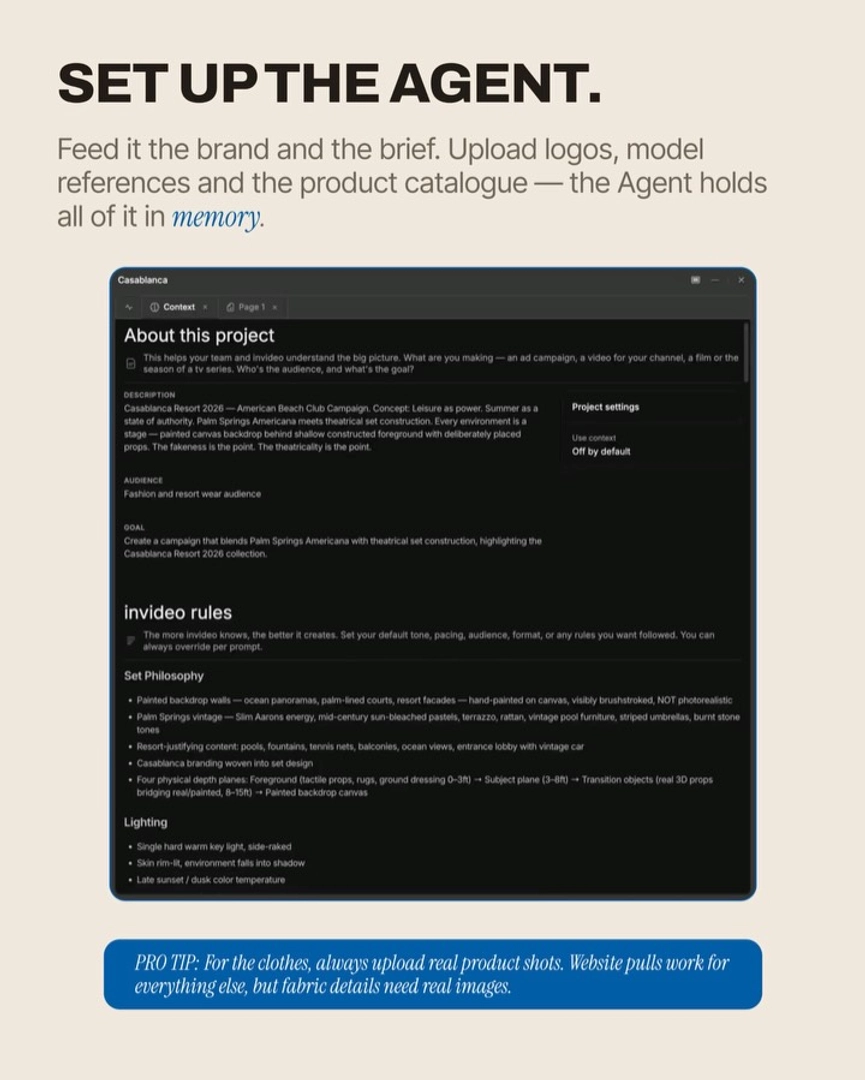
Start with a single project in the invideo agent — an agentic video tool that routes each shot to the right model (Veo, Kling, Seedance 2.0, Recraft, Nano Banana, GPT-Image-2) and holds your brand and location context across every generation. Then walk the three phases below in order.
Phase 1 — Intake, research, and shot planning (0–30 min). Brief the invideo agent with the property or subject details, any reference footage you have, and what the B-roll has to cover. Have it run an autonomous research pass (location, surrounding landmarks, brand context) and produce a written visual bible — aesthetic, lighting, mood — that you explicitly sign off on before a single image is generated. Ask for an estimated generation breakdown so you know how many reference sheets, clips, and credits the run will cost before you commit. End the phase with a locked shot list (10–20 shots is typical for a 30-second B-roll package).
Phase 2 — Parallel generation with image-first iteration (30–120 min). Spin up a second sub-agent inside the same project so two agents generate non-dependent shot sets in parallel — same context, no re-uploads, roughly double the throughput. For each shot, generate the still image first (cheap), iterate until the framing is locked, then spend video credits animating that locked frame. Generate clips in batches of 5 at 5-second durations; Seedance 2.0 caps at 15 seconds per output, so the agent will auto-batch anything longer. Two specifics worth using: for location geometry, upload 3D satellite screenshots from multiple angles so the agent locks the physical layout; if you have any real footage of the site, upload it alongside — the agent extracts real textures and maps them onto that geometry for photoreal composites. For pre-construction or pre-listing footage, ask the agent to virtually apply scheduled touch-ups so the B-roll reflects listing-day, not today.
Phase 3 — Assembly, QA, and selective regeneration (120–180 min). Pull locked clips into Slate (invideo's built-in timeline) or Premiere Pro as they finish — don't wait for the full batch. Reviewing in the edit surfaces loops, drift, and pacing problems early. Lock the clips that work, regenerate only the failing ones (expect a 20–40% regen rate on a first run), and reference a previously approved clip's motion tag (e.g. @1.2) when you want a new shot to match its pacing. If your B-roll carries narration, clone the voice from one approved clip and lock it for the rest — the agent runs a 2-second audio-similarity check and auto-regenerates if drift exceeds 1.5%.
What this costs and produces, from documented runs. A 23-home gated estate B-roll: 19 images, 19 clips, 8 used, 270 credits / ~$67, 2–3 hours, 30–35 seconds of finished footage. A traditional drone shoot for the same coverage runs $300–$500 — roughly 75–87% more — and is impossible at all for pre-construction sites. As Hridaye, invideo's creative director, puts it: "If you compare that to a $300 to $500 drone shoot, or if you're creating B-roll for a pre-construction property where there's literally nothing on site yet, this workflow is pretty cool."
Two speed levers to hit the lower end of the window. First, lock the visual bible and one probe shot before batching — generate one full-frame shot containing your hardest elements (geometry, lighting, texture), and only scale up if it holds. Second, run image generation and video generation as parallel sub-agents from minute 30 onward; the shared project context means neither needs re-briefing.
Watch some of these to see what works for you:
If you compare that to a $300 to $500 drone shoot, or if you're creating B-roll for a pre-construction property where there's literally nothing on site yet, this workflow is pretty cool.
— Hridaye, invideo's creative director