Why does invideo Agent One run out of credits unexpectedly mid-generation?
Last updated September 9, 2026
The invideo agent runs out of credits mid-generation because credits meter per task, not per finished shot: one instruction can trigger reasoning, image, and video generations, usable shots average 3 attempts each, and the default permission mode generates without per-step approval. One documented session hit a ~10.9-credits-needed vs ~9.6-remaining shortfall mid-scene.
Credits in the invideo agent are consumed per generation task, not per approved shot — and that gap between what you asked for and what actually ran is where the surprise comes from. Four causes stack up:
Every task bills, including the thinking. A single request can dispatch multiple billable steps: agent reasoning, image references, video clips, voice, and music. In one documented episode production, roughly 18,000 credits went to media generation and 8,000 to agent brainstorming — about 31% of the 26,162-credit total was spent before any pixel rendered. Documented per-clip video costs ran 16 credits per Seedance 2.0 generation in one session and 27 credits per pass in another, so a scene with several clips compounds fast.
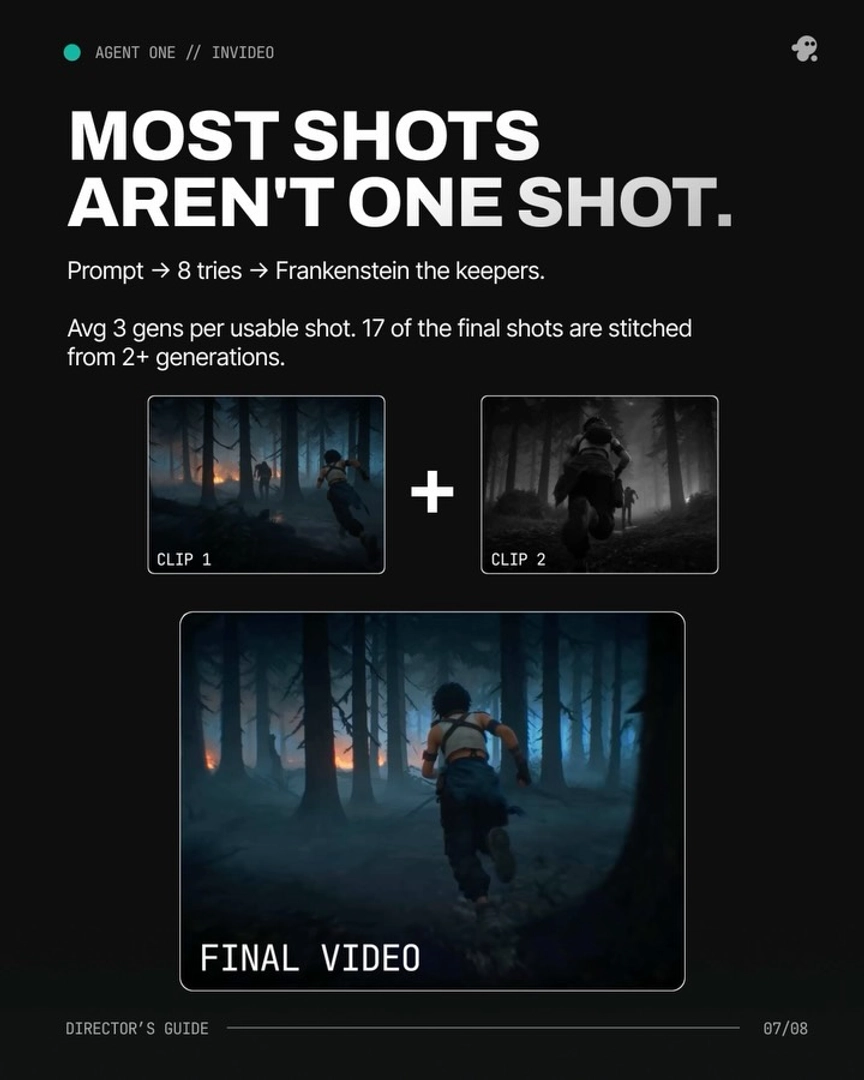
Usable shots take multiple generations. Across one 3-minute animated episode, the team averaged 3 generations per usable shot, and only 41 of 164 generated clips (~25%) made the final cut. If you budget one generation per shot, your real spend lands roughly 3–4x higher — that overgeneration is a normal iteration rate, not a malfunction, but it's invisible until the balance drops. Every regeneration, tweak, and wrong-setting redo (an unlocked aspect ratio is a common one) bills again, and fixing avoidable character drift mid-project burns further credits — lock your references and format parameters before video begins.
The default permission mode generates without asking. Unless you switch on the ask-before-generating setting, the invideo agent proceeds through its task list and consumes credits autonomously. As one creator put it in a production walkthrough: "Make sure to switch on the always ask button so you don't burn through your credits with the speed of a machine gun in the hands of the Terminator."
There's no real-time credit counter in the interface. Users have flagged this directly — "It's really hard to know how many credits you're spending at any one time" — which is exactly how one session hit a shortfall of ~10.9 credits needed against ~9.6 remaining, halting production mid-scene.
To prevent it: enable always-ask mode so you approve every generation before it bills; instruct the invideo agent to output the written prompt for review before rendering ("I want to see what you're about to make first before you make it, so A, we're not wasting credits"); finalize images before video, since image generations cost far less than video generations; and approve a storyboard first — one creator spent zero video-generation credits until the storyboard was locked. Then budget from actuals: documented short films ran 3,000–20,000 credits ($750–$5,000), and full episodes 26,000–30,000 credits, so size your balance to the iteration rate, not the shot count.
Watch some of these to see what works for you:
Make sure to switch on the always ask button so you don't burn through your credits with the speed of a machine gun in the hands of the Terminator.
— a creator documenting a full production on the invideo agent