AI Product Photography
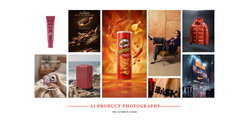
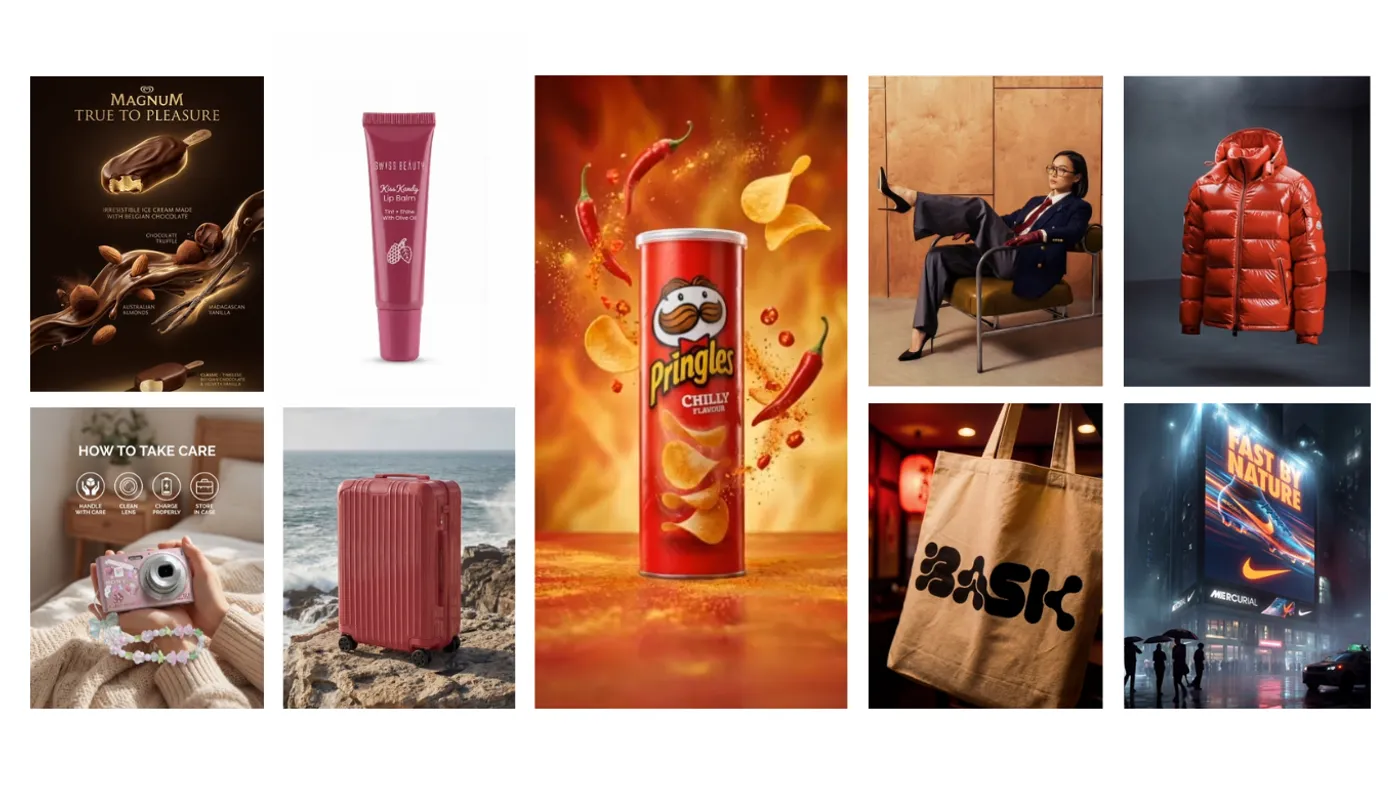
Turn product images into studio-quality photos. Create Mockups, Catalog shots, Amazon listings, and more with 12+ styles. Just pick a style, upload product, and export.
Generate AI Product Photos
Ecommerce Listings
1
Social Media Ads
2
Product Catalogs
3
Apparel & Lifestyle
4
AI Product Photography Features
Studio-Quality Lighting
AI generates physically accurate lighting, shadows, and reflections that match your chosen scene. No light box or softbox required.
Background Generation
Replace any background with lifestyle environments, clean white studio, textured surfaces, or custom scenes described in your prompt.
12+ Styles on Ad Studio
Choose from Amazon primary image, 360 packshot, Catalogue photography, product mockups, billboard mockups and more.
Catalogue Consistency
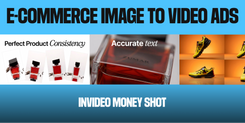
Apply one photography style across your entire product line. Every image matches in lighting, composition, and tone, critical for professional storefronts.
Home for Bold Ideas

How to Create AI Product Photos?
Go to Trends
Go to Trends on invideo dashboard, and open Advertising Studio.
Choose a Style
Pick a style from over 12 presets as per your requirement.
Download
Preview, edit and download your finished AI product photos.
Turn Product Photos into Video
Create professional product videos with Money Shot on invideo
AI Product Animations
Turn static images into smooth, dynamic product videos with Money Shot on invideo. Generate realistic movement for the products, such as spinning a bottle.
12+ Video Styles
Turn your product images into professional, high-impact videos with Money Shot. Choose from 12+ unique styles designed to add motion, lighting, and cinematic detail.
AI Fashion Models
Show your products on realistic fashion models with natural movements like walking, posing, and moving, not just in static images.
AI Voice & Music
Adds voiceovers and background music that perfectly match your video’s mood, tone, and pacing, helping you create a more engaging and polished video.