Can AI ensure every garment in a fashion catalog gets coverage in a campaign?
Last updated August 1, 2026
Yes — with the right setup, AI can guarantee every garment in your catalog gets shot coverage in the campaign. Upload the full lookbook into the invideo agent, ask it to auto-distribute shots across your locations and SKUs, then run an editorial gap audit so any garment without coverage gets flagged before generation. The agent enforces the coverage rule; you approve the plan.
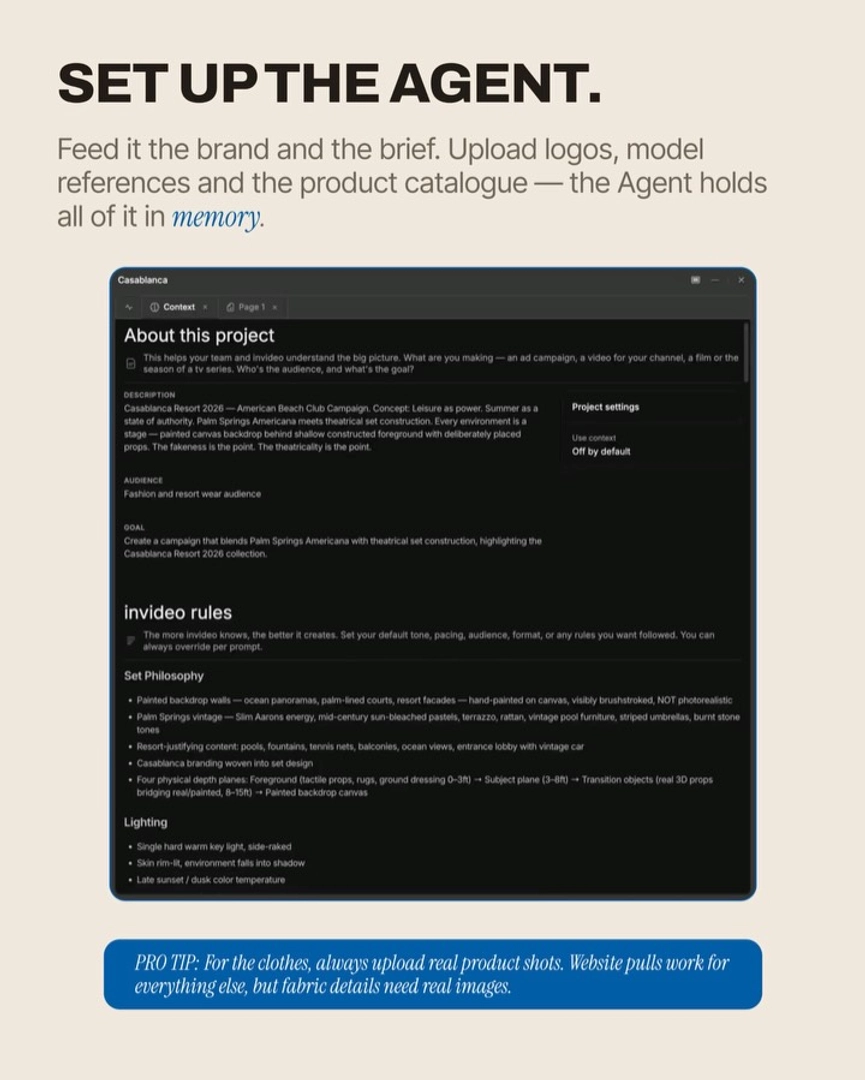
Start by loading the entire catalog into the invideo agent as persistent context — a lookbook PDF with every garment shown front, side, back, close-up, and on-model. invideo is an agentic video creation tool that holds your catalog, characters, locations, and rules in one project brain across every generation, so you brief the coverage policy once and it applies to every shot the agent plans.
Step 1 — Brief coverage as an explicit rule. Tell the agent in plain language: "every garment in the lookbook must appear in at least one shot." Lock that as a project rule alongside your cast, locations, and aspect ratio. When this rule is in the project brain, the agent automatically balances coverage across all your locations and ensures every garment from your catalogue appears at least once — that enforcement is what separates AI coverage from a human stylist's spreadsheet.
Step 2 — Let the agent generate the shot breakdown. Ask for a shot list distributed across your sets and SKUs. In one documented editorial campaign, this produced 10 shots across 5 sets (2 per set) in a single breakdown pass — auto-balanced so no garment was left out. Review the table before any image generation: SKU, set, framing, action. If a garment is missing, you see it here, not after spending credits.
Step 3 — Run an editorial gap audit. After the initial list, prompt the agent: "what shot types am I missing for a proper editorial?" This surfaces back shots, product still lifes, cropped body fragments, seated poses, duo compositions, and empty atmospherics — categories a conventional lookbook brief omits. Product still lifes in particular (garments and accessories with no human subject) function as pause beats that systematically get missed in AI-generated lookbooks. Adding them widens coverage per SKU.
Step 4 — Probe before you batch. Generate one full-frame shot — character, garment, set, skin, pose — and verify it holds. If the system holds on the probe, batch-generate the rest. Skipping this step risks propagating a failure across every garment in the run.
Step 5 — Verify coverage at the end. Pull the locked stills into your edit alongside the catalog list and tick off SKUs. Anything unticked goes back to the agent for a targeted regeneration in the right set. Across one documented campaign, this workflow produced 40 editorial stills and 30 motion clips covering two models and five locations in 3–4 hours for 630 credits ($150), with rejected generations included in the cost.
Hridaye, invideo's creative director, frames the discipline this way: "Pick one full-frame shot — character, garment, set, skin, pose all in it. Generate just that one. If the system holds, generate the rest." Coverage enforcement and probe-first generation work together — the agent guarantees the plan; the probe guarantees the plan is generatable.
For model choice, the invideo agent routes the work itself: GPT-Image-2 for location and on-model stills where text or layout matters, Nano Banana for lighting-led hero frames, Recraft for casting portraits where skin texture matters, and Seedance 2.0 for motion clips off the locked frames. You don't pick the model per SKU — the agent does, against the rule that every garment must appear.
Watch some of these to see what works for you:
The Agent automatically balances coverage across all your locations, and that every garment from your catalogue appears at least once. Global rules baked in — skin realism, posing, aspect ratio.
— Hridaye, invideo's creative director