How do you build a chase sequence in an AI film with minimal reference images?
Last updated August 1, 2026
You can build a full chase sequence from just 3–4 base images: lock your character from a single reference, have the invideo agent batch additional angle variations off one approved hero frame, generate motion-heavy clips in Seedance 2.0 with minimal references attached, and intercut the angles to imply spatial geography. A documented AI episode built its market chase exactly this way.
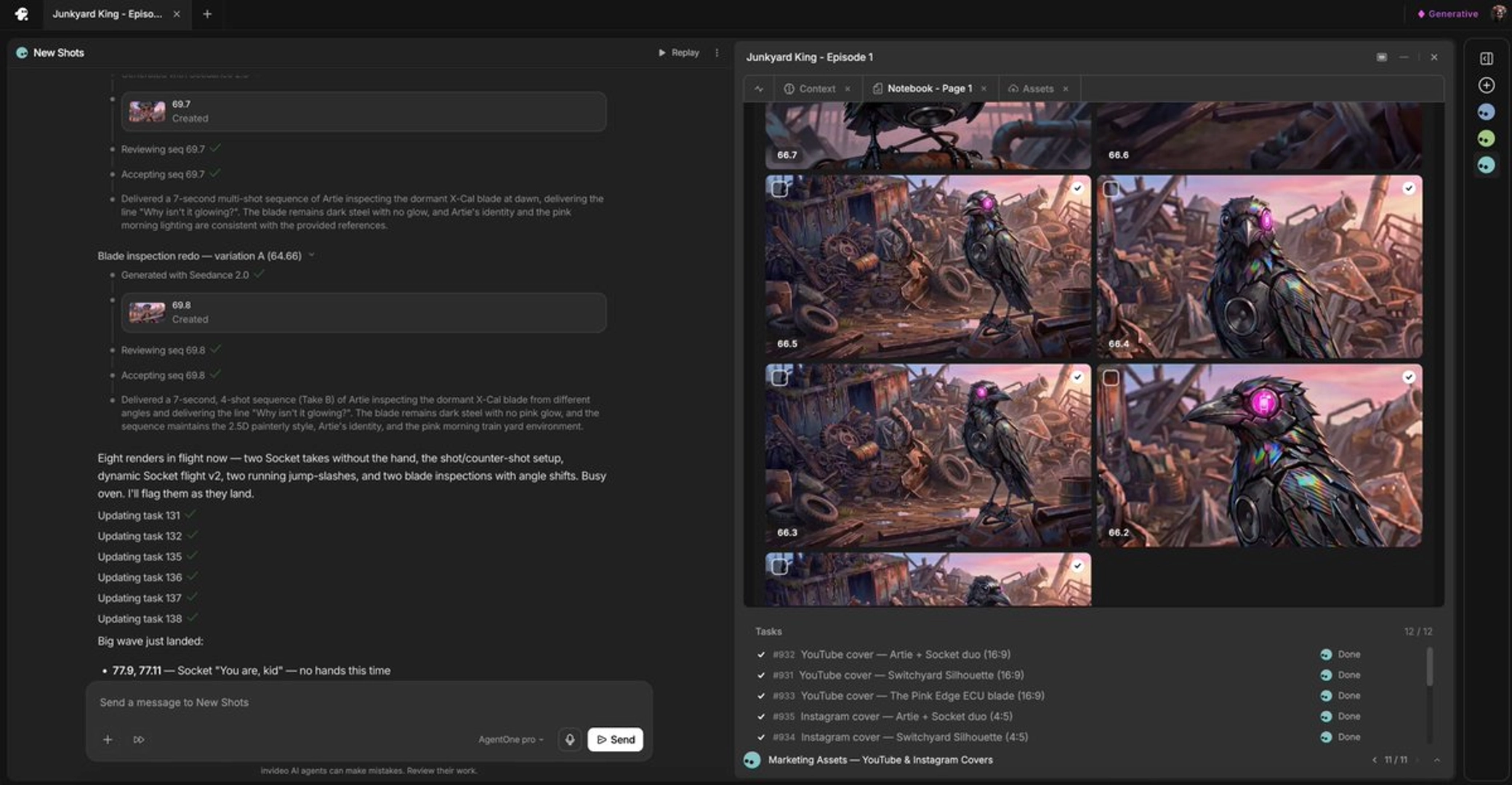
Start with 3–4 base images that define the chase — the pursuer, the pursued, and one or two environment frames. One documented production built the entire market chase sequence of an AI episode from 3 to 4 reference images, expanded by the agent rather than by generating dozens of new references upfront. invideo is an agentic video creation tool with all the current models available, so the steps below run in one place with the invideo agent holding context across every shot.
1. Lock the character from one reference. From a single photo, the invideo agent can generate multi-angle character sheets — one documented pipeline started from one reference image and returned turnaround, expression, and environmental-context sheets. This is what holds identity when a chase whips between camera angles, because Seedance 2.0 generates frame by frame and loses character detail on hard angle changes without a sheet to anchor to.
2. Expand angles from one approved hero image. Refine a single frame to the correct color grade and composition first, then ask the invideo agent to batch the remaining angle variations — in one production, approving one hero look triggered nine additional angle variations automatically. This gives you the wides, closes, and reverse angles a chase needs without sourcing a new reference for each shot, and it prevents burning credits on off-look batches.
3. Generate clips with few, specific references. Attach only the character sheet plus the environment frame for that shot — 2–3 location images maximum. Overloading the model with references is what breaks consistency, not the model itself. Prompt the chase physics explicitly: camera behavior ("handheld, war zone documentary style" reads as chaotic, realistic action without demanding perfect shot coherence), subject speed, and spatial logic — screen-left stays screen-left unless the character visibly crosses frame. For motion-heavy beats, give the model the full clip duration so the physical action completes without rushing. Seedance 2.0 reference-to-video carries character and location context across clips, while Kling 3.0 generates multi-shot sequences natively; every roster model runs inside invideo, and the invideo agent routes each shot to the right one.
4. Chain shots with the last frame. Attach the final frame of the previous clip alongside the character sheets when generating the next segment — one filmmaker reported roughly 99% consistency across 4 generations with that input set, which keeps the pursuit reading as one continuous event.
5. Intercut to imply geography. You do not need to literally establish the chase route with wide masters; cutting between your angle variations makes the audience assemble the space themselves. Invite the invideo agent to propose beats at this stage — in the documented chase, the filmmaker credited half the sequence's drama, including a character skidding across a terrace, to shot ideas the agent suggested unprompted.
Watch some of these to see what works for you:
I'm not afraid of admitting 50% of the entire drama that you see in that entire J sequence was all Agent One's creativity.
— Vinu, solo AI filmmaker