Can I edit and finish my AI-generated video entirely inside invideo without using Premiere Pro?
Last updated September 9, 2026
Yes — for most social ad formats you can generate, edit, and export entirely inside invideo. Slate, invideo's built-in timeline editor, lets you lay clips on a timeline and cut the way you would in Premiere, while the invideo agent handles voiceover, music, lip-sync, and assembly. Very large multi-asset campaigns are the one case some teams still finish in an NLE.
Use Slate to do the cut itself: it is invideo's timeline editor, so once your clips are generated you lay them up in sequence, trim, reorder, and layer music without exporting anything to another tool. invideo is an agentic video creation platform with all the current video models (Veo, Kling, Seedance 2.0) plus this built-in timeline, so generation and finishing live in one place.
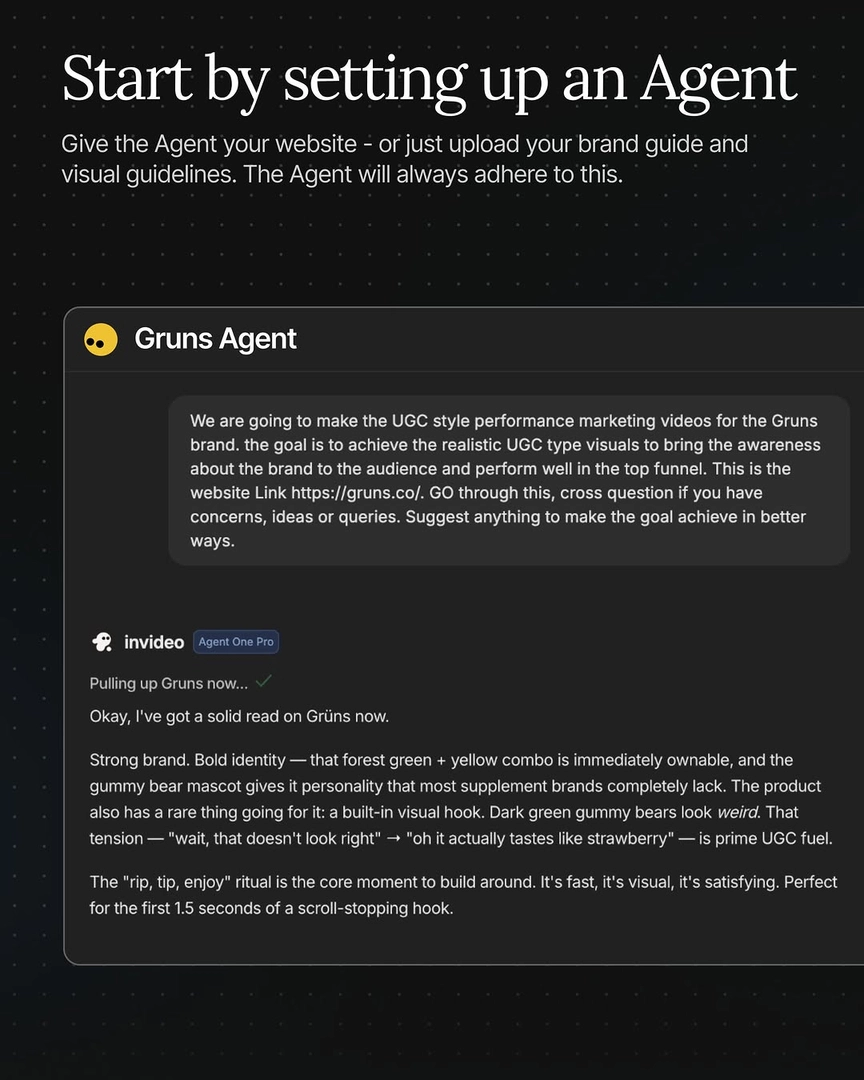
Before you even reach the timeline, the invideo agent does most of the assembly work conversationally. Generate multiple options per segment, pick the best version of each, lock it, and tell the invideo agent to stitch the locked clips into the final video. Audio finishes inside the platform too: upload a full voiceover file and tell the invideo agent which line belongs to which shot — it trims the audio itself and returns lip-synced clips — and it generates soundtracks via Google Lyria 3 Pro to your tempo and mood spec. One documented production delivered a complete 30–40 second Instagram reel in a single conversation — clip generation, voiceover, music, timing, and final assembly — without opening a separate image generator or video editor, replacing a 5-tool workflow with one system.
You can also reduce how much editing exists in the first place. Seedance 2.0 renders an entire multi-shot sequence in one continuous pass (up to its 15-second cap), preserving visual and audio continuity across cuts so there is nothing to stitch. And structural changes stay conversational: a single natural-language instruction can insert new scenes at the start or end of a project, update the plan, and regenerate the voiceover timeline — edits that would otherwise mean rebuilding a sequence manually.
The honest threshold: some documented productions still chose Premiere Pro for final assembly on heavy jobs — a brand film that generated roughly 160 images and 85 clips to use 13 in the final cut, and localization runs that stitched clips in the exact edit order of a source ad. One team pulled clips into Premiere as each locked so the edit was half-built before generation finished. Treat that as a workflow preference at high asset volume, not a platform gap: for single-format social ads, UGC spots, and product films, Slate plus the invideo agent's stitching, voiceover, and music tools take you from prompt to finished export without leaving invideo.
Watch some of these to see what works for you:
You can now lay all the clips up and edit right inside invideo with Slate, the same way you would in Premiere.
— invideo's creative team