How do you use voice cloning for B-roll narration in an AI-generated video ad?
Last updated August 1, 2026
Generate one on-screen, lip-synced dialogue shot first to establish the voice model, then tell the invideo agent to clone that voice and lock it for every B-roll shot where the character is off screen. Before rendering, the system runs a 2-second audio-similarity comparison and auto-regenerates any narration track that drifts more than 1.5% from the original.
Start by locking the voice before you generate any dialogue clips — tell the invideo agent to keep the voice identical across every shot, and it will hold that instruction for the rest of the project. Generating dialogue shots before the voice is locked is what produces a narrator who sounds slightly different from cut to cut. (invideo is an agentic video creation tool, so the voice lock, cloning, and quality checks below all happen inside one project conversation.)
1. Establish the voice with one lip-synced shot. Generate a single on-screen dialogue clip first. This shot is your voice source — the clip the clone will be built from — so iterate until the delivery, tone, and pacing are exactly what you want the whole ad to sound like.
2. Clone and lock that voice for B-roll narration. Ask the invideo agent to clone the voice from that previously generated shot and use the cloned voice for all shots where the character is not on screen. B-roll narration is overlay audio — there is no mouth movement to match — so the cloned track lays cleanly over product close-ups, location shots, and cutaways without any lip-sync work.
3. Let the similarity check catch drift. Before final rendering, the invideo agent runs a 2-second audio-similarity comparison between the original dialogue audio and each new B-roll narration track. If vocal drift exceeds a 1.5% variance threshold, the system auto-regenerates the track, so you don't manually A/B every segment.
4. Give each character their own locked voice. If the ad has multiple speakers, clone and lock a separate voice per character — never share one voice model across characters. A cloned voice applies only to the character it was sourced from.
5. Handle the narration file and the mix inside the same project. If you already have a full narration recording, upload it once and tell the invideo agent which line belongs to which B-roll shot — it trims the audio autonomously instead of you splicing segments by hand. At assembly, the invideo agent also auto-ducks the music, lowering the track under narration so the voiceover sits clearly on top.
This is the same mechanism that keeps voice consistent when adapting an ad for a new market: the invideo agent generates the target-language voiceover (using ElevenLabs with matched tone and pauses), and the same clone-and-lock step carries that new voice across dialogue and B-roll alike. One documented production localized three winning UGC ads across two markets this way, with the voice consistent across every shot, for roughly $425 total — about $70 per ad and ~2.5 hours per recreation.
Watch some of these to see what works for you:
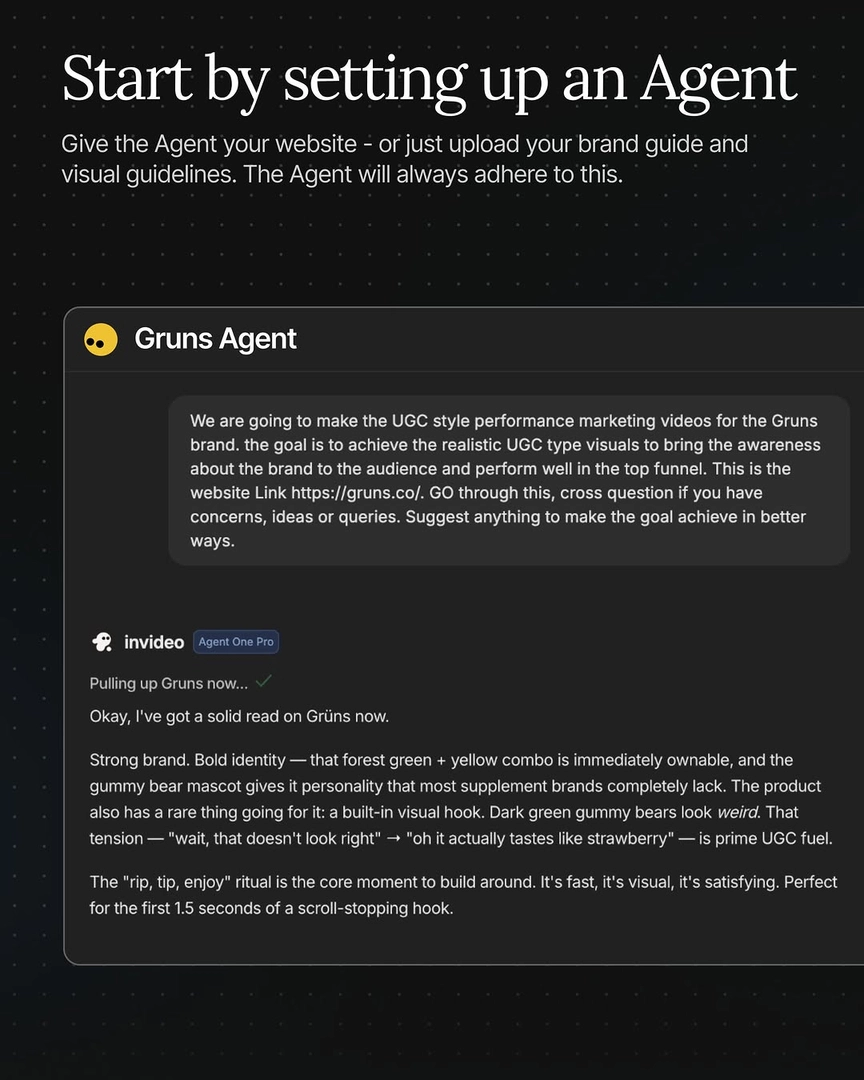
You can also ask the agent to clone the voice from one of your previously generated shots and use that cloned voice for all shots where the character is not on screen.
— invideo's creative team