AI Image Generator
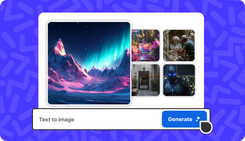
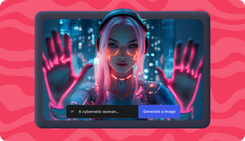
Transform text to image with AI image generator on invideo. Write a simple text prompt describing your idea and get a high-quality AI generated image in seconds.
AI Image Generator Features
Text-to-Image
Create AI images from textual descriptions or prompts to bring your idea to life.
Text Rendering
Generate legible, correctly spelled text in labels, signs, logos directly within the image.
Diverse Styles
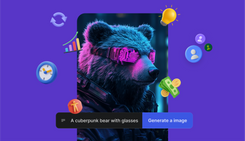
Create AI pictures in various styles like photorealism, cinematic, 3D, or illustrations.
Fast Generation
Generate images within seconds from your text prompts, allowing for rapid creative output.
Dynamic Scenes
Generate detailed photos with multiple elements like people with, objects, and backgrounds.
Realistic AI Photos
Generate lifelike AI photos with realistic human faces, lighting & shadows, textures and more.
Context Awareness
Generate AI images adhering to detailed prompt instructions, maintaining strong context and relevance.
30+ Image Models
Access 30+ AI image models like nano banana for fast, and high-quality images.
AI Generated Images on Invideo
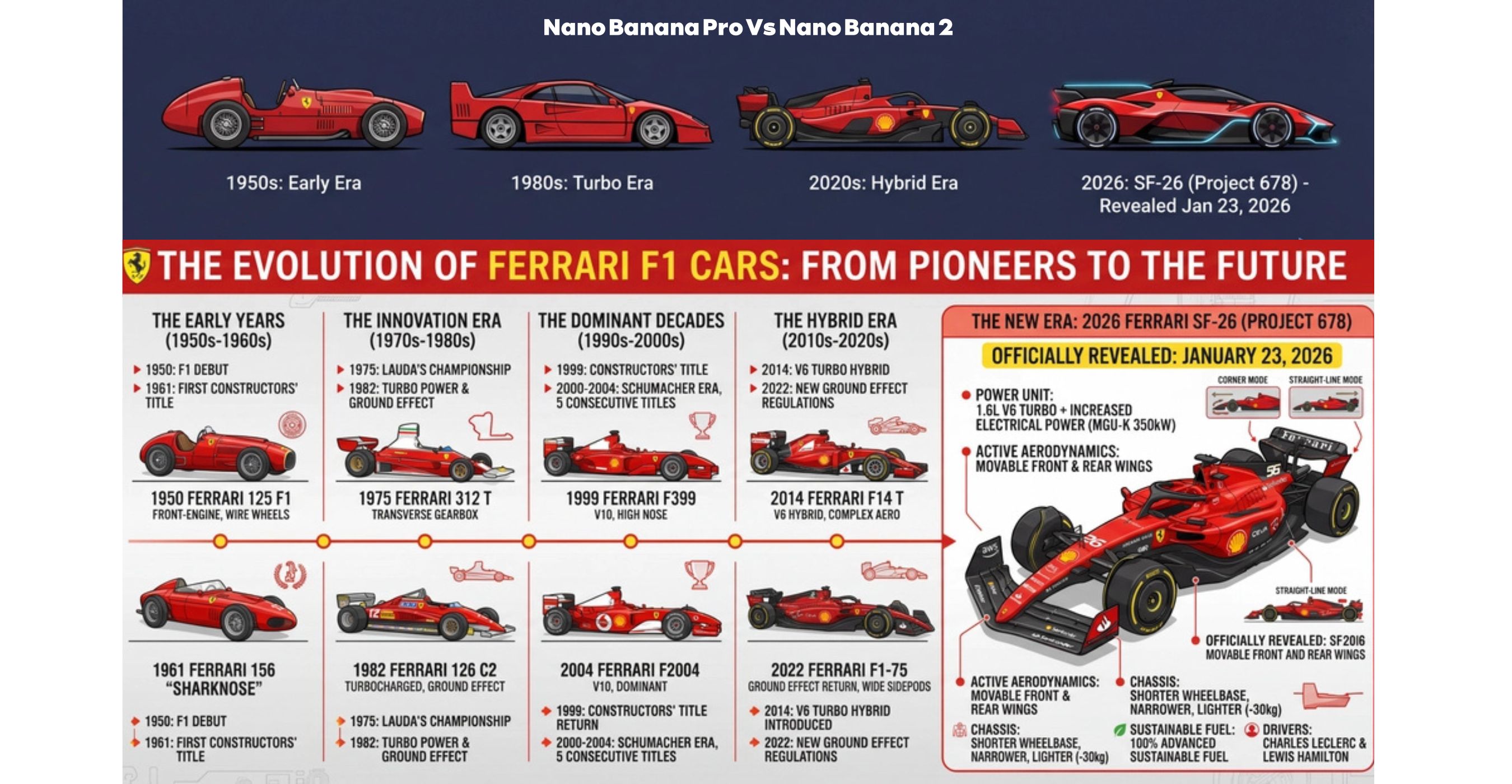
Evolution of Ferrari F1 Car
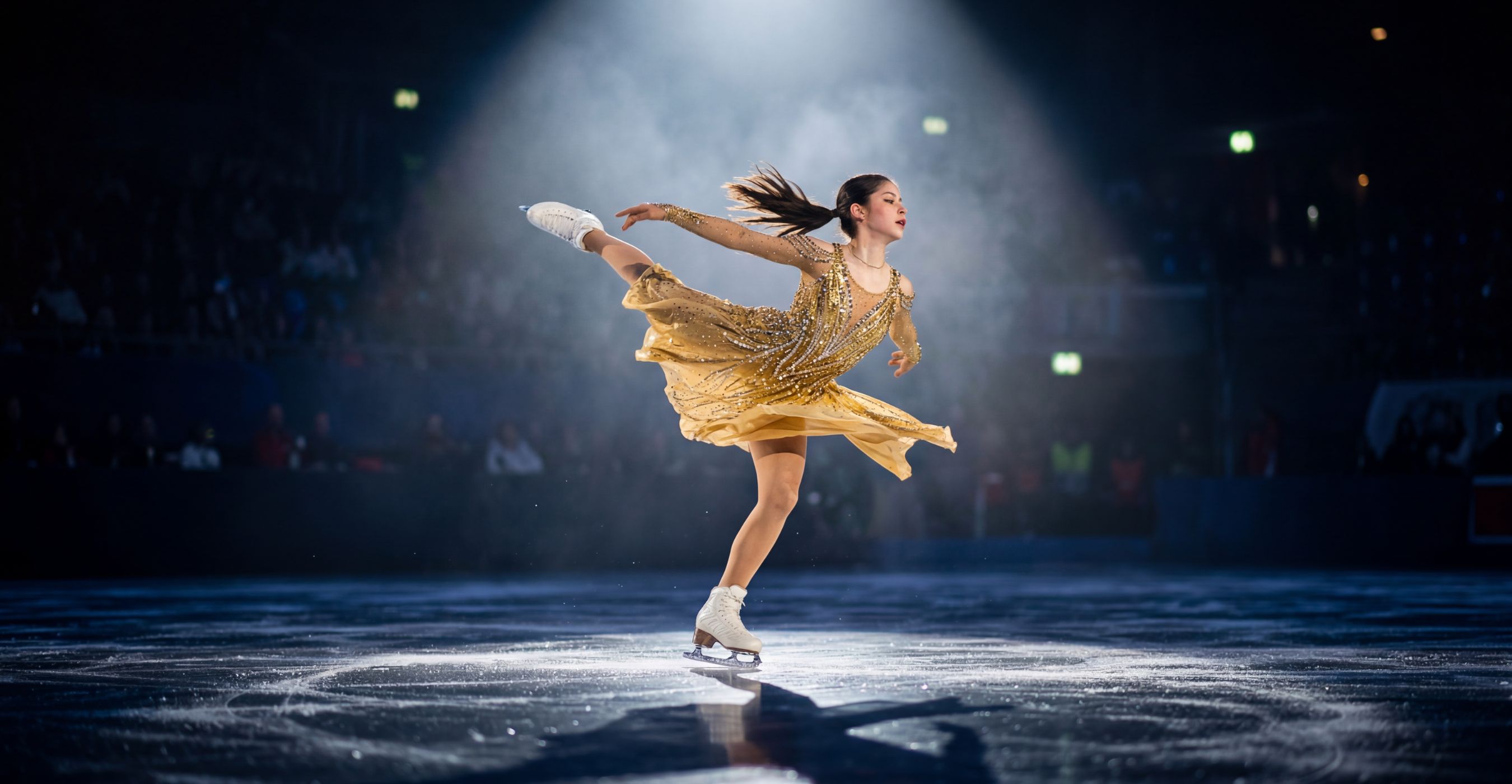
Action Shots
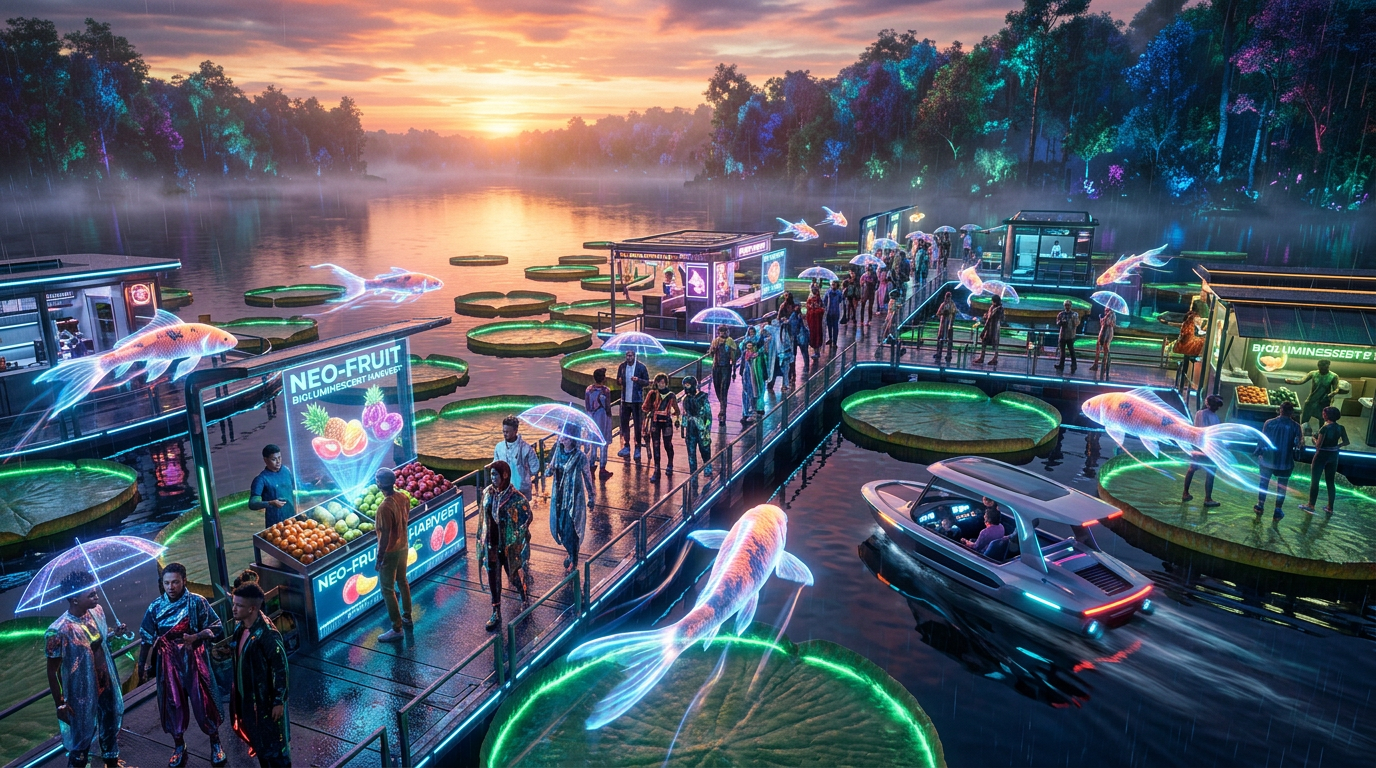
Fantasy World
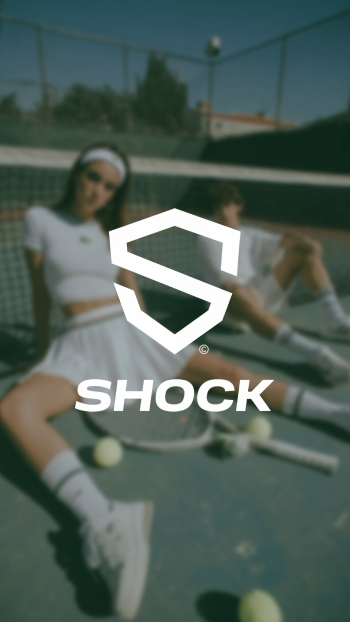
Logo for Shock
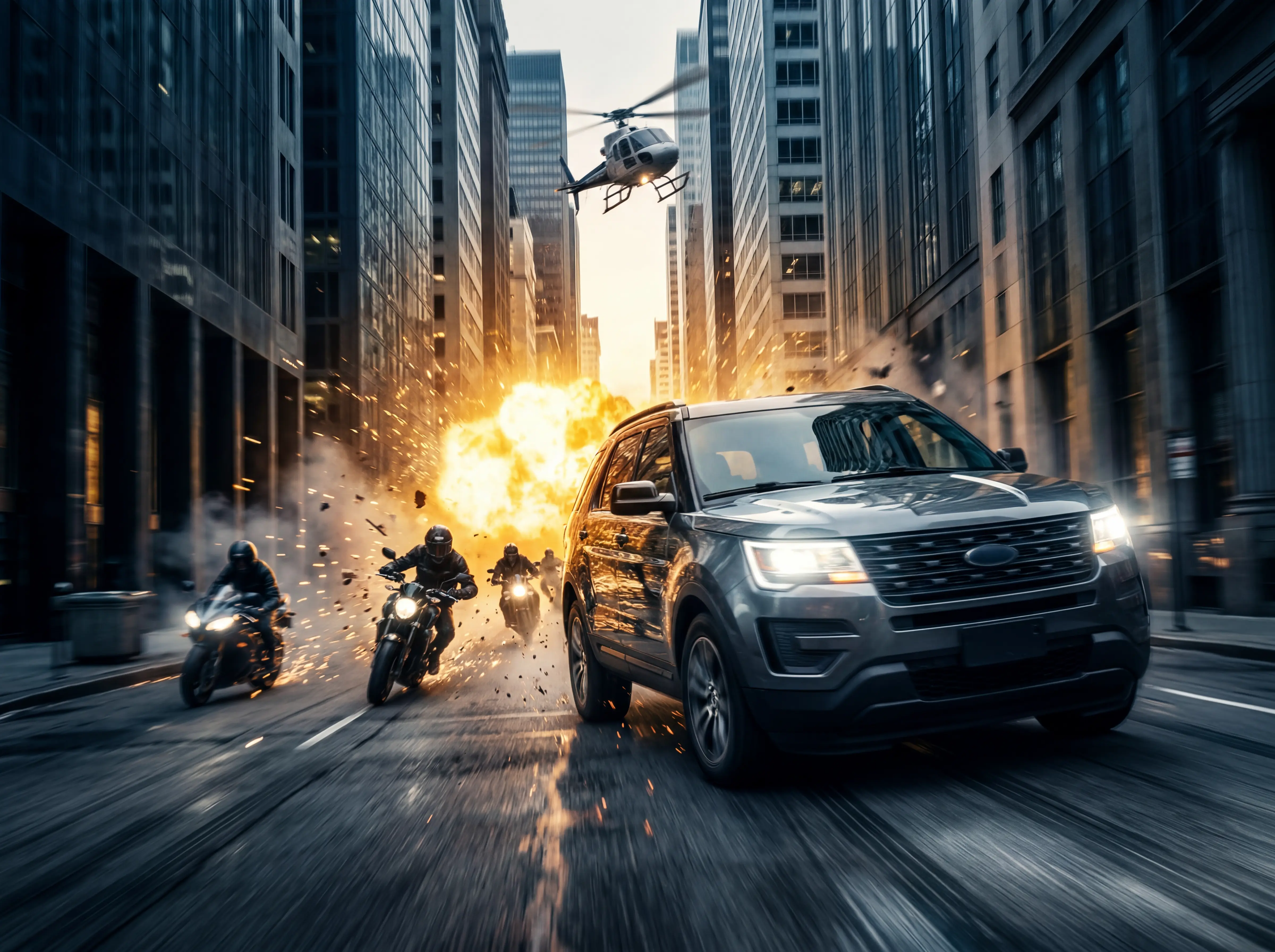
Cinematic Action
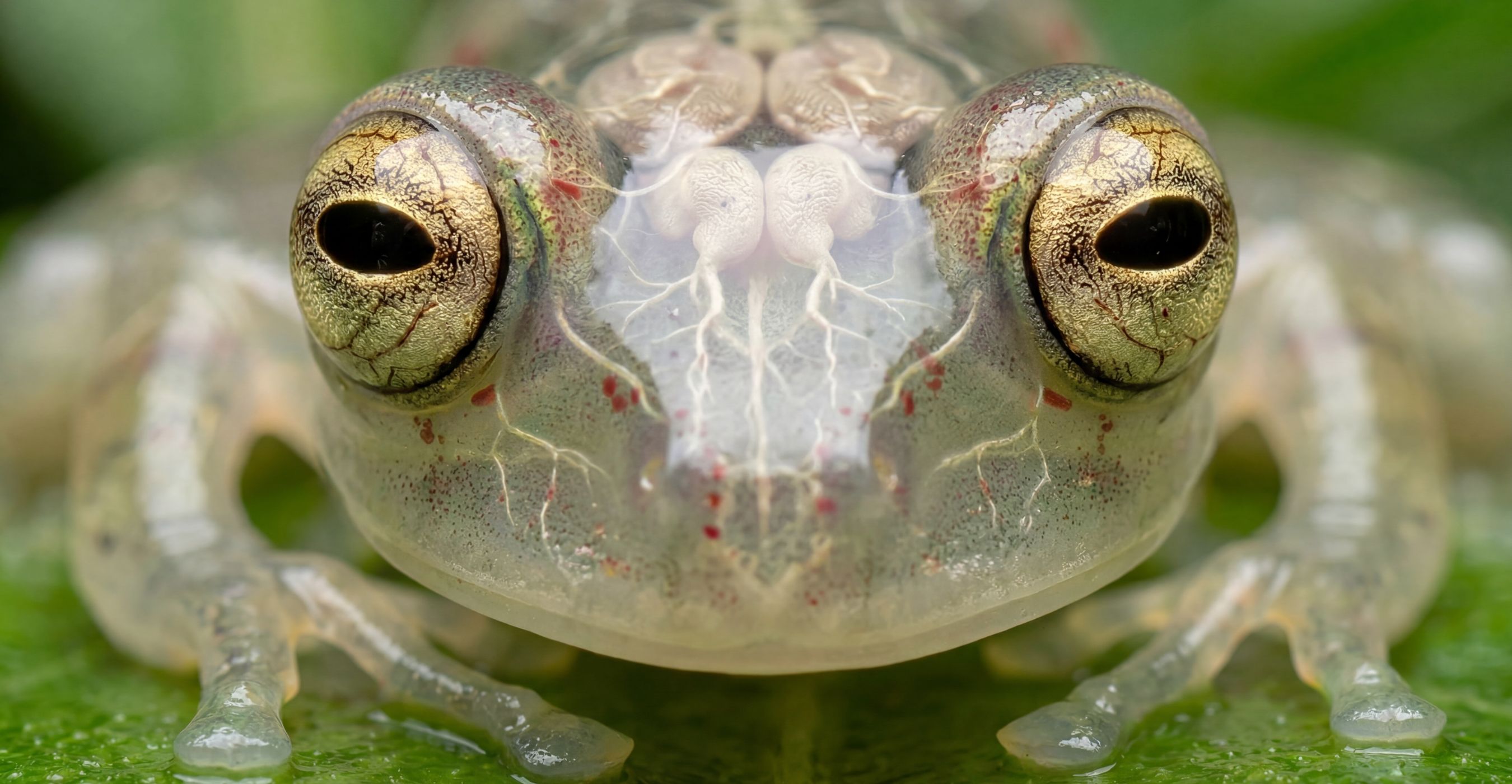
Macro Shot of a Translucent Frog
Evolution of Ferrari F1 Car
Action Shots
Fantasy World
Logo for Shock
Cinematic Action
Macro Shot of a Translucent Frog
AI Photo Generator for all
Design & Animation
1
Storytelling & Illustration
2
Product & UI/UX Design
3
Social Media Posts
4
Marketing & Advertising
5
E-commerce & Retail
6
Branding & Identity
7
Education & Training
8
AI Image Styles on invideo
Photographic
1
Cinematic
2
Art & Illustration
3
Sci-Fi & More
4
Happy Users of AI Image Generator

How to Use AI Image Generator?
1. Text to Image
Login to invideo, go to the top-left menu, choose “Text to Image,” write your description and hit enter to create AI generated pictures.
2. Agents & Models
Select your preferred AI Image model from 'Agents & Models' and generate AI pictures using Nano Banana Pro, GPT image, and 30+ image models.
3. Reference Image
(Optional) Upload a reference image with a text prompt to help AI generator better understand your vision and improve image accuracy and detail.